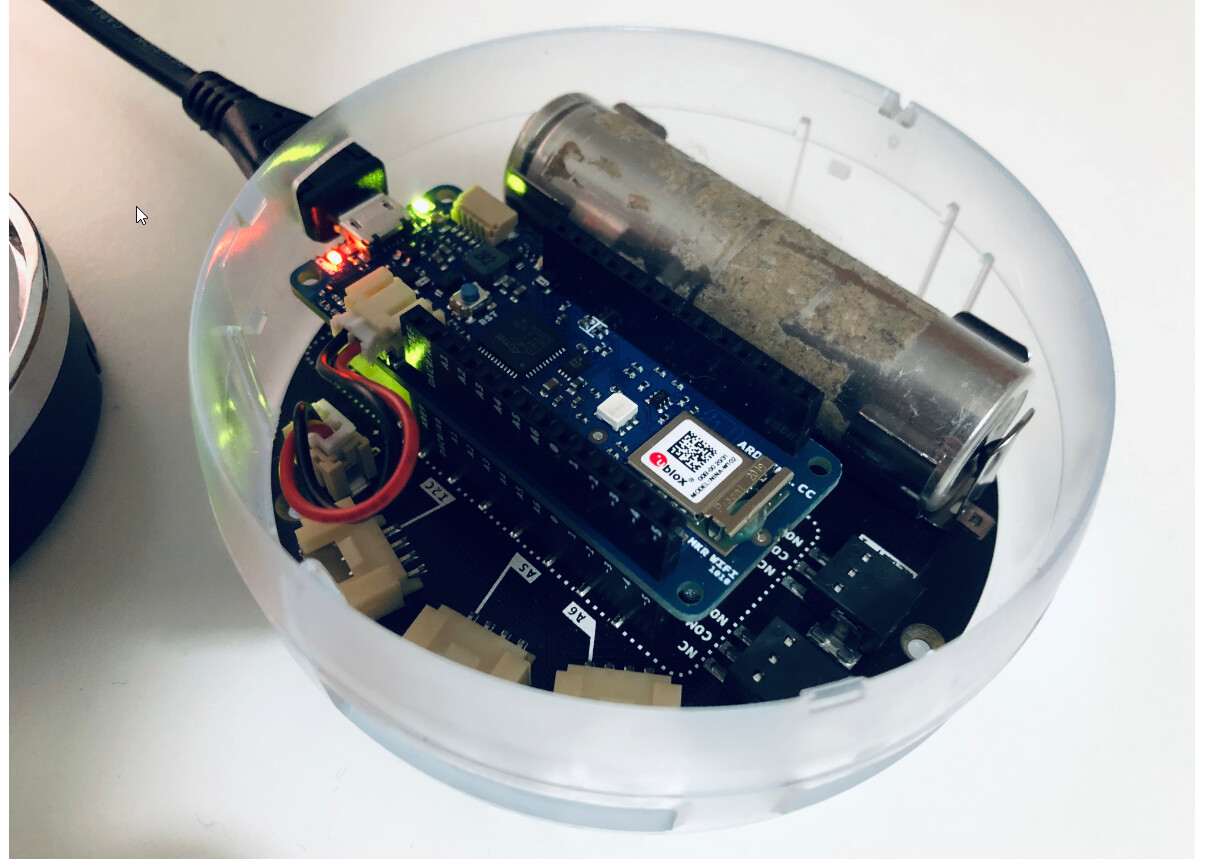
I connected the battery and will monitor the climate over few days.
How do I turn off Round OLED Display via code to save energy?
I checked documentation but could not find anything?
I found this:

After a little diggin' I found the TFT_BACKLIGHT pin
Now it gets really stange:
In the Arduino_MKRIoTCarrier library reference
the keywork TFT_BLACKLIGHT is mentioned but in the the Arduino_MKRIoTCarrier.h file (first link of the post) there is another definition: TFT_BACKLIGHT but not TFT_BLACKLIGHT. Maybe there is a mistake.
I would try this to see if this resolves the problem:
pinMode(TFT_BACKLIGHT, OUTPUT);
digitalWrite(TFT_BACKLIGHT, HIGH);
and change HIGH or LOW.
Out of curiosity could you try out what does the enableSleep(true) do instead of enableDisplay(false) found here?
the complete code should be:
carrier.display.enableSleep(true);
Let me know 
I think that the TFT_BACKLIGHT pin, which corresponds to pin 3 of the arduino MKR, can provide a pwm signal in order to dim the display backlight. Try it out.
thanks a lot for this research.. we getting closer..
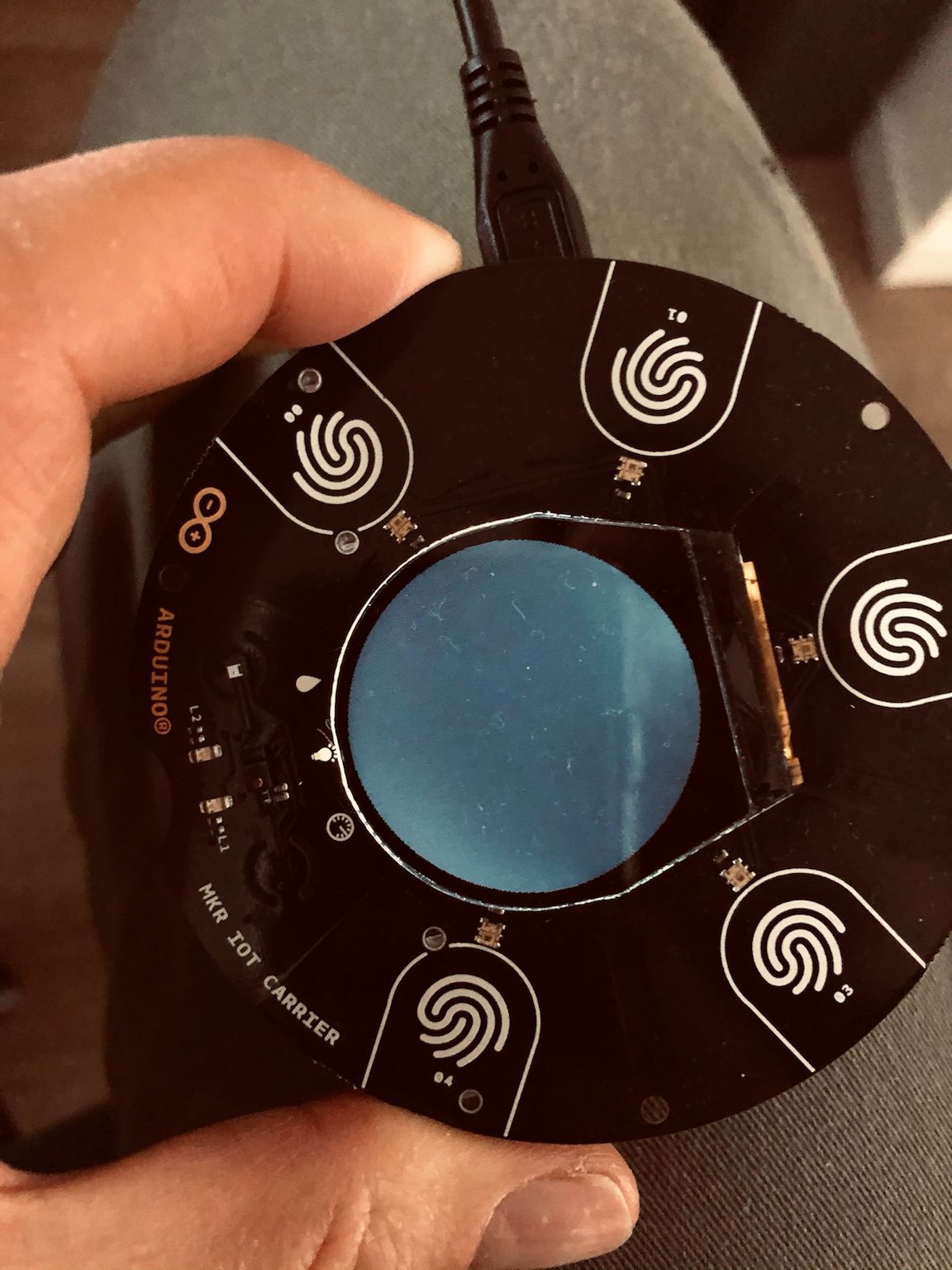
I tested and all these 3 options give the same effect as on the image above...so is 'black but still on...
    //carrier.display.fillScreen(ST77XX_BLACK);
    //carrier.display.enableDisplay(false);
    carrier.display.enableSleep(true);
I tried this and yes the same
  else {
    //carrier.display.fillScreen(ST77XX_BLACK);
    carrier.display.enableDisplay(false);
    delay(5000);
    // carrier.display.enableSleep(false);
    carrier.display.enableDisplay(true);
    delay(5000);
    carrier.display.enableSleep(true);
    delay(5000);
    carrier.display.enableSleep(false);
  }
What happens if you load the blink example applied to pin 3?
#define LED_BUILTIN 3

void setup() {
  pinMode(LED_BUILTIN, OUTPUT);
}

void loop() {
  digitalWrite(LED_BUILTIN, HIGH);
  delay(1000);
  digitalWrite(LED_BUILTIN, LOW);
  delay(1000);
}
wooow this worked ..THANKS @anon4567132 !!!!!!!!!!!!!!!!!!!!! 


however small adjustment needed...
else {
    carrier.display.fillScreen(ST77XX_BLACK);
    pinMode(TFT_BACKLIGHT, OUTPUT);
    digitalWrite(TFT_BACKLIGHT, LOW);
    delay(5000);
    digitalWrite(TFT_BACKLIGHT, HIGH);
  }
this is what I was looking for ...it took few weeks
Hi I tried the backlight on my Mkr IoT carrier and when I do “digital write(TFT_BACKLIGHT, LOW);” the screens light dims but does not completely turn off, why? (Just saying I have the Mkr IoT carrier with the SQUARE screen and not the round one)
same problem of fivetimesdog....any suggestion?