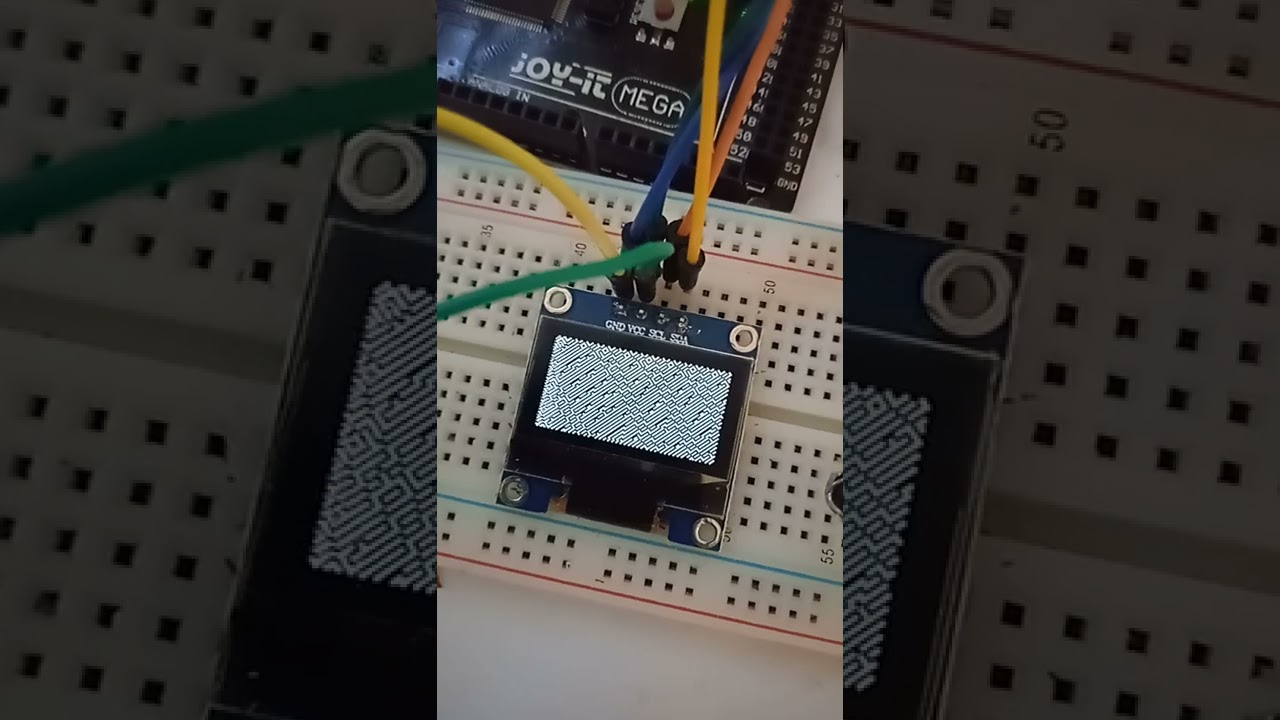
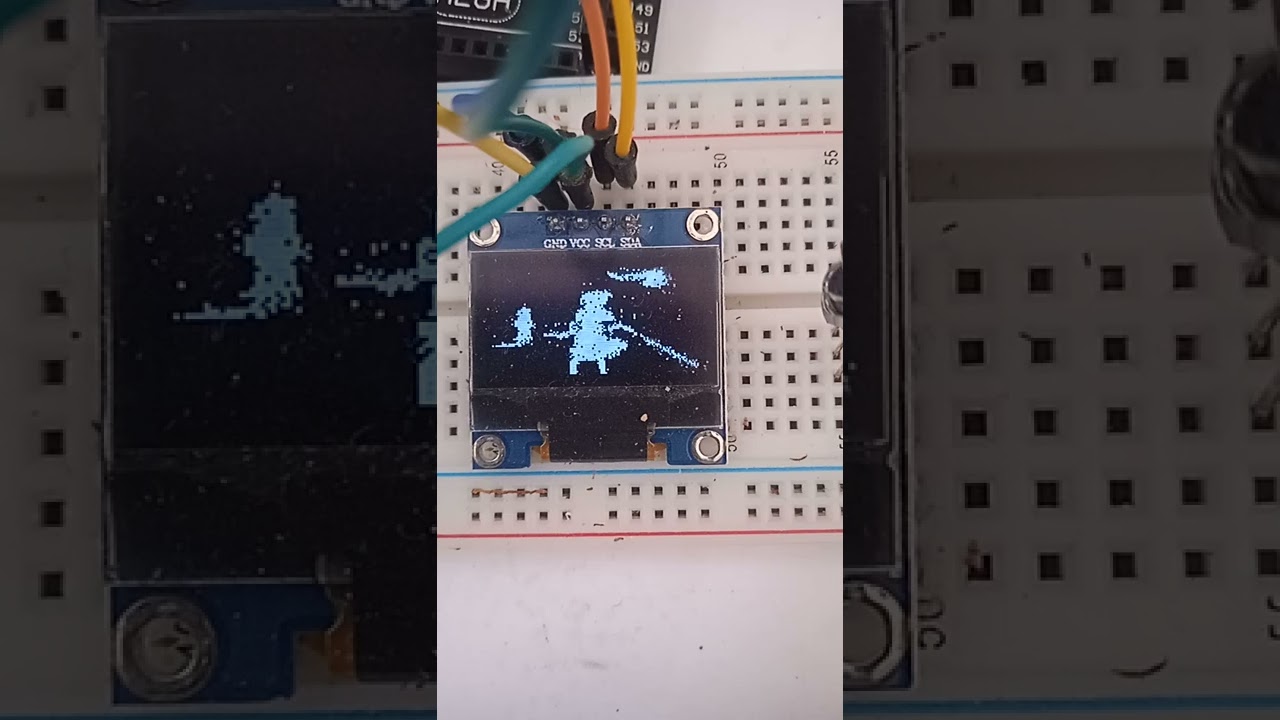
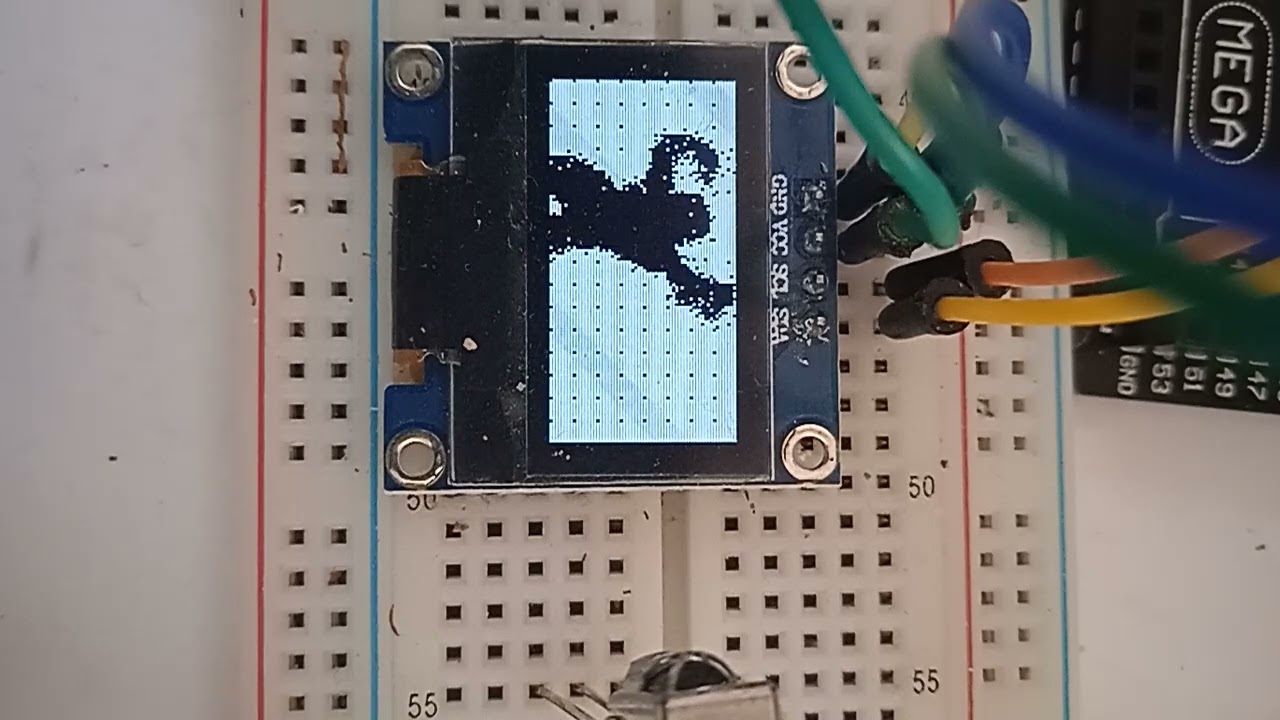
i managed to support the arduino ide in my header only graphics library for the attiny85 with i2c ssd1306 (sourcecode under the bsd-license is on github), most of the sample applications are still in c not c++ but the library is running fine, there is a single .ino example application, most c examples will need minimal changes. microchip studio and c/c++ also work.
supporting other systems should be simple by switching from my "custom" speed optimized i2c to something else. ... (i am looking for volunteers to beta test ) link to the lib on github is in the youtube description
I tried with a Arduino Uno and the Arduino Wire library: https://wokwi.com/projects/328549122279735891
I adapted the code, hoping to get to a working version.
The I2C bus sends data to the display, but nothing happens on the display.
The Arduino Wire library can only send a maximum of 32 bytes per I2C session.
In the "displayfunc.h" is no I2C start, but there is writing data and a stop. Is that combined data more than 32 bytes ?
You might add a header to each file (also all the examples) with a copyright notice and a version and so on.
To be able to store a project on Wokwi, you need to be logged in. You can take my Wokwi project and select "Save as" to copy it to your own projects and continue with my code.
actually i just a port to wire, and uploaded it, i will upload the missing files. at least my version for wire works with my mega2560, but it is not as fast as my own i2c code, but it is "ok".
normaly the library uses my own usi based i2c code without using wire.
my attiny i2c code is probably not standard compliant, but it is fast. actually it is a "bug", alien does not use the user defined chars, only the one standard font, so it should compile when you remove "#define ENABLE_USERFONT", the user definable charset is only used by flexgrid, but i probably forgot to disable it in some of the examples, i will look into that.
Alien and the other 15 examples will not work on arduino for now, they are written in c for microchip studio, they need porting to remove the __flash stuff, right now only demo working on arduino is the text scroll and zoom. i will port the rest of the demos to arduino in the next days.
here is an video of the port of text scroll/zoom to my arduino mega 2560
i tried to activate my speed optimized i2c in your wowik, with the text scroll example pasted in, but the emulator does not seem to like my i2c, i do some non standard things like ignoring ack, because it speeds stuff up
That is very nice, I used your files of just a few hours ago from Github and removed the "/dev/" from the include path, and it works without any further change in Wokwi.
The ATtiny85, Arduino Uno and Arduino Mega are simulated at hardware level by Wokwi. It is not 100% complete, but it is very good at it, with the correct timing.
The OLED display simulation is made to work with the Adafruit and the U8g and U8g2 libraries, with hardware and software I2C. I think that your fast I2C functions are not compatible with the OLED simulation. If we can pinpoint the problem, then maybe it can be fixed.
A few things that I noticed:
Arduino might change the build process. So the PROGMEM is preferred over the lower level __attribute__((progmem)).
A int is vague. Every Arduino board supports the int8_t, uint16_t, and so on.
Arduino has a pre-processor. Function prototyping is okay, but not needed.
A 'static' function is not wrong but has little meaning. All *.ino files are put together and presented to the compiler as a single file.
Compiler options are tricky. Arduino has a certain set of compiler options. It is optimized for size, but there are also other settings. Some libraries are written in a bad way, so changing the compiler options might cause trouble.
Breaking the order of the Wire functions is very dangerous. Is it possible in your code that the Wire.endTransmission() is called on its own ? That is not allowed, it is not a stop.
How is this going to work:
    wire_cnt++;
    if (wire_cnt==3)
    {
      wire_cnt=0;
      Wire.endTransmission();
      Wire.beginTransmission(WIRE_SCREEN_ADDRESS);
      Wire.write(0x40);
    }
Please use spaces instead of tabs The browser looking at Github has its own tabsize, every editor has a different settings.
Did you know that the Wire.beginTransmission() does not start something on the I2C bus, the Wire.write() does not write data to the I2C bus and the Wire.endTransmission() may not be used to end or stop something. Neither of those three functions may be called on their own.
Hi, i thought microchip studio would not be defining "PROGMEM", but it actually does, i will switch to PROGMEM.
Static functions have an advantage: the compiler knows that they will only be used by a single file, and the compiler will create better code, because it can change the register allocation as it pleases, most of the functions are actually compiled on the standard optimization level, except for the image decompression and the render function, i restore the original optimization level with.
#pragma GCC pop_options after these functions, so the optimization is only changed for a few functions. this results in a considerable performance increase. i analyzed the compiler output at assembler level and adopted the code so the compiler creates fast assembler code.
7. i do not break the order of the wire functions, but wire does use a buffer, while my own speed optimized i2c does not (the attiny does not have one, it will send a byte at once), so i start the wire transfer at the start of the rendering function, transfer 25 bytes: 0x40, for "data transfer", then 3 rows at 8 bytes, then i stop (=flush the buffer) the wire transfer because i have to, wire only provides a 32 byte buffer and drops any bytes that overflow the buffer, and restart it immediatly. typedef struct has advantages when you compile the code in pure c, the typedef struct reduces changes needed to compile the code on c and c++, but in c++ it is not needed, but in c i woud have to do declartions like this without the typedef:
How does that code run Wire.beginTransmission() first and Wire.endTransmission() not before that ?
I see only one Wire.beginTransmission() in your displayfunc.h and that is after a Wire.endTransmission(). That is not allowed.
I have seen such translation problems before and also beginners splitting the "beginTransmission-write-endTransmission" sequence. As far as I remember, they all were wrong in one way or the other.
In the Arduino world, we don't care about 'static' local functions. As I wrote, all *.ino files are put together. Libraries have the functions often in a class. And we rely on the LTO linker optimization.
The ATtiny is not officially supported by Arduino. I have used speed optimizations myself in the past in a ATtiny and ATmega8
Only a few made a difference, such as the non-IEEE floating point. Sometimes the speed optimizations create smaller code as well.
Also, if you want a "goto" in a ATtiny, that's fine with me.
Have you seen the source code of the Wire library for the AVR branche here and here. It is a lot of code.
For the ATtiny, often the TinyWire library is used. See this example.
[ADDED]
Fun things:
I made a MPU-6050 example: https://wokwi.com/projects/306115576172905024
I took the 3D cube from internet. Start the simulation, click the MPU-6050 module and change the sensor data.
i know there is just a single file in the arduino world, but gcc is just a standard gcc, it does not know it is part of arduino, and without static it will adhere to the gcc calling convention for avr, this decreases the code quality of the calling function, because the compiler is less flexible with register allocation. (and also the library is not only for arduino but more for attiny85, without any libraries, i normally develop my stuff with microchip studio, in c not c++)
the display function calls "os_gfx_start_display_transfer()"
this function resets the drawing position of the display by sending a command, and does wire.begintransmission, and send 0x40 for data mode
the function returns to the display function
the display function sends 3 rows -> 24 byte, flushes the buffer by endtransmission, begintransmission, sends 1 byte 0x40 for data mode, sends three rows, flushes and so on.
displayfunc is in a seperate .h file so you can include that .h file multiple times, and create more than one display function, with different configurations
the name of the display function is defined by
#define DISPLAYFUNC functionname
the other defines will configure the displayfunction, so you can create multiple display functions with different configurations, this way every displayfunction will only include code that is needed, this will make it faster.
I created sketches on my old Win7-32 laptop running Arduino 1.8.13.
After adding the appropriate headers to local tabs and editing the #include statements. All of your "port" examples WORK.
So I tried again on my Win10-64 Desktop running Arduino 1.8.19
The examples FAIL.
I am well aware of SSD1306 I2C addresses. I tested conventional SSD1306 examples on both Laptop and Desktop.
Perhaps something has changed with Wire.h between Arduino releases.
Meanwhile I have other thing to do.
Perhaps other readers will try the ZIP from #11. It should run straight out of the box. Just note which Arduino version you are using.
My Library has reached the version 0.9, and now supports filled 3d Graphics, drawing Circles, is faster and has support for a Video Codec. Arduino Support seems to work fine.
2.
Arduino has already included almost everything. If you remove the includes from your files, it will still work.
I'm talking about the: math.h, avr/pgmspace.h, stdint.h, and all the others.
i will check out that i2c scanner, and implement most of the stuff (and just get rid of the german characters, they are not really needed).
I got two Questions:
1:
On the Attiny85 i am do the following procedure for my usi-i2c:
i store one byte in the usi register, i trigger the usi clock once
every time i calculate a pixel i trigger the usi clock for the i2c,
after i have calculated 8 pixels send the next byte by usi.
the result is that the i2c gets clocked by the render loop, i use the render loop to "slow down" my i2c by interleaving the i2c with this loop, this results in the i2c code only taking about 5 cpu cycles per pixel, this will make the i2c overhead disappear almost completly on the attiny, without clocking the bus too fast. this optimization makes my attiny outperform the atmega in almost every demo, the atmega is only faster for 3D, because hardware multiplication helps a lot.
but:
the atmega twi interface is different, is there a way i can clock the atmega twi "by hand"?
write 1 byte to the twi, clock it 9 times by setting a bit in a register, write the next byte
i have read the datasheet but i don't really get it.
This would be the best way to optimize the i2c on avr-arduinos...
is doing i2c this way even possible on the atmega?
2:
Is using embedded C possible on Arduino, for example by calling libraries written in embedded C, this would make it possible to implement matrix multiplications using the "fract" data type, doing this would make faster 3D a lot easier without hacking the c++ to do fixed point math.
The USI on the ATtiny is an amazing piece of programmable hardware, but I have not used it in I2C mode myself.
The ATmega has specific hardware for the I2C bus. With filters for the signals, byte orientated sending and receiving with interrupts and everything. But it works with bytes, just as the Serial-UART works with bytes.
That is why there is a working I2C Sniffer with the USI of a ATtiny, but nothing similar with an ATmega
An ATmega with software pin toggle might not be worth the effort. The pin toggling software is already near a 100kHz I2C bus.
This is "the big list" for (software) I2C libraries: https://github.com/Testato/SoftwareWire/wiki/Arduino-I2C-libraries.
If you ignore the acknowledge and ignore ATOMIC_BLOCK programming and make the SCL a strong high/low (not open-drain), then it might be faster.
It would take two single clock instructions for SDA (example) and one for SCL.
What is embedded C ?
Arduino runs standard C++ and adds extra functions.
That means it also runs standard C.
The "C++" language is also 99.99% standard "C", you won't notice that.
There is no stdio, no screen, no standard file system, no keyboard, no mouse.
A normal library will probably use stdio for error and debug output, that is not possible on a Arduino.
A clean mathematical matrix library will work, but it might be written for a 32-bit processor with a lot of memory. You can try that on a ESP32 or Raspberry Pi Pico in Wokwi
The compiler defaults to 16-bit on 8-bit microcontrollers, but there is a problem with the ATmega, divisions are slow
The single precision floating point library for the ATmega is extremely optimized and very fast. There is only little speed penalty over fixed point calculations. But again, divisions are slow.
Sorry for the long post, but I still got "Wokwi" in it, so I'm happy
Thanks
I will evaluate those i2c libraries, for the one which gives the best performance.
Embedded C is a extension of C, it is supported by GCC, but only in c mode, it allows for easy integration of fixed point math, you got new variable types:
accum (and short accum and so on) for values that can be >1, and fract for values for 0 to 1 and signed fract for values from -1 to 1
short _Fract s.7 unsigned short _Fract .8
_Fract s.15 unsigned _Fract .16
long _Fract s.31 unsigned long _Fract .32
long long _Fract s.64 unsigned long long _Fract .64
short _Accum s7.8 unsigned short _Accum 8.8
_Accum s15.16 unsigned _Accum 16.16
long _Accum s31.32 unsigned long _Accum 32.32
long long _Accum s63.64 unsigned long long _Accum 64.64
these variable types are implemented with fixed point math, this will make it much easier to write math code with good performance, but using it on arduino would require linking to a library which is compiled in the "pure c" mode of gcc. this would make building a fast matrix math library much easier, because it would be possible to use 8.8 fixed point numbers with ease. this would allow to build much better 3D Graphics support. without good matrix math moveable cameras that behave well are very hard. Embedded C works just fine in microchip studio.
But "C++" is 99.99% "C". You can add any *.c file to a Arduino project. Even a assembly source code can be added to a Arduino project. I don't understand how "pure c" code would not run with the gcc compiler in a Arduino project.
A speed test for fixed floating point compiled from the source code against the extremely optimized single precision floating point library for the AVR microcontrollers would be a nice test.
The compiler supports up to uint64_t and int64_t on a Arduino Uno, for simple operations + / - *
 ) link to the lib on github is in the youtube description


 The browser looking at Github has its own tabsize, every editor has a different settings.