Since version 2.3.x of the Arduino IDE (I started with 2.3.2) I have problems to use it (Win10-PC).
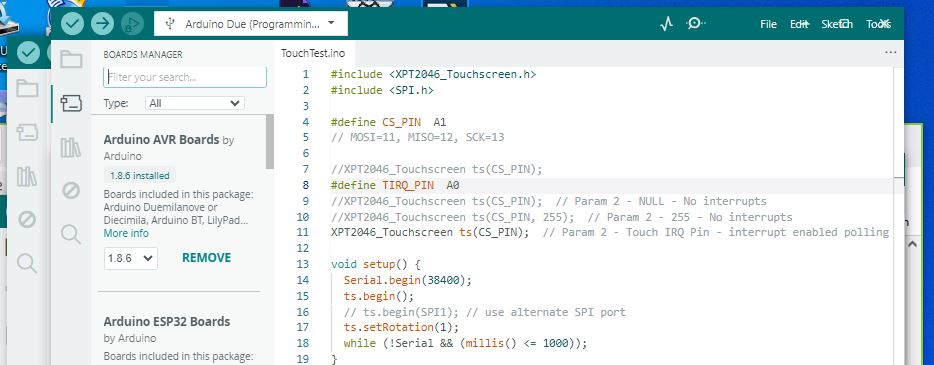
When starting the IDE most time the menue is missing. Only the icons for verify and upload are visible. It is possible to edit and upload sketches but no functionality of the menue is available. To quit the IDE I have to kill the task by task manager.
When there are several sketches activated, each of them by its own window, then sometimes windows are doubled, i.e. a sketch appears in two windows.
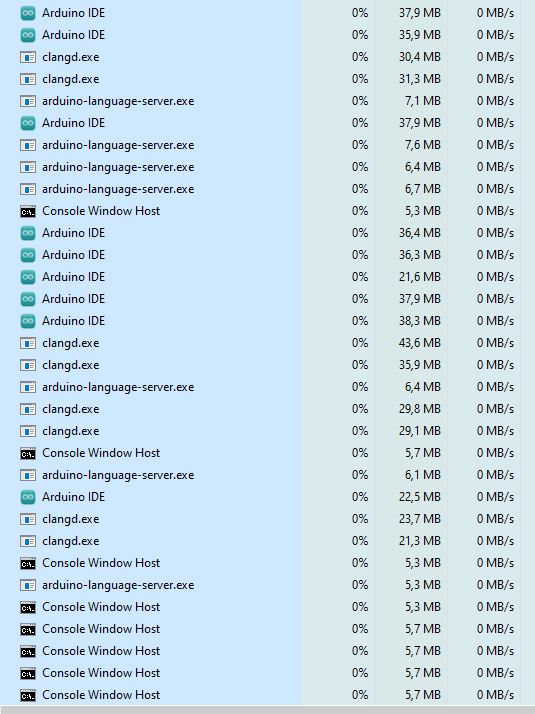
In a case when the menue was visible, i.e. all OK, task manager shows multiple (34) tasks for Arduino IDE, see attachment. Maybe this is ok but nevertheless it is strange.
The problems still exist with the latest version 2.3.6. Arduino-Task_OK.pdf (8.2 KB)
Just now I got an IDE without menue, see attached Arduino_noMenue.jpg.
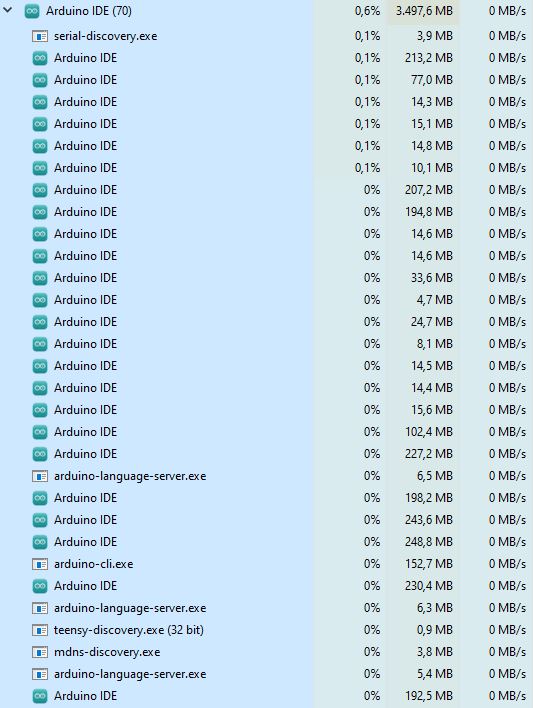
The task manager showed 70 Arduino tasks, see attached Arduino70.jpg and Arduino70+.jpg.
I saw it in a post here a few months ago, that is all I remember. Have a look at the hidden dir .arduinoIDE then look at file settings.json. The entries in there look a lot like what you are looking for. I think that file was created via the usual Shift-Cmd-P in the IDE on a MAC, the Cmd key will be different for a Win PC.
That does seem like a lot, maybe re-boot and see how many, it should be zero. Then stafrt one IDE and look. Remember the product the IDE was built from has a lot of 127.0.0.1 type processes for various tasks. There is a lot more going on under the covers than you may realize.
Please only comment on the GitHub issue thread if you have new technical information that will assist with the resolution. General discussion and support requests are always welcome here on the Arduino Forum.

 Please only comment on the GitHub issue thread if you have new technical information that will assist with the resolution. General discussion and support requests are always welcome here on the Arduino Forum.