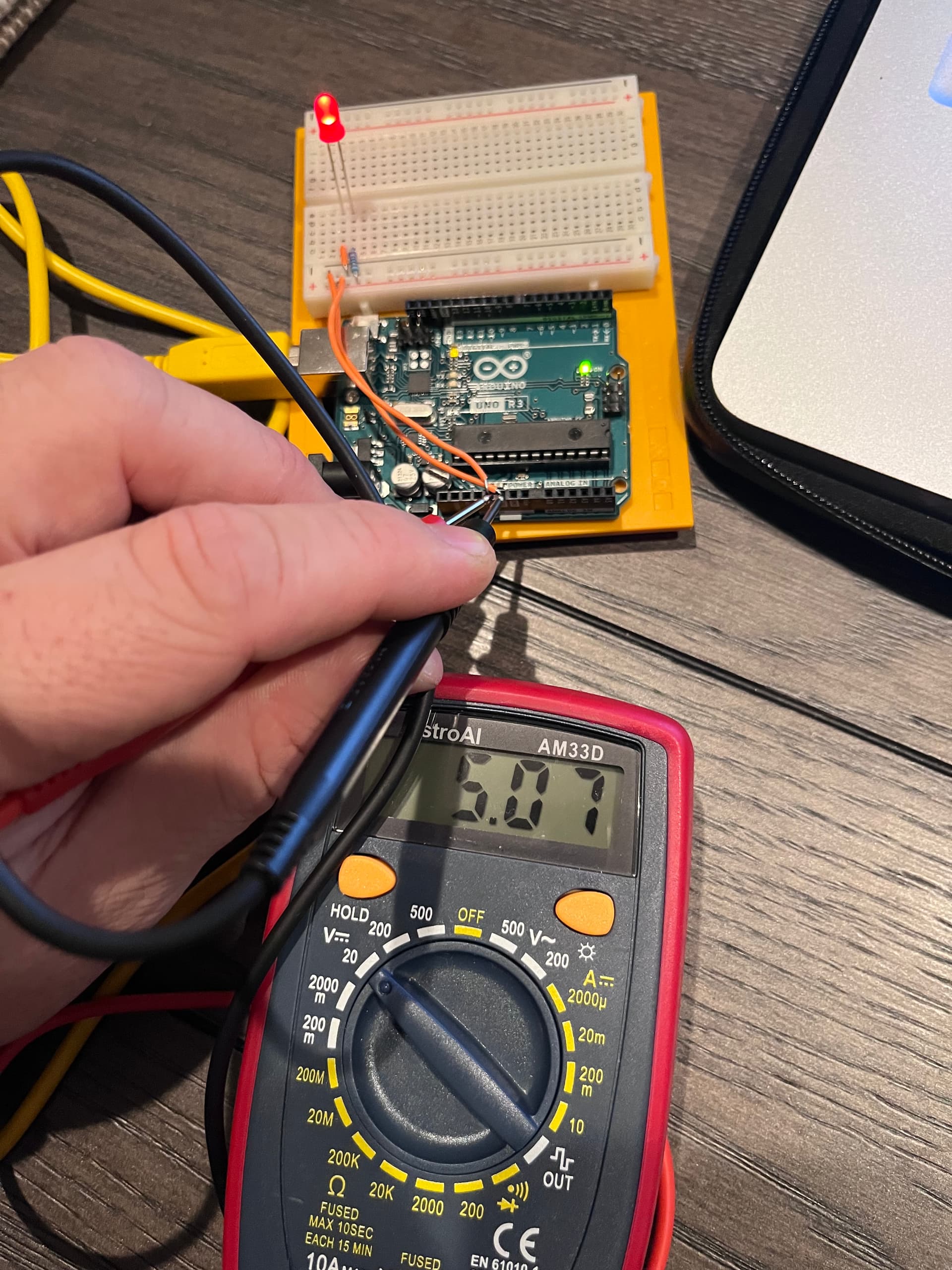
Might be leaning towards a bad Arduino. 
If you have a DMM (digital multimeter), what voltage is between the Arduino 5v to GND pins ?
Might be leaning towards a bad Arduino.
If you have a DMM (digital multimeter), what voltage is between the Arduino 5v to GND pins ?
Check the PCB to see if there are any poor solder joints.

Hi, @rando_tron232
Can you please try this code, its a edited version of @LarryD with serial print lines added.
When you run it, open the IDE Monitor, set it on 9600 baud and observe what it displays.
Both pins 13 and 7 will be activated.
void setup()
{
  Serial.begin(9600);
  Serial.println("TEST CODE FOR PIN 13 AND 7 OUTPUT");
  // initialize digital pin LED_BUILTIN as an output.
  pinMode(13, OUTPUT);
  pinMode(7, OUTPUT);
}

// the loop function runs over and over again forever
void loop()
{
  digitalWrite(13, HIGH);  // turn the LED on (HIGH is the voltage level)
  digitalWrite(7, HIGH);
  Serial.println("PINS HIGH");
  delay(1000);                      // wait for a second
  digitalWrite(13, LOW);   // turn the LED off by making the voltage LOW
  digitalWrite(7, LOW);
  Serial.println("PINS LOW");
  delay(1000);                      // wait for a second
}
Thanks.. Tom... 


What pins did you apply 9V to?