Hello there! Actually my question is quite simple, but I know almost nothing about SPI. I have an LCD 1602 shield and it has only 2-3 ICSP on the left top corner of the shield. Is that possible to use those pins to switch on/off the LED, for example? As the shield has buttons, I want to manage external devices like a LED or buzzer or something else. And I need a short piece of code just to get a general idea of how it is usually done. I heard that shiftOut() function may be used, but I can not adopt it for this simple LED example.
Delta_G, hello. Thank you for your reply. As was stated in the post #1 I have ONLY this ICSP header left on my shield which has 6 additional buttons. I am planning to make something like a music player and connect a buzzer to it so that I could choose a song to let it play. Would that be possible?
P.S. Or may be I will make a game on LCD 1602 just for practice purposes, but I wonder if I can have a sound for that.
Delta_G, I have just taken a snapshot to simplify your efforts to understand what I mean. Here it is:
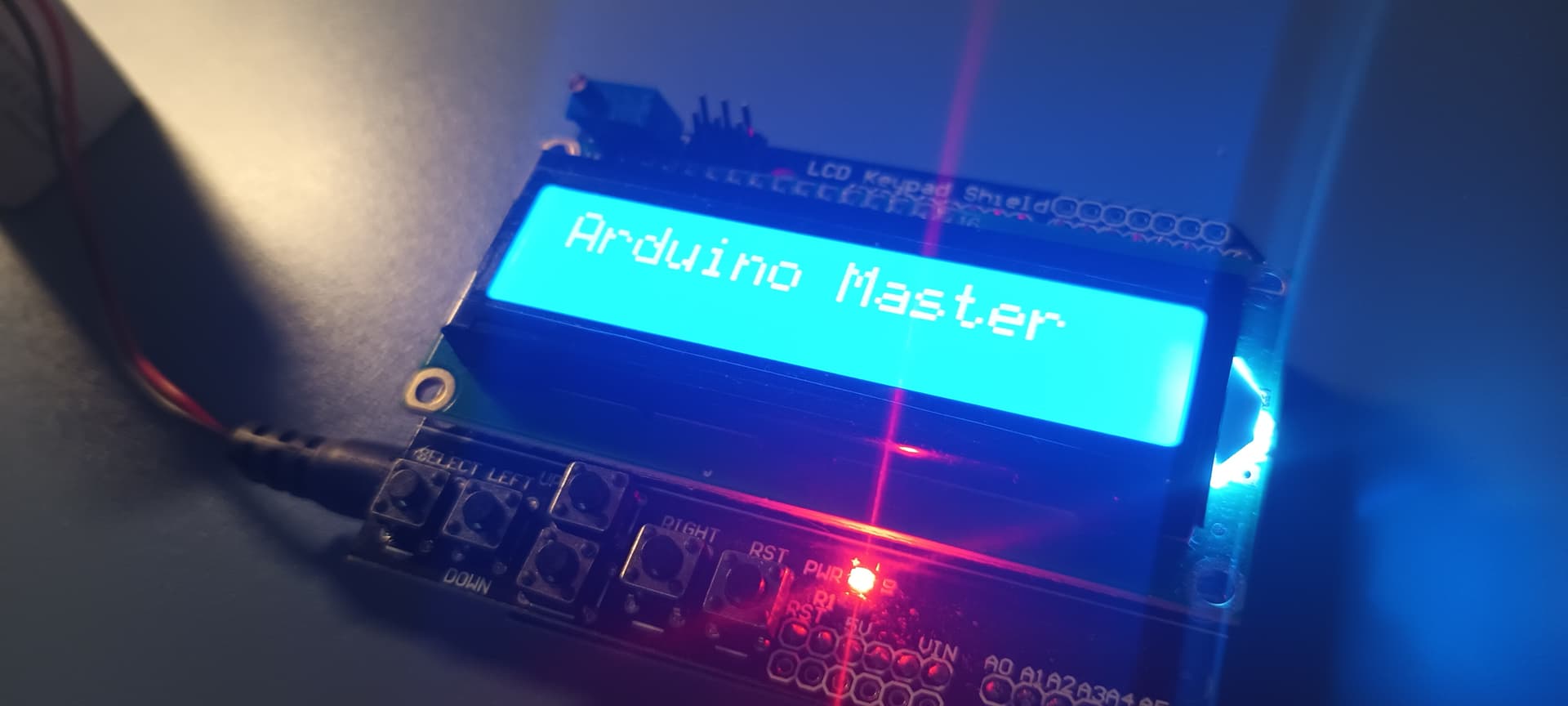
In the left top corner you can see 6 SPI pins. Those are the only ones that are available for output.
But this shield is supposed to manage some external devices, right? That's why it has got some buttons, if I am not mistaken.
LCD 1602 shield is emebedded into the Arduino. It has only those 6 pins left. All other ones are being used. Maybe, soldering is needed to be made here, but I am not sure. I just want to know if I can use those pins to manage external devices like a buzzer.
No. They are just connected to the shield and I wonder if I can use them.
Delta_G, here is the code I use:
#include <LiquidCrystal.h>

LiquidCrystal lcd(8, 9, 4, 5, 6, 7);
These pins are used to connect the shield to the Arduino UNO.
Delta_G, I tried to connect LED to MISO2 as output (12 SPI pin) - it's not working.
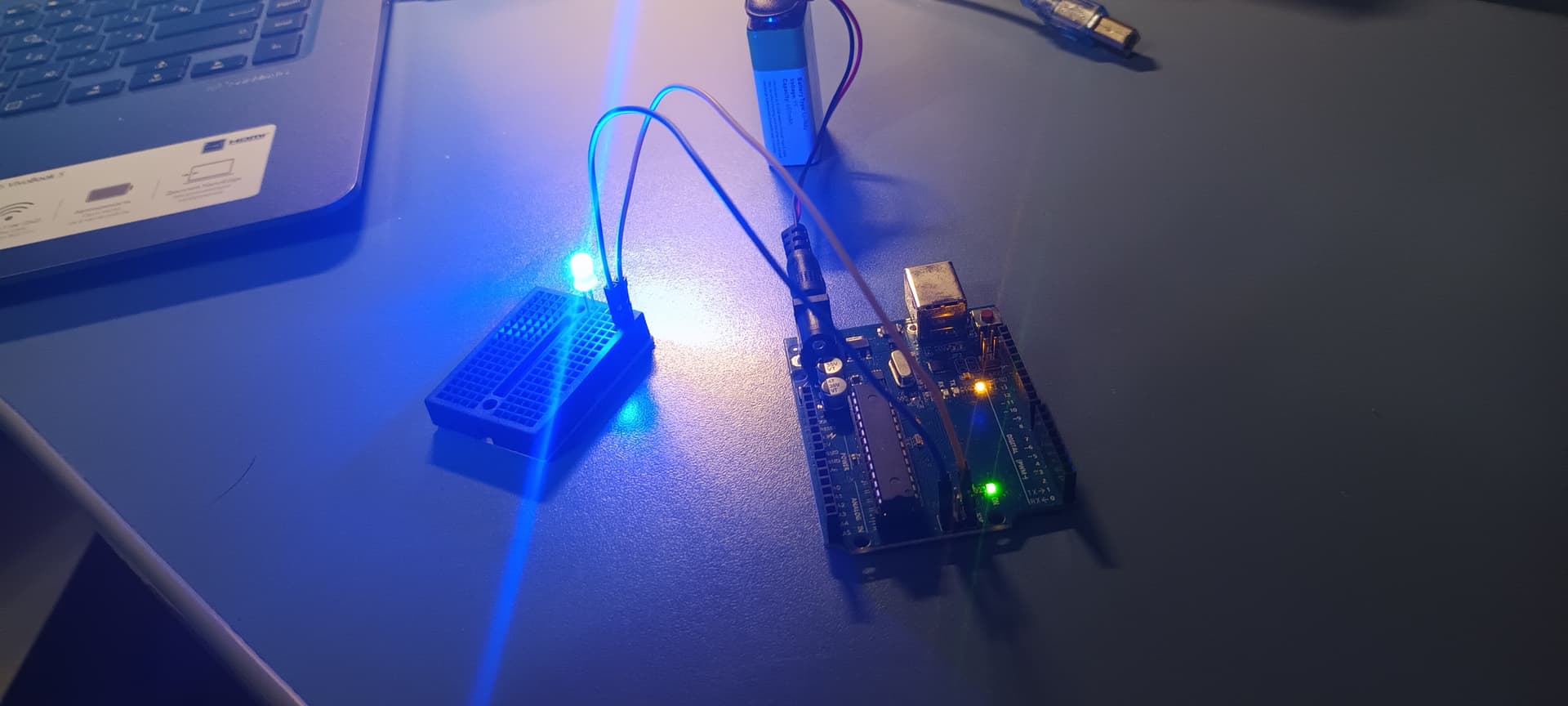
Without shield, I was able to do that like this:
#include <SPI.h>

void setup() {

    pinMode(MISO, OUTPUT);
    Serial.begin(9600);

}

void loop() {

    digitalWrite(MISO, HIGH);

}
It's working.
Delta_G, but it's not working without shield on the second ICSP which is in the left top corner. Maybe, for the same reason it's not working on (with) the shield.
Delta_G, Do you know how to use SPI2 interface? I mean that one which is in the left top corner? The one which is on the right of Arduino is working and I provided the code above.
Yes, I think that now I should try. I am not very good at soldering though. Thank you for your help and have a nice day. I gotta go now. Bye.
I know that you marked this as solved.
The 6-pin SPI header next to the potentiometer is connected to the 16U2 serial-to-usb converter on the Uno (if your Uno uses that), not to the 328P of the Uno. So you can not control that.
If you don't want to solder, you can fit a screw shield like shown below between the Uno and the shield

Thank you very much for the information about the screw shield. I will definitely give it a try.