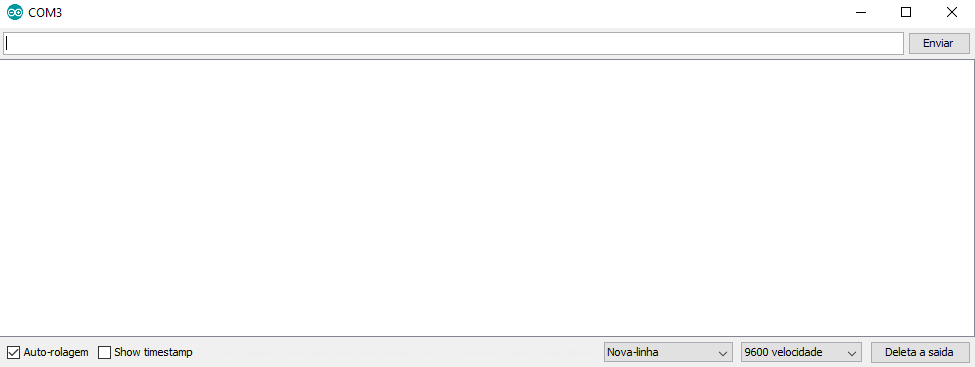
I am trying to use the serial monitor to read data but it never shows anything on it, always a blank screen
here is the code:
void setup()
Serial.println("Hello world!");
void loop()
}
The baud rate is correct and no error appears in the IDE.
Open your serial window and then push the reset button on your Arduino.
Still nothing?
Gates
August 9, 2019, 3:57am
4
void setup()
{
 Serial.begin(9600);


}

void loop()
{
   Serial.println("Hello world!");
}
Did you actually upload your code? Or did you only verify (compile) ?
system
August 9, 2019, 5:04am
6
spycatcher2k:
If you have a micro / Leonardo you need this:
void setup()
{
  //Initialize serial and wait for port to open:
  Serial.begin(9600);
  while (!Serial)
  {
    ; // wait for serial port to connect. Needed for native USB
  }
// etc etc
}