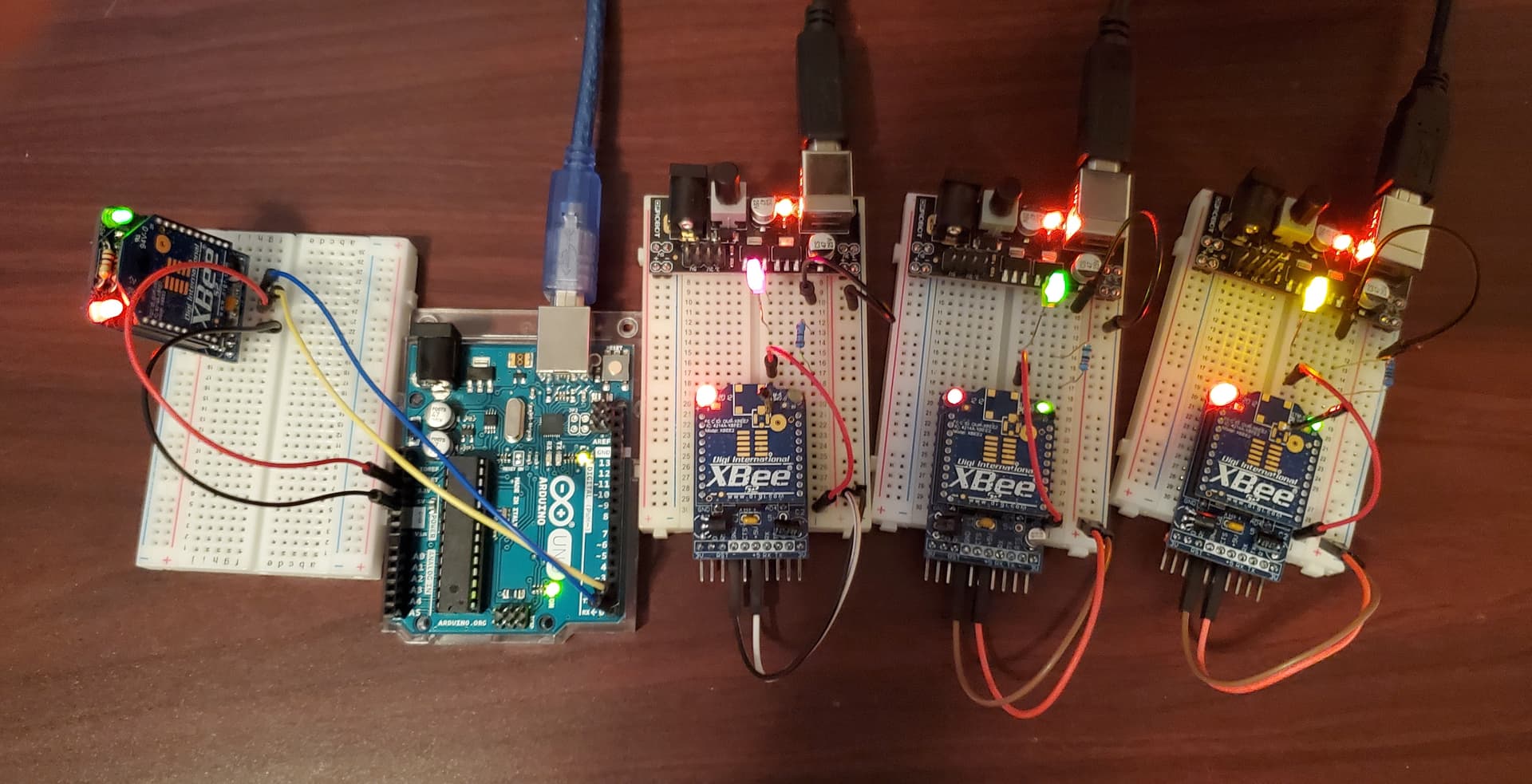
This project is an upgrade to previous "Blink" programs. This project involves the use of API Frames using the mac addresses of the XBees to send API frames wirelessly to individual XBee. The switching of individual XBees is done by switching the 'D4' pin of the XBee to HIGH and then LOW. This in turn turns a LED with resistor on/off.
Start by clearing your XBees to "Default" using XCTU. Then, update only:
ID - PAN ID Any four digit number, just make all of you XBees the same.
CE - Coordinator Enable (or not), make one "Coordinator" and the rest "End Device".
AP - API ENABLE only the Coordinator and the rest set to "API Disabled".
Note: Feel free to put in a name in the NI field. This is optional for this project.
The heart of project is knowing your XBee 16-bit name.

The above random XBee image from internet has a mac address of:
00:13:A2:00:40:3B:9E:21
The same address in hexadecimal format:
0x00, 0x13, 0xA2, 0x00, 0x40, 0x3B, Ox9E, 0x21
Code example with XBee hexadecimal address embedded inside API Frame:

Nice chart with all of the HEX code explained for 0x17 API frame:

The build:
On the Coordinator/Arduino use TX→RX and RX→TX while running XBees.
On the XBee w/LED use pin D4 with LED and 220Ω resistor to ground.
On all XBee use 3.3V to run all XBees and GND all XBees as well.

Tip: XBees can run on 5V but they are made for 3.3V. Use 3.3V to make your XBee live longer.
Arduino (coordinator) code:
Wireless_Blink.ino (1.9 KB)
Link to video of this code at work: