Hi again, so I assembled it on the bike and still it is not visible.. what would be a good graphic to test this mechanism? Maybe my graphic is too much or too little.. do we need to calculate pixels as cm and try to achieve a full circle of image?
Adding a video of my latest attempt:
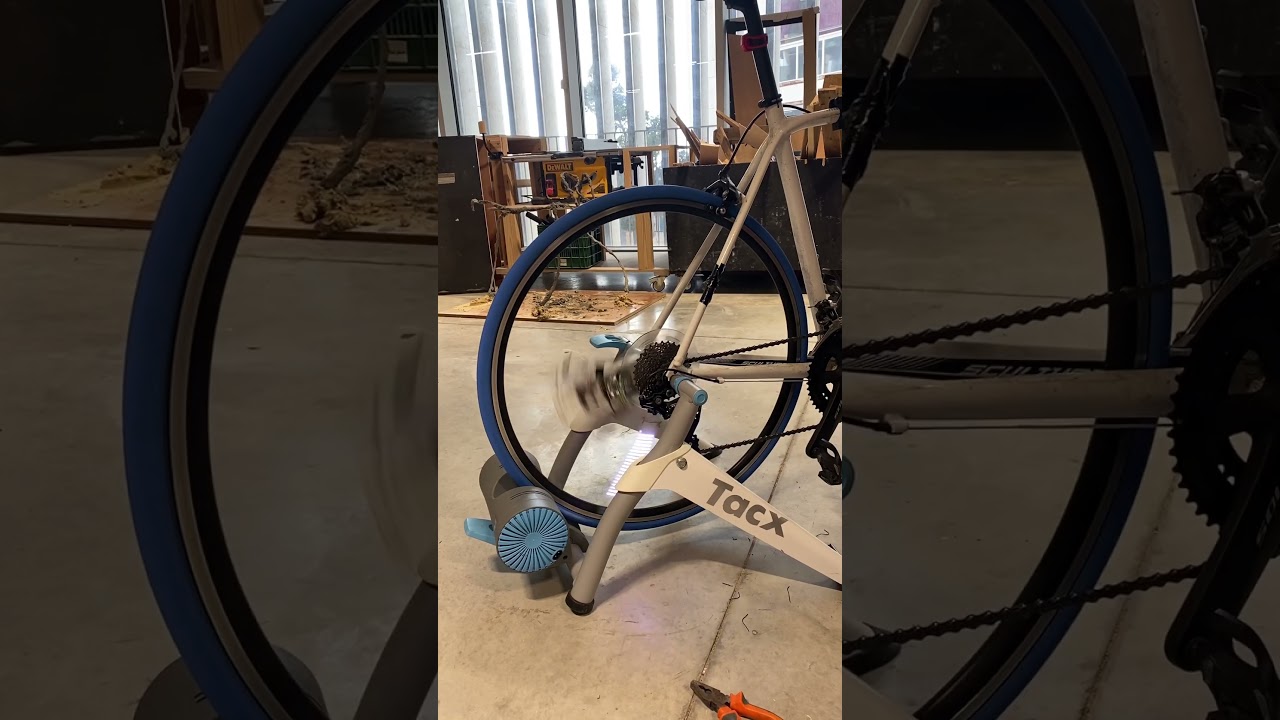
Thanks!
Maybe I need to move to an esp32?
Is that the same code just a different processor? Is he more suitable?
my current graphic attempt is added by file:

sorry for editing a lot of times i just wanted to add, the code seams to be working fine, and i will explain:
when the sensor goes to the magnet he detects it , and you can see it slowing down or speeding up accordingly to the wheel spin (when i span it manually by hand, maybe in the video it is less visible)
so maybe the problem is with the processor speed, maybe the led speed, and maybe even the graphic.. but software wise i think we are good.. but maybe i am wrong
Another edit:
I read the instructables again and she wrote something about around 84 pixels worked for her well, my image is around 130 pixels, will change and try and update.. meanwhile any more suggestions will help
another edit:
in the same instructables there seems to be a gif example that we can also see the output in the images added to the tutorial , in the git hub, the text seems to be upside down, does that have any logic? is that may be the problem?
but in the adafruit tutorial they appear just right:
my game plan:
- use the examples (gifs) as in the github from the instructables
- if that fails, change the code to the code in the git hub
- if that fails, change the microcontroller to an esp32
(maybe 2+3 are the same) - if that fails call quits on my "own" way and use the same materials as in the instructables one to one