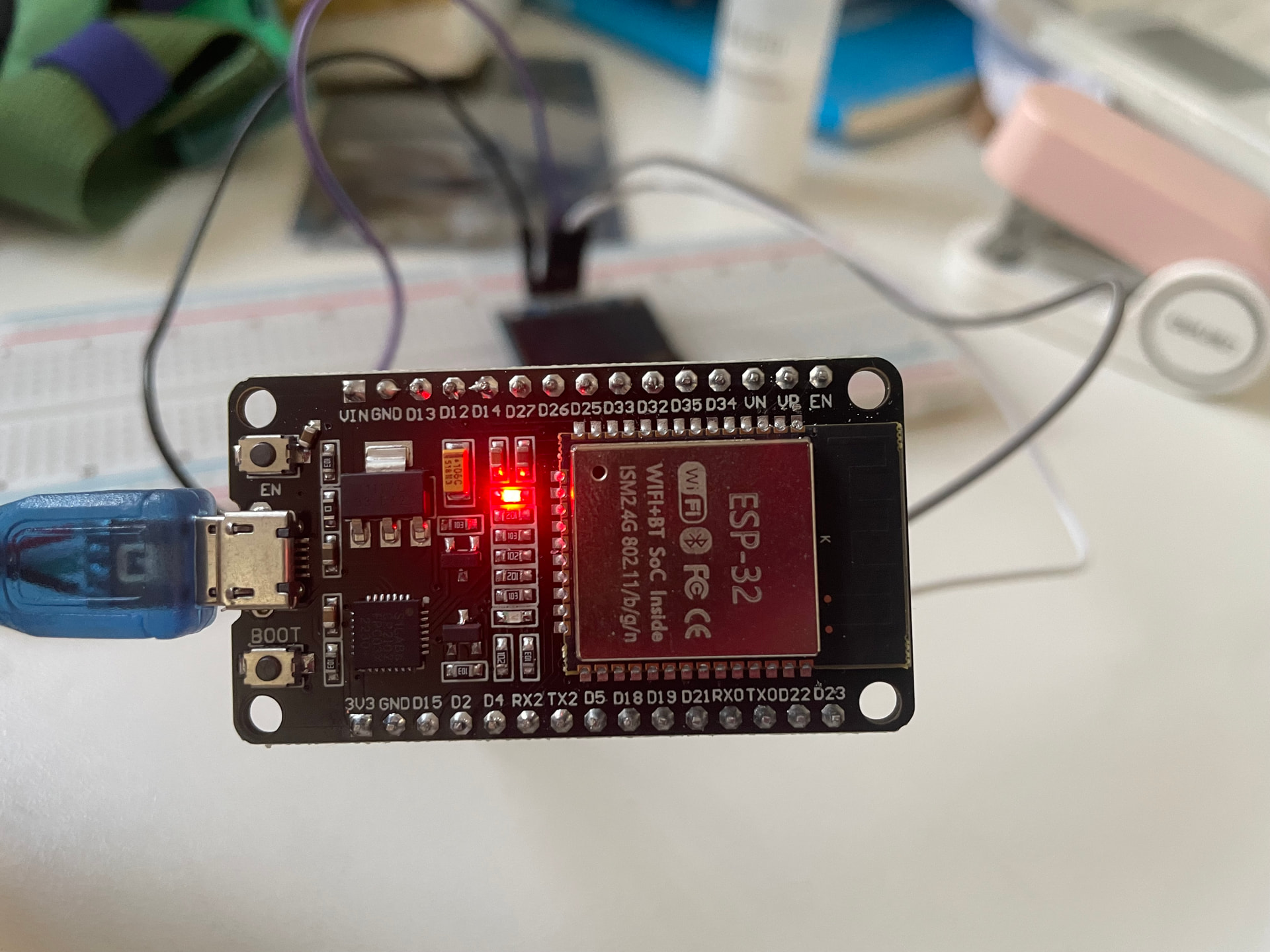
I'm new with esp32 and have trouble with the arduino IDE. I an now using an esp32 dev module and trying to do basic stuff like making an oled screeen work and the led on the esp32 to blink. However, everytime a upload the example code of blink, a write timeout occurs
I've asked deepseek for help and it says that i should find the correct port. I've tried both com3 and com4, the only ports that appeared and the same error happened.
Another problem is with the compiling. Its slow with the blink sketch, but the loading bar is just stuck with longer programs that interact with the oled screen, like ssd1306_128x64_i2c in the Adafruit ssd1306 library.
Thanks for the help! It turns out that I didn't download the CP210x USB port so my esp32 couldn't find a right port. The uploading problem is solved for now. But i have some new questions. I've uploaded the blinking code and the led started to blink. How do I make it stop? Also, it takes a long time to compile longer codes. Is it a feature of the arduino ide or simply a problem with my own computer? Again, I appreciate your help very much
try this: connect the dev board then press and hold down the boot button and then press and release "en". Release "boot". Check what ports are available and upload the sketch.
Post your sketch that blinks the onboard LED. The LED will be continuously blinking. If you want to stop it, you must add an external button with the ESP32 and add necessary codes with blink sketch. Do you want that?
Remove power. There is no “stop” condition on the microcontroller. It runs until it fails or loses power.
Even during delay(xxx) the processor is following code at the rate of 80 MHz unless a different clock has been implemented. So every 1/80 MHz a code step will be executed.
Curious. I’m not aware of a halt command, yes I realize holding reset will do the same but didn’t want to burden the first time OP with extraneous information.
There is no "Halt" command for ESP32 like 8086. After executing halt command, the 8086 does nothing but waits to receive interrupt to proceed further.
In the case of ESP32, I usually execute while(true); code to tell the CPU/MCU to stay here by executing the code for indefinite period. The while(true); is equivalent to L1: jmp L1
Compilers by nature are very CPU intensive that's why it's slow. If you run it on a Intel core i5 or better, or one of those comparable Ryzen AMD processors with plenty of RAM, and a high speed SSD it will speed along quickly. Otherwise yeah it takes some time.
Congrats on getting an ESP32 they are a lot of fun and it's amazing what you can do with them
Eventually I'd recommend getting one with all the pins available and external PSRAM (I like the ESP32S3 WROOM) so you can run TFT displays if that interests you in the future.