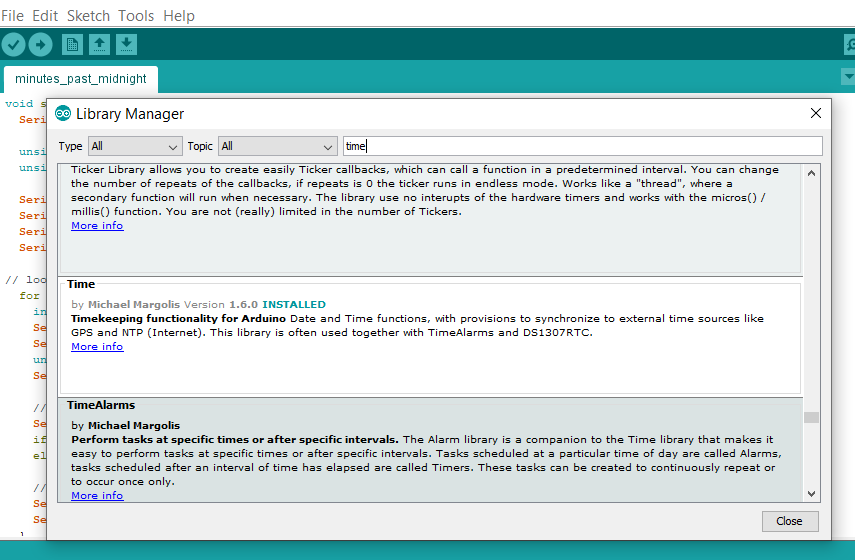
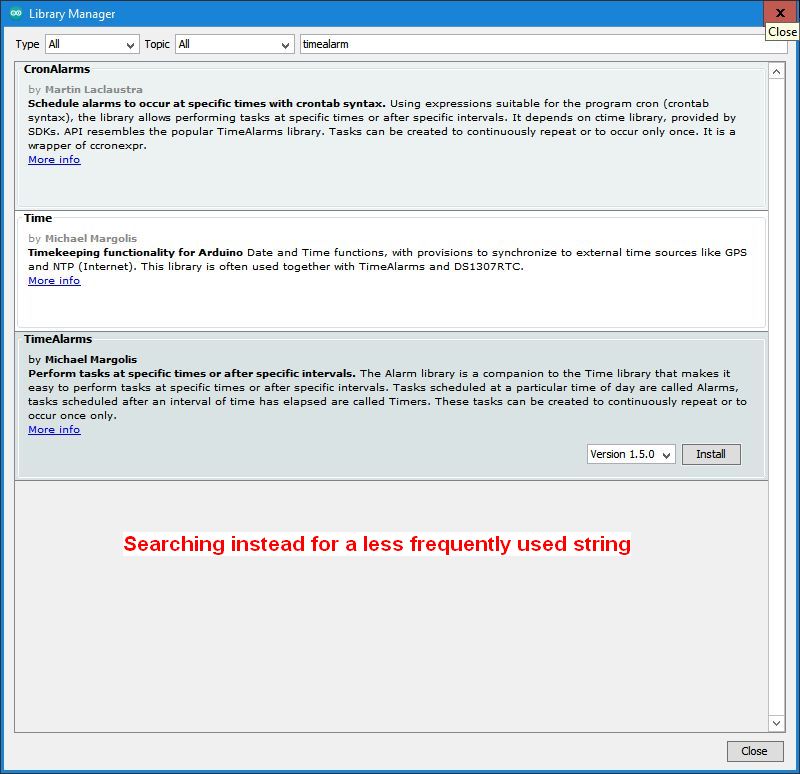
Terrypin:
Unfortunately I cannot treat 'Libraries' like the engine of my car: ignore the hidden detail and just enjoy driving.
Good way to be! Fortunately, in the open source world we are always free to take a look and even do some tinkering around under there if you feel like it.
Terrypin:
it's not clear what files the installation process generates.
The entire contents of the library repository at the time of the release are downloaded to your computer. So it's up to each library author which files are installed. For security/compatibility reasons, libraries in the Arduino Library Manager index are prohibited from containing .exe files or symlinks, so you won't ever see any of those in the libraries you install via Library Manager.
Terrypin:
Nor where it puts them.
Both Library Manager and the Arduino IDE's Sketch > Libraries > Add .ZIP Library always install libraries to the "libraries" subfolder of your sketchbook folder.
You can find the location of the sketchbook folder in the Arduino IDE at File > Preferences > Sketchbook location.
You will sometimes find some low quality tutorials that instruct you to manually install libraries to a different location, but if you're doing that you'll know exactly where you put it.
Terrypin:
C:\Program Files (x86)\Arduino\hardware\tools\avr\avr\include\time.h
C:\Users\terry\AppData\Local\Arduino15\packages\arduino\tools\avr-gcc\7.3.0-atmel3.6.1-arduino5\avr\include\time.h
C:\Users\terry\AppData\Local\Arduino15\packages\arduino\tools\avr-gcc\7.3.0-atmel3.6.1-arduino7\avr\include\time.h
This is the time.h included with the toolchain that I mentioned in my earlier reply. This is different from the Time library.
Terrypin:
I'm not sure how or when they were created but I guess they were installed with the IDE?
The first one was:
C:\Program Files (x86)\Arduino\hardware\tools\avr\avr\include\time.h
This is a tool dependency of the copy of the Arduino AVR Boards platform that is bundled with the Arduino IDE installation.
The second two are the versions of avr-gcc that were installed as tool dependencies of boards platforms you installed via the Arduino IDE's Boards Manager (Tools > Board > Boards Manager).
Terrypin:
But Time.h, which I've just 'installed', is just the single file:
C:\Users\terry\Dropbox\Electronics\Arduino\SKETCHES\libraries\arduino_293683\Time.h
Q1: Is xyz.h the only file that's needed for its library to be included in a sketch?
You shouldn't think of it as a "single file". Because we typically only need to add an #include directive for a single .h file in order to use an Arduino library in our sketch, it's easy to assume that .h file is the library. We regularly see beginners get the "no such file or directory" error for a .h file in their sketch and think they can solve it by just downloading that single file from some Google search result. But the .h file typically only contains declarations. The actual source code is typically in the .cpp or .c files. The Arduino IDE's build system identifies the library that matches the .h file in your #include directive and then compiles the entire library. That #include directive only pastes the declarations from the .h file (and any other .h files that .h file #includes) into your sketch so you can use the compiled functions implemented in the source files.
There is also usually a library.properties metadata file that can control how the library works.
So it was that "arduino_293683" folder and all its content that you installed via Library Manager.
Normally the folder name will match the name shown in Library Manager, except with spaces replaced with _. Sometimes, the installation is not able to create that folder ("Time" in this case), so the library remains installed in the staging folder. Typically, this won't cause any problems other than not being a very descriptive folder name.
Terrypin:
Q2: If several identical versions of xyz.h exist, should I copy across just one of them
No. Copy the entire arduino_293683 folder.
Terrypin:
which one?
If you have the Arduino IDE installed, then you will already have the avr-gcc tool installed with its time.h, so forget about those.