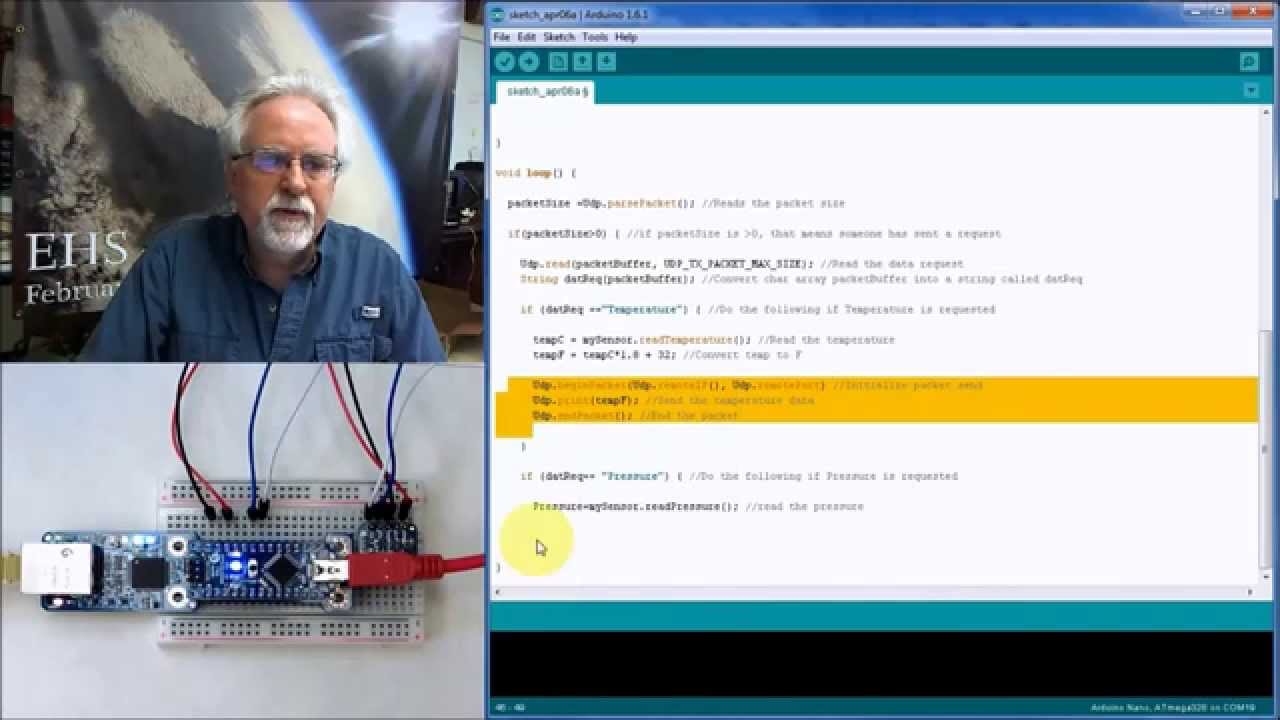
here is a UDP chat program for a Mega with a ethernet shield
// UDP chat program using Arduino Ethernet Shield

#include <SPI.h>
#include <Ethernet.h>
#include <EthernetUdp.h>
#define UDP_TX_PACKET_MAX_SIZE 100 //increase UDP size

byte mac[] = {0xDE, 0xAD, 0xBE, 0xEF, 0xFE, 0xED};  // MAC address update as required
IPAddress localIP(192, 168, 1, 176);                // local static localIP address
IPAddress remoteIP(192, 168, 1, 68);                // local static localIP address
unsigned int port = 999;                            // port to receive/transmit

char packetBuffer[UDP_TX_PACKET_MAX_SIZE];  //buffer to hold incoming packet

EthernetUDP Udp;  // An EthernetUDP instance to let us send and receive packets over UDP

void setup() {
  Serial.begin(115200);
  Serial.println("\n\nUDP chat program");
  // select static or dynamic IP initialization
  //Ethernet.begin(mac, localIP);    // static IP initialize Ethernet shield
  if(Ethernet.begin(mac))            // dyname IP initialize Ethernet shield using DHCP
        Serial.println("Configured Ethernet using DHCP OK");
   else Serial.println("Failed to configure Ethernet using DHCP");

  Serial.print("My localIP address: ");    // print local localIP address:
  Serial.println(Ethernet.localIP());
  // Initializes the ethernet UDP library and network settings.
  if (Udp.begin(port)) Serial.println("UDP begin() OK");
  else Serial.println("UDP begin() failed!");
  Serial.print("UDP_TX_PACKET_MAX_SIZE ");
  Serial.println(UDP_TX_PACKET_MAX_SIZE);
}

void loop() {
  // if datagram received read it
  int packetSize = Udp.parsePacket();
  if (packetSize) {
    Serial.print("Received packet of size ");
    Serial.print(packetSize);         // datagram packet size
    Serial.print(" From ");
    remoteIP = Udp.remoteIP();  // from localIP
    Serial.print(remoteIP);
    Serial.print(", port ");            // from port
    Serial.println(Udp.remotePort());
    memset(packetBuffer, 0, UDP_TX_PACKET_MAX_SIZE);
    // read the packet into packetBufffer and print contents
    Udp.read(packetBuffer, UDP_TX_PACKET_MAX_SIZE);
    Serial.print("Contents: ");
    Serial.println(packetBuffer);
  }
  if (Serial.available()) {   // if text entered read it and send it
    char text[100] = { 0 };
    Serial.readBytesUntil('\n', text, 100);
    Serial.print("Transmitting datagram ");
    Serial.println(text);
    Udp.beginPacket(remoteIP, port);   // send to remote localIP and port 999
    Udp.write(text);
    Udp.endPacket();
  }
  delay(10);
}
java programs for PC in file UDPchat.java
// UDPchat.java - simple peer-to-peer chat program using UDP
//           - given remote IP address can send strings using UDP datagrams
//           - will also wait for datagrams and display contents
// remote IP and port are specified via command line - default IP is 127.0.0.1 (i.e. localhost) and port is 1000
//
// e.g. to send datagrams to IP 146.227.59.130 port 1006
// java chat 146.227.59.130 1006

import java.io.*;
import java.util.*;
import java.net.*;

public class UDPchat extends Thread
{
   private final static BufferedReader in = new BufferedReader(new InputStreamReader(System.in));
   int port=999;//10001;// 10000;                             // port to send/receive datagrams on
   String remoteIPaddress= "192.168.1.177";//"169.254.144.20";//("192.168.1.8");//127.0.0.1");      // IP to send datagrams

   // constructor, parameter is command line parameters
   public UDPchat(String args[]) throws Exception
    {
    // get remote IP address and port from command line parameters
    if (args.length > 0)    remoteIPaddress =  (args[0]);           // get IPaddress
    if (args.length > 1)    port = Integer.parseInt(args[1]);        // get port number
    System.out.println("chat program: IP address " + InetAddress.getLocalHost().toString() + " port " + port );

    start();        // start thread to receive and display datagrams

    // loop waiting for keyboard input, send datagram to remote IP
    while(true)
      try
        {
        String s = in.readLine();                       // read a String
        System.out.println("Sending to " + remoteIPaddress + " socket " + port + " data: " + s);
        byte[] data = s.getBytes();                                     // convert to byte array
        DatagramSocket theSocket = new DatagramSocket();                // create datagram socket and the datagram
        DatagramPacket   theOutput = new DatagramPacket(data, s.length(), InetAddress.getByName(remoteIPaddress), port);
        theSocket.send(theOutput);                                      // and send the datagram
       }
      catch (Exception e) {System.out.println("Eroor sending datagram " + e);}
    }

   // thread run method, receives datagram and display contents as a string
   public void run()
        {
          try
              {
              // open DatagramSocket to receive
              DatagramSocket ds = new DatagramSocket(port);
              // loop forever reading datagrams from the DatagramSocket
              while (true)
                 {
                 byte[] buffer = new byte[65507];                       // array to put datagrams in
                 DatagramPacket dp = new DatagramPacket(buffer, buffer.length); // DatagramPacket to hold the datagram
                 ds.receive(dp);                                     // wait for next datagram
                 String s = new String(dp.getData(),0,dp.getLength());        // get contenets as a String
                 System.out.println("UDP datagram length " + s.length()+ "  from IP " + dp.getAddress() + " received: " + s );
s = "Acknowledge\n";
     //            byte[] data = s.getBytes();                                     // convert to byte array
     //   DatagramSocket theSocket = new DatagramSocket();                // create datagram socket and the datagram
     //   DatagramPacket   theOutput = new DatagramPacket(data, data.length, InetAddress.getByName(remoteIPaddress), port);
    //    theSocket.send(theOutput);                                      // and send the datagram

              }
              }
          catch (SocketException se) {System.err.println("chat error " + se); }
          catch (IOException se) {System.err.println("chat error " + se);}
          System.exit(1);                                                       // exit on error
        }


public static void main(String args[]) throws Exception
{
   UDPchat c=new UDPchat(args);
}

}
test run serial output from Mega
UDP chat program
Configured Ethernet using DHCP OK
My localIP address: 192.168.1.177
UDP begin() OK
UDP_TX_PACKET_MAX_SIZE 100
Received packet of size 5 From 192.168.1.65, port 53704
Contents: hello
Transmitting datagram hello from mega

Received packet of size 21 From 192.168.1.65, port 51635
Contents: hello from java on PC
Transmitting datagram test 2 from mega

Received packet of size 14 From 192.168.1.65, port 53386
Contents: test 2 from PC
output on PC
F:\Ardunio\Networking\Ethernet\UDP\UDP_chat>java UDPchat
chat program: IP address BB-DELL2/172.26.208.1 port 999
hello
Sending to 192.168.1.177 socket 999 data: hello
UDP datagram length 16  from IP /192.168.1.177 received: hello from mega
hello from java on PC
Sending to 192.168.1.177 socket 999 data: hello from java on PC
UDP datagram length 17  from IP /192.168.1.177 received: test 2 from mega
test 2 from PC
Sending to 192.168.1.177 socket 999 data: test 2 from PC
I think I have a Python UDPchat program some where - will try to find it