Hi all,
Trying tk connect my ArduSimple RTK2B-F9P shield to my new rev4. I am using digital puns 0 and 1 as the match the sheild. No data is coming in and when i use my rev3 it works fine? Any ideas??
Hi all,
Trying tk connect my ArduSimple RTK2B-F9P shield to my new rev4. I am using digital puns 0 and 1 as the match the sheild. No data is coming in and when i use my rev3 it works fine? Any ideas??
Then you need to use the Serial1 interface rather than Serial
Serial1? As in use the software serial library?
Why is this a problem with the original uart pins do you think?
No need to use SoftwareSerial
The R4 Unos have 2 hardware serial interfaces
Serial is used to upload code and for the Serial monitor as in the classic Uno but it does not use pins 0 and 1
Serial1 uses pins 0 and 1
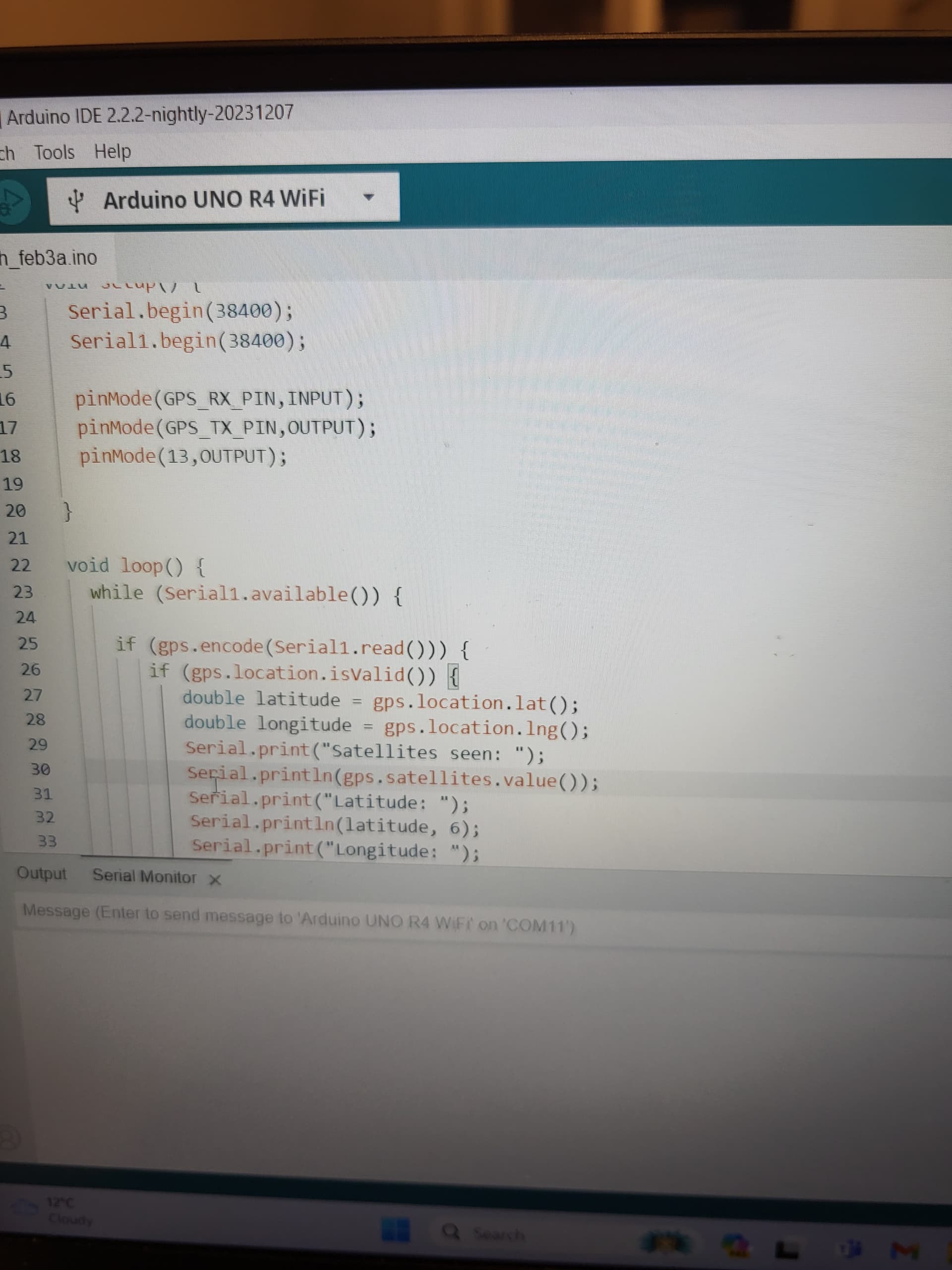
Please do not post pictures of code
Use Edit/Copy for Forum in the IDE and paste what is copied into a new reply. The code tags will be added automatically by the copy command
Please post a schematic of your project showing how the components are connected. A picture of a hand drawn circuit is good enough
Please post your full sketch
We really need to see the complete code.
You should not be setting the pinMode for the Rx and Tx pins, that is done when you call Serial1.begin().
#include <TinyGPS++.h>
#include <SoftwareSerial.h>
int GPS_RX_PIN = 0;
int GPS_TX_PIN = 1;
TinyGPSPlus gps;
float gpsLatitude;
float gpsLongitude;
void setup() {
Serial.begin(38400);
Serial1.begin(38400);
pinMode(GPS_RX_PIN,INPUT);
pinMode(GPS_TX_PIN,OUTPUT);
pinMode(13,OUTPUT);
}
void loop() {
while (Serial.available()) {
if (gps.encode(Serial.read())) {
   if (gps.location.isValid()) {
      double latitude = gps.location.lat();
      double longitude = gps.location.lng();
      Serial.print("Satellites seen: ");
      Serial.println(gps.satellites.value());
      Serial.print("Latitude: ");
      Serial.println(latitude, 6);
      Serial.print("Longitude: ");
      Serial.println(longitude, 6);
}
}
}
}
Reason whybi declared pins as outouts was just a trouble shooting measure. This code works fine as ive mentioned on an ordinary rev3 uno. When i added in serial1 it still didnt work. Thank you all for the help much appreciated
Yes i had updated the code. I inserted serial1.begin() and changed thatbto while(Serail1.available()). I was still not gettimg anything
What happens if you don't use the library, set the two baud rates in setup() and just use
if (Serial1.available())
{
  Serial.write(Serial1.read());
}
in loop() ?
Got rid of the library and it worked. Added the library and it also worked. Thank god. Thank you so much. Genuinely wothout people like you this forum wojld be useless. Another quick question. I aslo have 3 ultra sonic sensors within my project among am adxl 345. Should i powerbthesebfrom the 5v pin of the arduino or create 3.3 and 5v rails directly from the power source?
What voltage do the sensors work at ?
5V for ultra sonics. 3.3V for ADXL 345.
You need to power the sensors at their native voltage, but be aware that if a sensor uses 3.3V then it may not be tolerant to 5V on its input pins. You may need to use a voltage shifter or resistor divider to reduce the input from 5V to 3.3V
Are you using the I2C or SPI interface to the sensor? The UNO R4 WiFi has two I2C ports, one on the A4/A5 and SCL/SDA pins, the other on the QWIIC connector. The port on the QWIIC connector operates at 3.3 volts - note that this port is NOT 5 volt tolerant.