You either have a Mega or an UNO but both in one board isn't possible.
Which usually means you have to cross the TX/RX signals. As you failed to provide a wiring diagram as well as links to the used RS232-TTL module we're unable to check that.
Because it doesn't implement hardware handshake. That shouldn't be a problem for small baudrates.
Very bad idea, that might fry your Arduino!
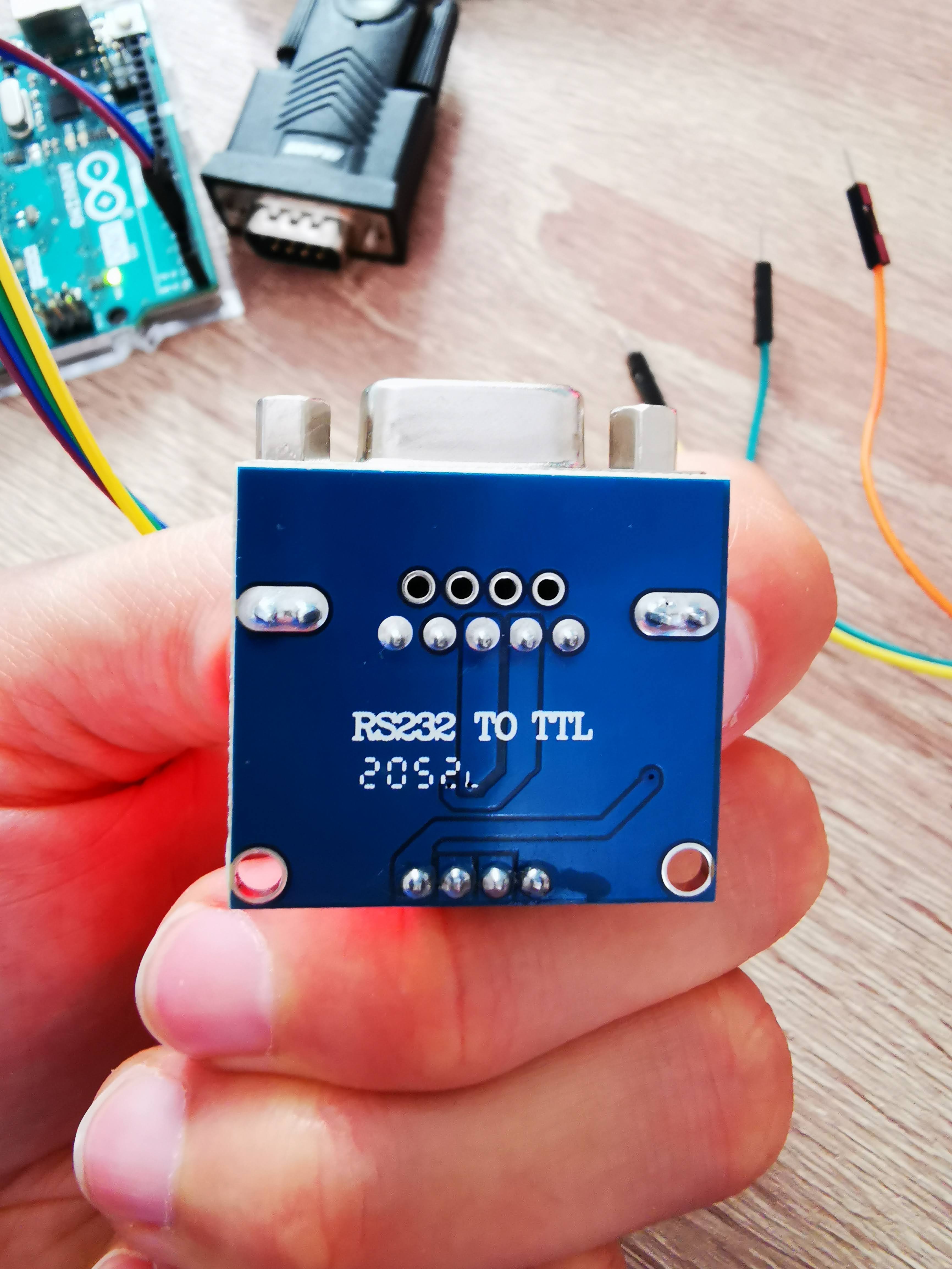
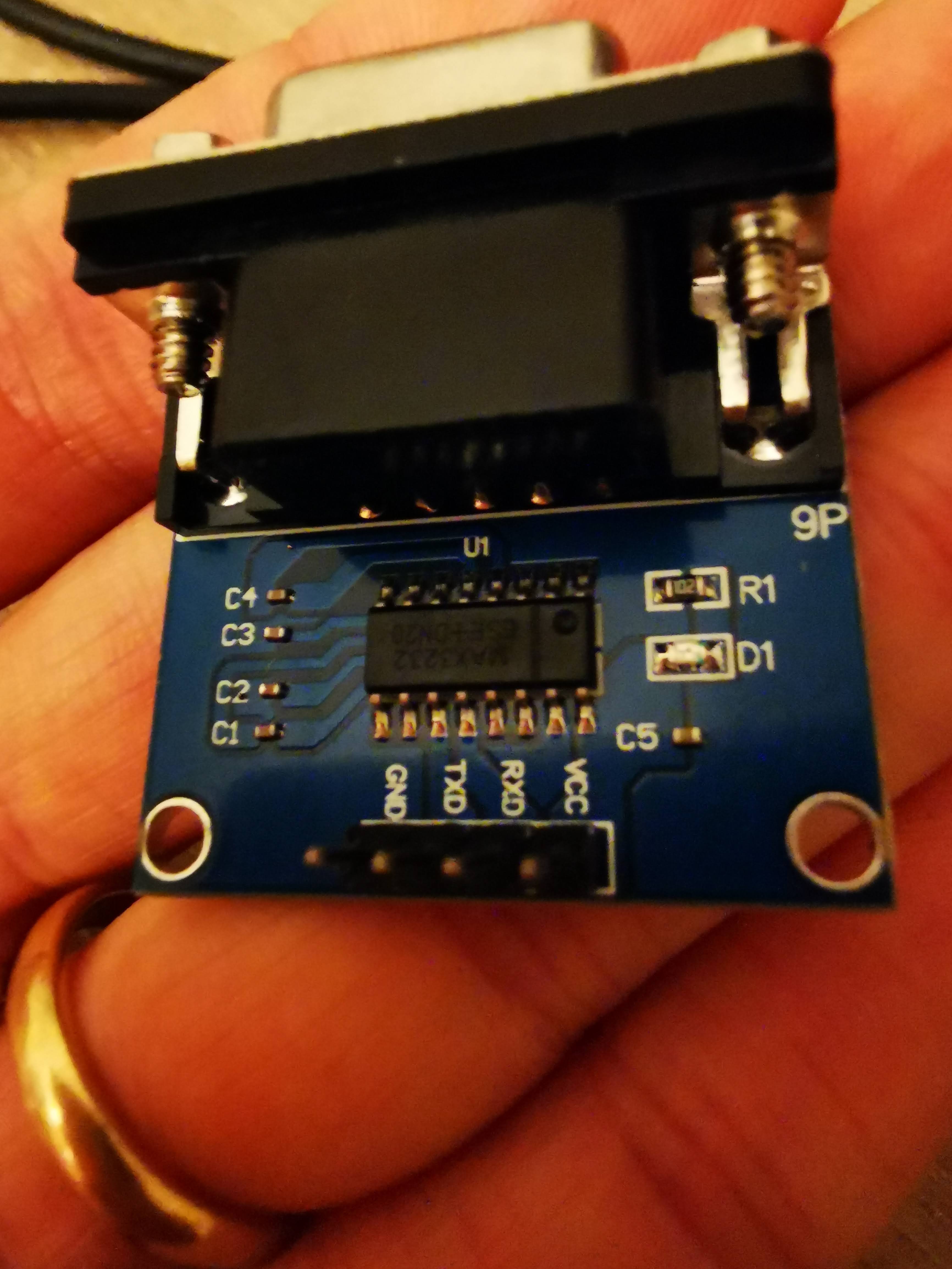
Post a sharp picture of the other side of that module (if you really don't have a link to the documentation of it - never buy anything that isn't documented!).
Hello,
The best you can do in such a case is test each component by itsef and then throw al things together.
So,
Connect your custom serial out on your board pin 2, with the custom serial in on your board pin 3 with a Dupont wire and try to send something to yourself. Then send something with customSerial and receive it as well.
Then connect the serial to ttl module to your board and connect pin 2 and 3 on your serial to ttl connector at RS232C level and do the same, you should be able to send something to yourselves and then you know that this part is working.
Then there could be (but i am not sure) a requirement by the manufacturer of the device that you need certain levels on DTR (demande) to trigger a send from your external device. If the potential at this pin is not ok, it might refuse to send anything, so there could be a possible culprit of your problem.
Best Regards,
Johi.
That usually means that your PC program is configured to use hardware handshake. This doesn't make sense as the Arduino side doesn't support it anyway. If you connect pin 7 to Vdd+ you just tell the PC that you always accept data.