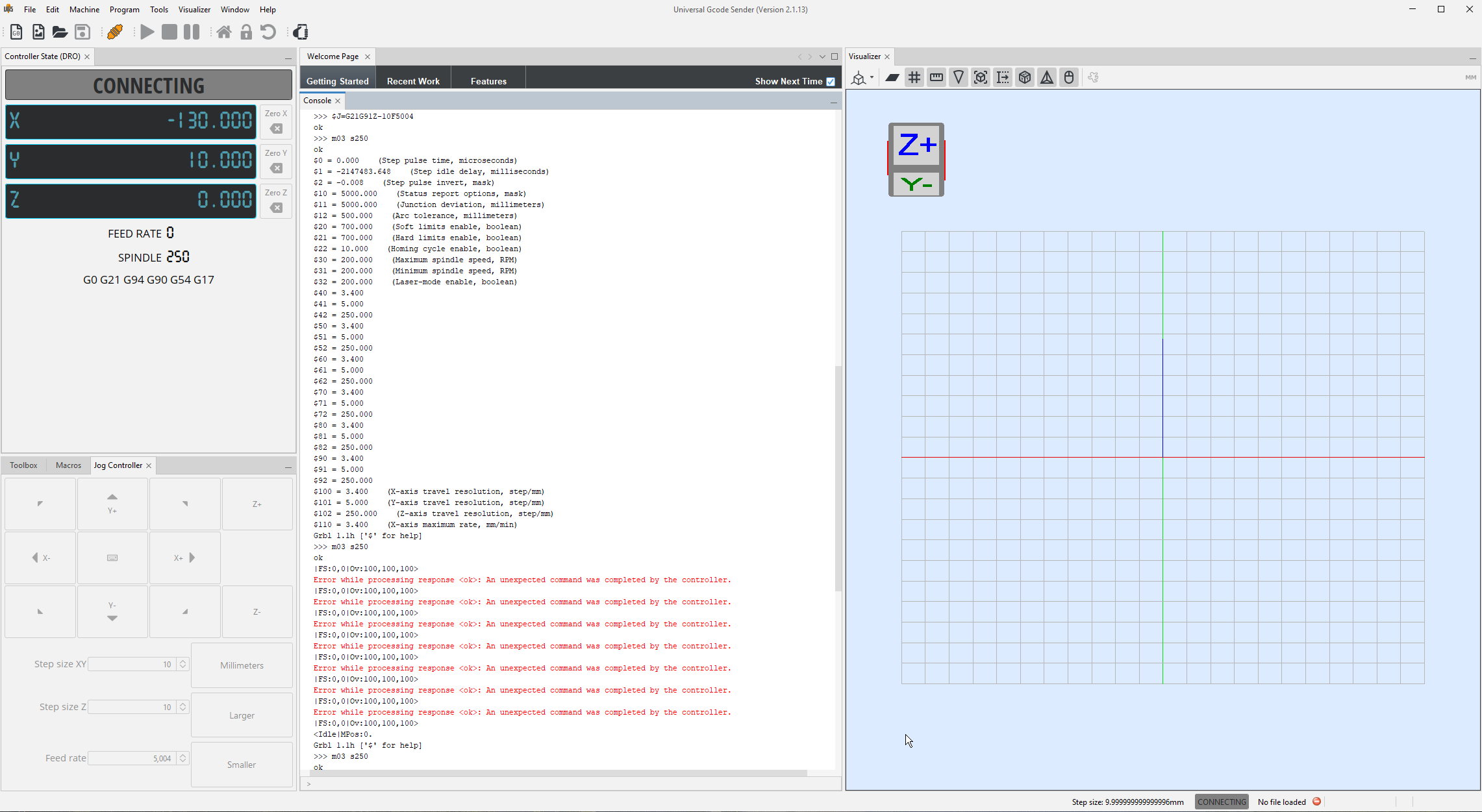
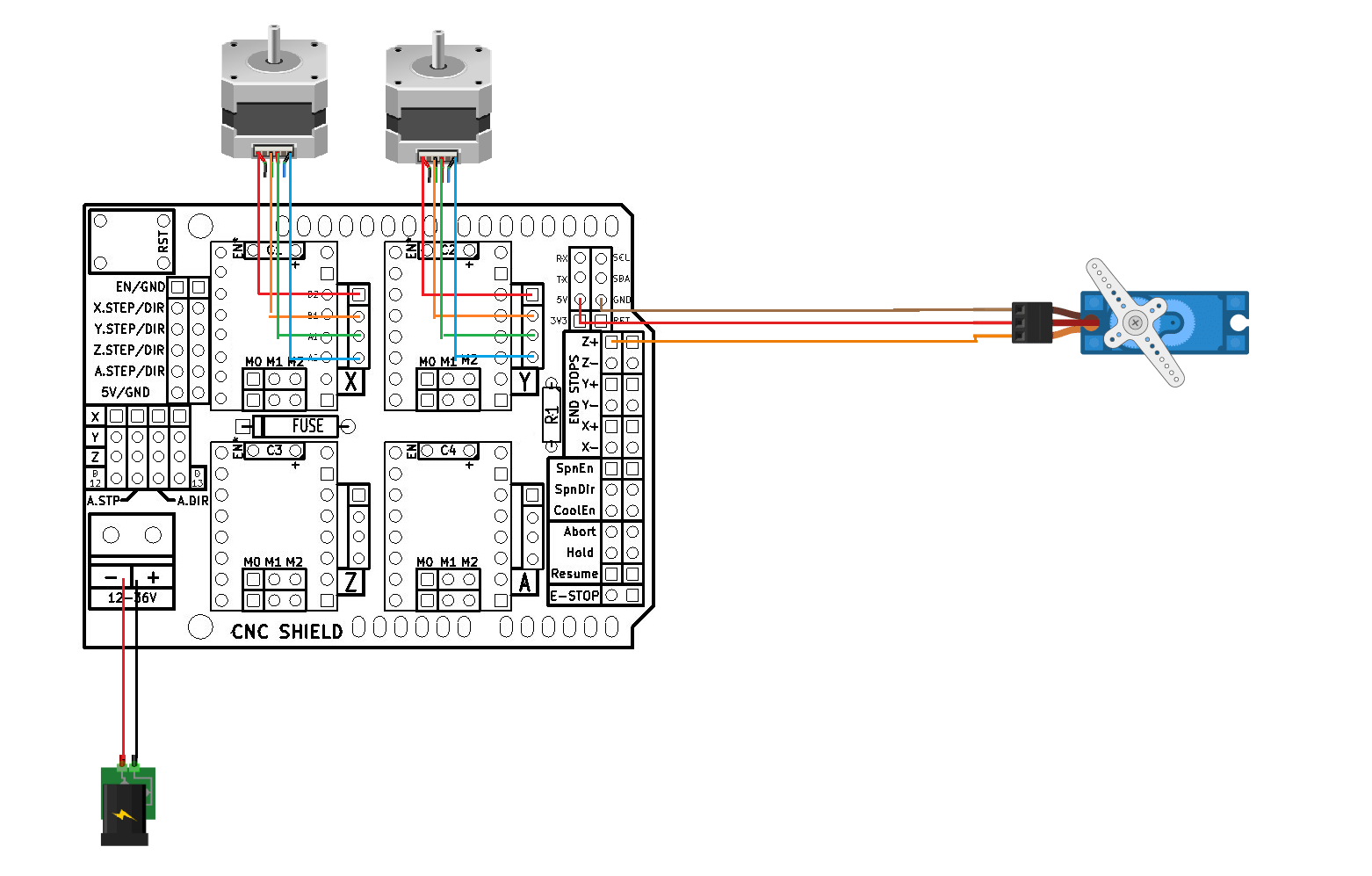
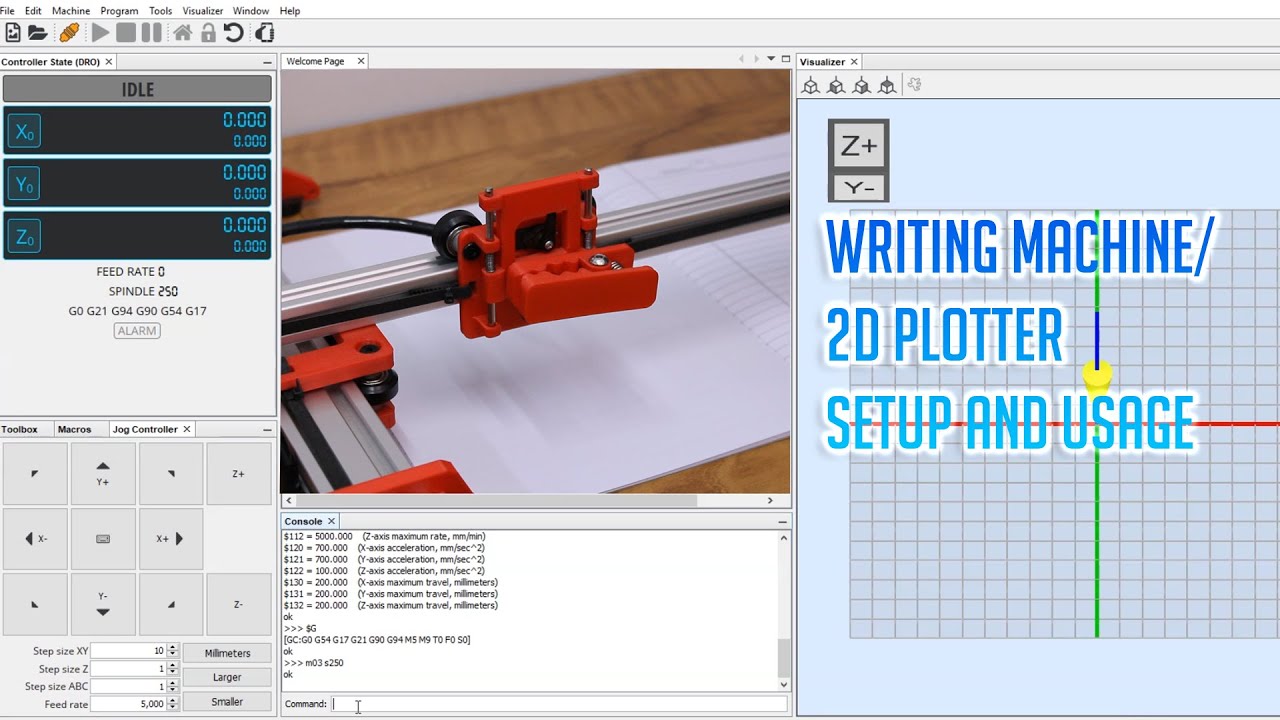
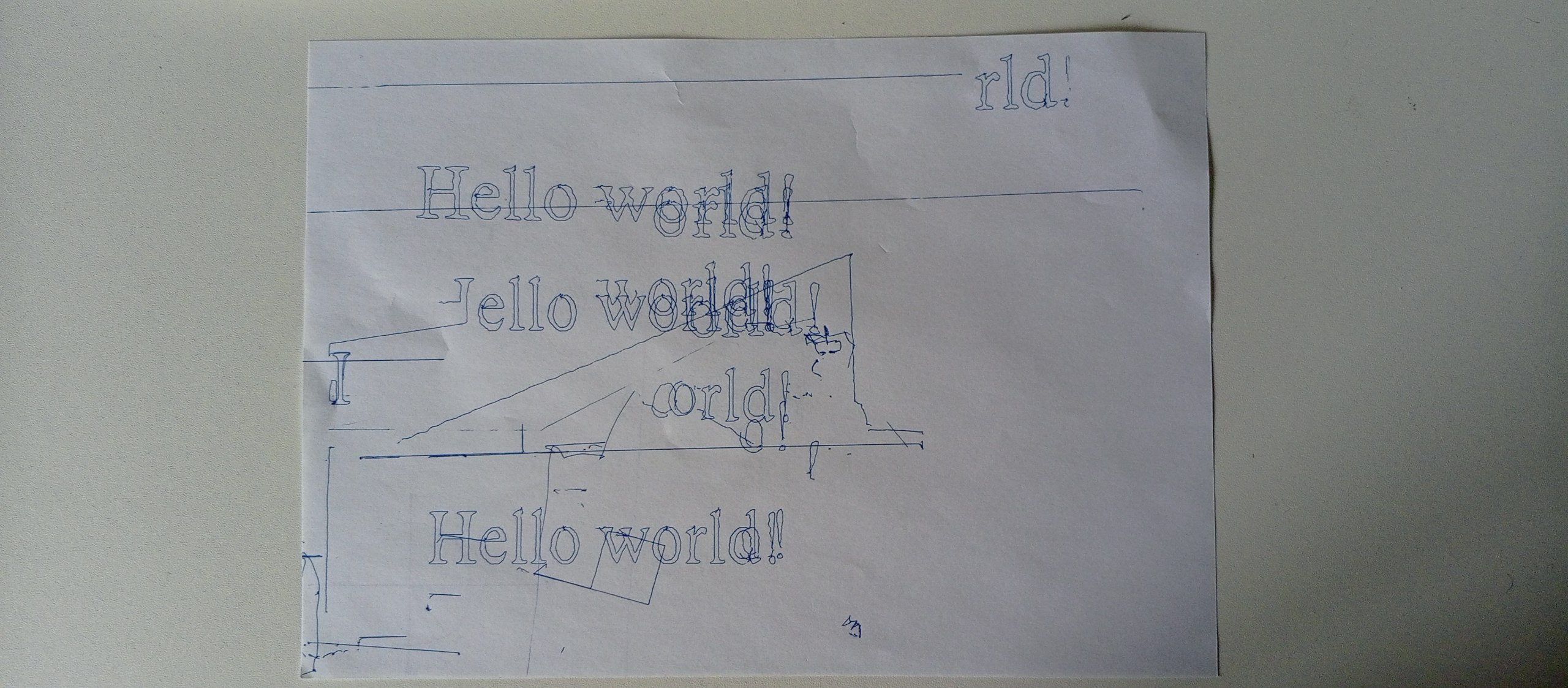
When I press the Z+ and Z- buttons, I hear a long high-pitched noise coming from the servo, the same one that the servo made when actually rotating with the example code
I'm using:
Arduino UNO
CNC shield
2x nema 17 stepper motors
2x ddrv2285 motor drivers
SG90 servo
Some versions of GRBL use a different pin arrangement. Make sure you have not been caught out by that. See both HERE and HERE If you could include your settings as a FILE (not a picture) they are easier to read. Also ensure you have set VREF correctly and installed the required jumpers for the drivers you are using.
There are a couple of "FORKS" for UGS but I cannot for the life in me remember where they were. Only reason I know is that I used UGS when I first started out with GRBL
You may have to dig around a little to find them but the original UGS does not fully support servos.
That was a long long time ago and I moved onto lasergrbl as one of my main programs.
It was easier to control things and gave me a wider usage.
There are a few more options too as far as a "sender" program goes.
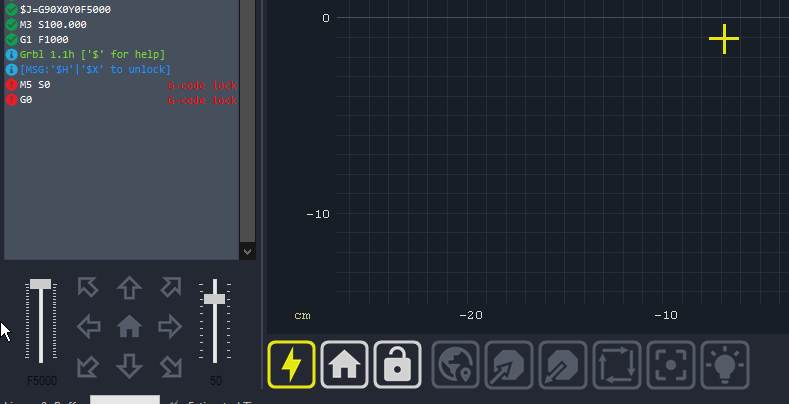
LaserGrbl does however support making your own macros which means you can use spare pins such as COOLANT etc to do things besides just switch on a relay.
I actually found transitioning to other programs quite easy once I got the hang of UGS.
Even have a machine using MACH3 thanks to learning UGS.
Plotting is a simple process that I got bored with quite quickly and moved into more eleborate things with a proper third axis. Once you get a spindle or laser your world will open up.
Will try find the links to the UGS fork but it was a few years ago.
For Spindle you use the "S" command in your code the MAX / MIN "S" is defined in the grbl settings under $30 $31.
Leave MIN at zero and set MAX lets say to 180. Most servos only work through 180 degrees so you dont really need to go over that.
In case of a real spindle or laser it would probably be 100 or 1000 and you use that as a percentage figure.
No you dont need a servo library
Most servos dont need one for rudimentary functions.
RIGHT click on the toolbar section the click ADD BUTTON.
Set a two state button up and use this code for the first state.
G1 F100 M3 S180
Then this for the second state
G1 F100 M3 S0
Had occasion where LaserGrbl need to be restarted but mostly it works right away so click on your new button and see if that does anything.
Aoother method is to use a forked version of GRBL itself. That means uploading a different GRBL firmware but it is simple enough to do. With that you should be able to use the above button or GCODE in your program for sure.
There may be a newer version out there but that was just one of many ways around it.
Like all things Arduino/CNC there may still be some tinkering to do with the "$" settings to help speed things up.
Let me know if that helps.
I installed grbl1.1h-servo, and it did work... then the whole thing dropped on the ground
The servo kinda works, the motors work for .5 secs and stop. My first assumption was that the drivers got fried(when the plotter fell down only the psu wires disconnected, everything else that's electrical stayed where it used to). But:
Glad it seems to have fixed itself.
Went through a few driver boards myself in the early stages and now I have a surplus LOL.
I think you may have to revert to one of the other FORKED versions.
I know its a PITA but I ent through a lot of the same types of issue until I found something that worked. "GRBL with SERVO" will bring up a good selection of hits. Try to stay in GITHUB as I found they were the more reliable. My small laser is a bit of a frankenstien but everything is bolted to it so I dont have loose wires dangling around too much. Bit of plywood bolted to the side helps a lot and you can refine the layout as you develop.
I tried running a program, and the board resets every time the servo rotates. That's with modified grbl. Its github page says that to fix this problem I can power the servo through and external psu. But how do I do it? Do I connect the ground wire to minus and 5v to plus? Internet says that I need to connect psu's ground(which apparently is minus) to arduino's ground, but then I can't connect servo's gnd anywhere🤔
I'm trying to power the servo with a phone charger
There are multiple grounds on the shield itself.
However ALL grounds should be commoned. (tied together) So you also need to split the ground from your phone charger and run one to the shield.