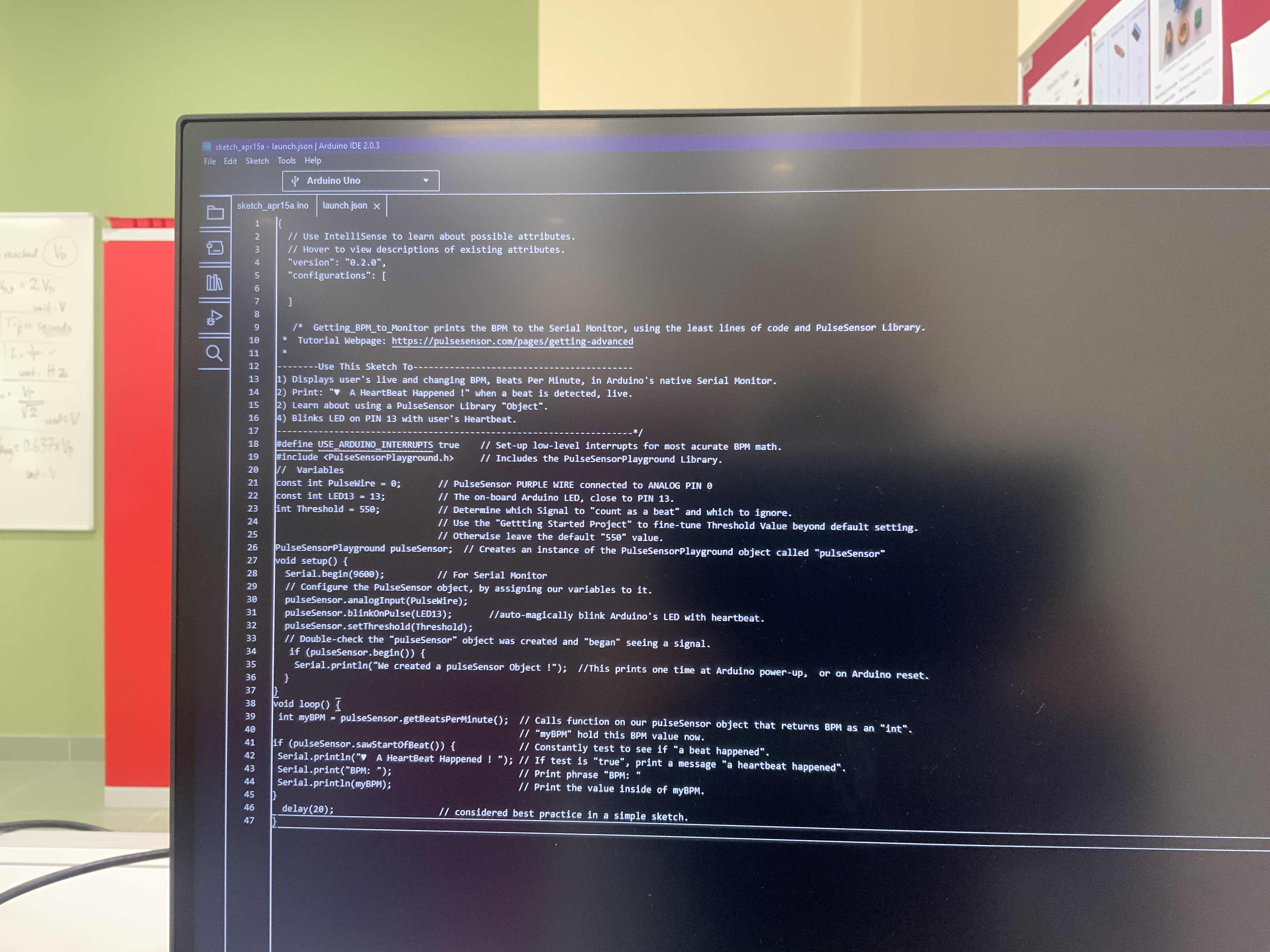

idk what's the problem , whenever we test it, it does not show the heart rates.
and when we connect it to 5V it does not work
Welcome to the forum
Please follow the advice given in the link below when posting code, in particular the section entitled 'Posting code and common code problems'
Use code tags (the < CODE/ > icon above the compose window) to make it easier to read and copy for examination
https://forum.arduino.cc/t/how-to-get-the-best-out-of-this-forum
Please post your full sketch, using code tags when you do
Posting your code using code tags prevents parts of it being interpreted as HTML coding and makes it easier to copy for examination
In my experience the easiest way to tidy up the code and add the code tags is as follows
Start by tidying up your code by using Tools/Auto Format in the IDE to make it easier to read. Then use Edit/Copy for Forum and paste what was copied in a new reply. Code tags will have been added to the code to make it easy to read in the forum thus making it easier to provide help.
It is also helpful to post error messages in code tags as it makes it easier to scroll through them and copy them for examination
So, no matter what you do, either way, it doesn’t work ?
yes, whenever we connect it to 5V the serial port in Arduino is not detected, it does work on 3.3 V but it does not show the sensor value

yes, but the purple wire is brown not purple.
and yes the Arduino works without the sensor attached
From your picture it looks like the order is RED, BROWN BLACK.
In my picture it is BLACK RED PURPLE.
So it is not the same
Did it come with instructions on how to connect it?
It seems it is shorting out the Uno 5V so don't connect it until you know the proper connections
unfortunately no it didn't come with any instructions
Well if it is connected wrong you could damage both the sensor and Uno.
Do you have a link to a website where you bought it?
yes I do
Well would you like to share it or is it a secret?
here is it
I hope @jim-p is a dentist, because this is like pulling teeth.
As I said, what you have is not what is shown on the website.
I highly recommend returning that sensor and buying a new one
Assuming they soldered the wires on wrong, you can try the following:
Connect RED to Arduino GND
Connect BROWN with to Arduino 5V
Connect BLACK with to Arduino A0
WARNING Your sensor may already be damaged and making these connections may damage the Arduino so do so at you own risk.
thank you so much
You are welcome
Take a photo of the back of the sensor.