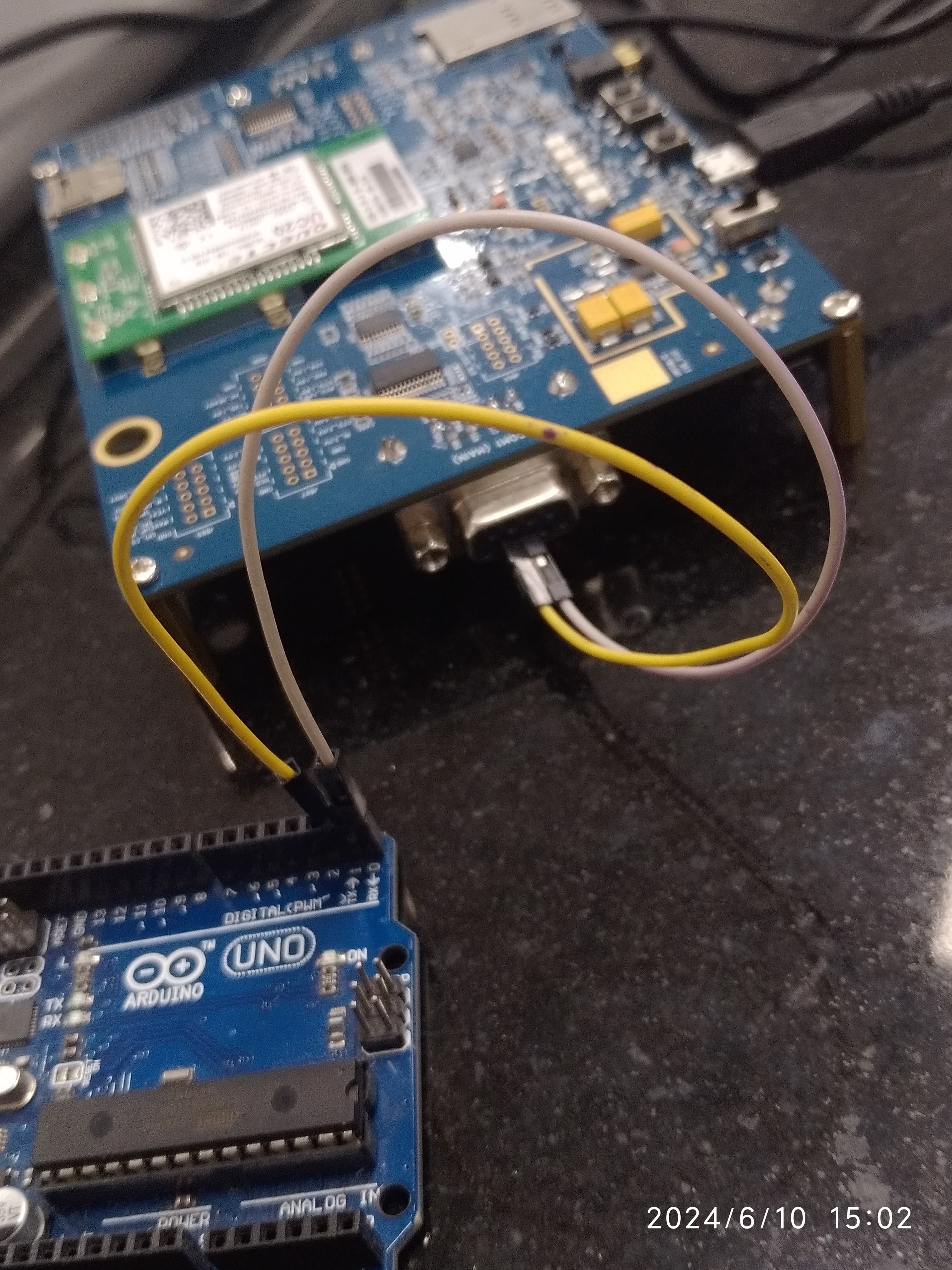
I want to interface Arduino UNO and Quectel UC20 Module and EVB. And I am trying to send AT Commands from Arduino UNO and receive response via 0,1 pins of Arduino respectively. But it is not working. The code I am trying to implement on Arduino is as follows:
You are aware that pins 0 and 1 are also used for the communication with the PC so you have a conflict there.
The above will send to both the UC20 and the serial monitor. Not sure if the former knows what to do with it.
Are you stuck with the Uno; or do you have another board with an additional UART (Mega, Micro, Leonardo, ...).
What is the required baud rate for communication with the UC20? If you can bring that down to 9600 at the UC20 side, you can use SoftwareSerial on the Uno.
I mean, as you can see I am sending command "AT" via Serial port. So, I am assuming that, it should give the response "OK". But not getting any response.
I have only Arduino Uno.
The default board baud rate is 115200. That's why I, I tried to see the communication by using the same serial port. So that it could be easier.
What you can do is use the Uno as a serial-to-usb converter.
Keep the Uno in reset by wiring a the reset pin to ground.
Connect Rx of the Uno to Rx of the UC20.
Connect Tx of the Uno to Tx of the UC20.
GND to GND
Uno 5V to UC20 5V; if the UC20 required 3.3V, use 3.3V instead.
Open serial monitor, use the Uno's serial port and you should be able to communicate with the UC20.
Check the UC20 manual how you can change the baud rate and change it to 9600; change the Serial monitor's baudrate to 9600 and check that it still works.
Disconnect everything (including the reset to GND wire). Update your sketch to use SoftwareSerial on two different pins (e.g. 2 and 3) and wire it to the UC20 accordingly.



 I'll be back soon... I dont have it as of now, I will get it and implement it by tomorrow or day after tomorrow.