This is my first time working with arduino and I'm following someone else's guide and stumbling at the first step. While trying to install a board in the board manager I get this error.
Installing platform Seeeduino:Seeeduino_Stalker@1.0.2
Failed to install platform: 'Seeeduino:Seeeduino_Stalker:1.0.2'.
Error: 13 INTERNAL: Cannot install platform: installing platform Seeeduino:Seeeduino_Stalker@1.0.2: searching package root dir: reading package root dir: readdir C:\Users(user)\AppData\Local\Arduino15\tmp\package-1546614650: The system cannot find the path specified.
I don't see any Seeeduino_Stalker.
What were you doing just before you got that message?
What board were you trying to install, maybe do a screen grab of the board entry like the following
Yeah, that URL seems to be the issue because others are installing but the guide I'm following says to install the seeeduino stalker v3.
Do you know if something else would work in its place seeing as I can't get stalker then?
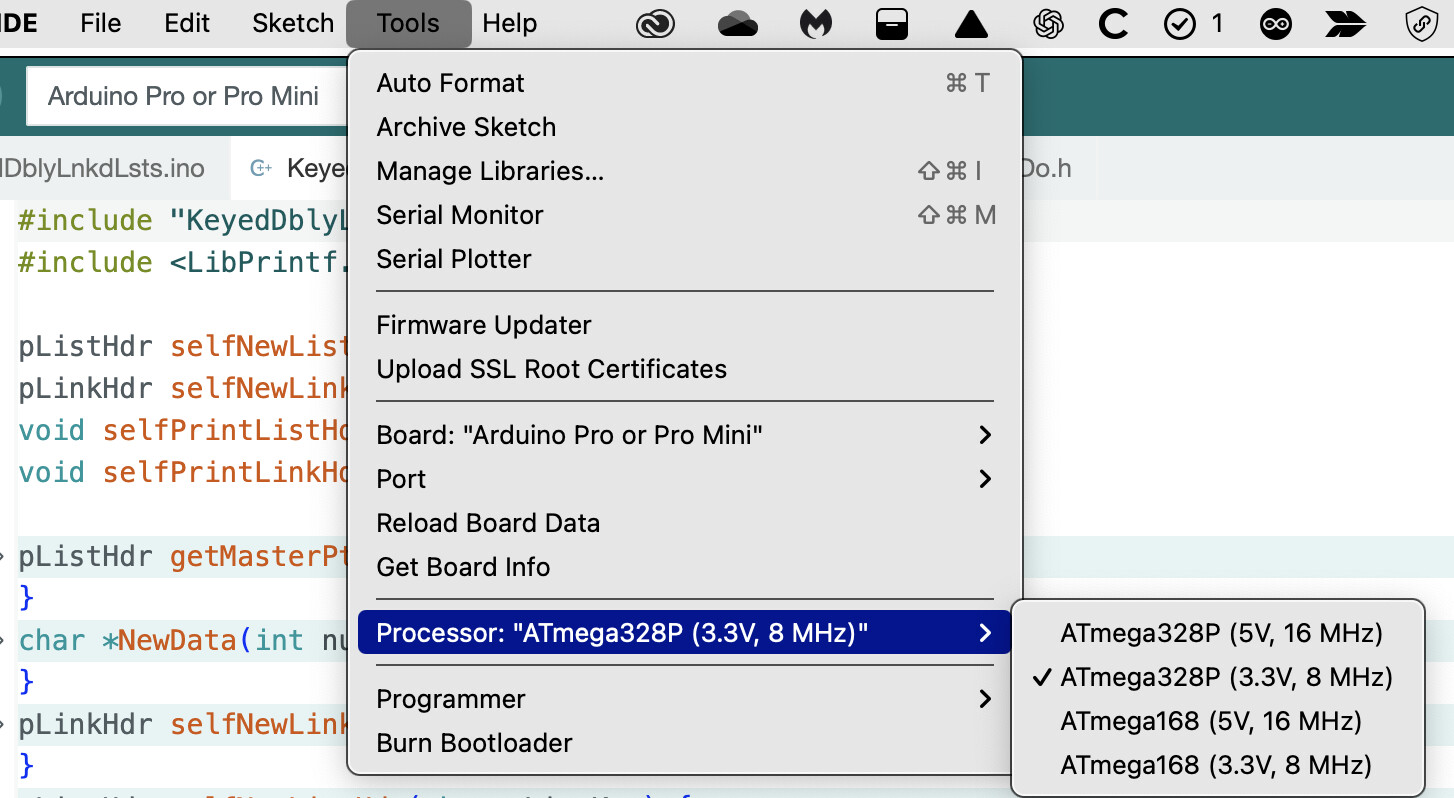
Um, reading is a key skill for a programmer. Here is what is on the datasheet for the Stalker. It has NO USB port, it is a device NOT a board. Pic 1 is what you set the Arduino IDE to and the second is the IDE fully set up.
I was reviewing my earlier post and something doesn't make sense. Your best bet is to contact Seeed and get their input. Don't take this as gospel, but everything I looked at is old IDE1 stuff so maybe they dropped support. Only Seeed can tell you for sure.
Next I used IDE 1.8.19 to try to install the board package (same URL) and that worked flawlessly.
I suggest that you install IDE 1.8.19 (next to IDE 2.x); easiest will be to download the ZIP version and extract it. Next run it, add the url https://raw.githubusercontent.com/Seeed-Studio/Seeed_Platform/master/package_legacy_seeeduino_boards_index.json under file → preferences, go to the boards manager, search for Stalker and install it.
Once installed the Stalker board will be available in both IDE 1.8.19 and IDE 2.x. You can delete IDE 1.8.19 if so desired; I would keep it installed in case you ever have to upgrade the Stalker board package.
If you're not interested in upgrading, you can delete the extracted 1.8.19 directory and remove the URL from file →preferences in IDE 2.x so you don't get upgrade notifications.