I'm trying to get this touch screen LCD shield working on an Arduino Mega but no matter which library or example I try, I just see a blank screen. Any ideas? I'm at a loss.

I see "ILI9488" ticked on the board. Did you select that in the code?
Does the shield fit on the Mega? The photo is too sideways to know...
With those kinds of display, trial and error won't help you. You need some research and a bit of intuition.
Use the LCDWIKI_KBV and its touch example, the settings I use are:
LCDWIKI_KBV tft(ILI9486, A3, A2, A1, A0, A4);
TouchScreen ts = TouchScreen(6, A1, A2, 7);
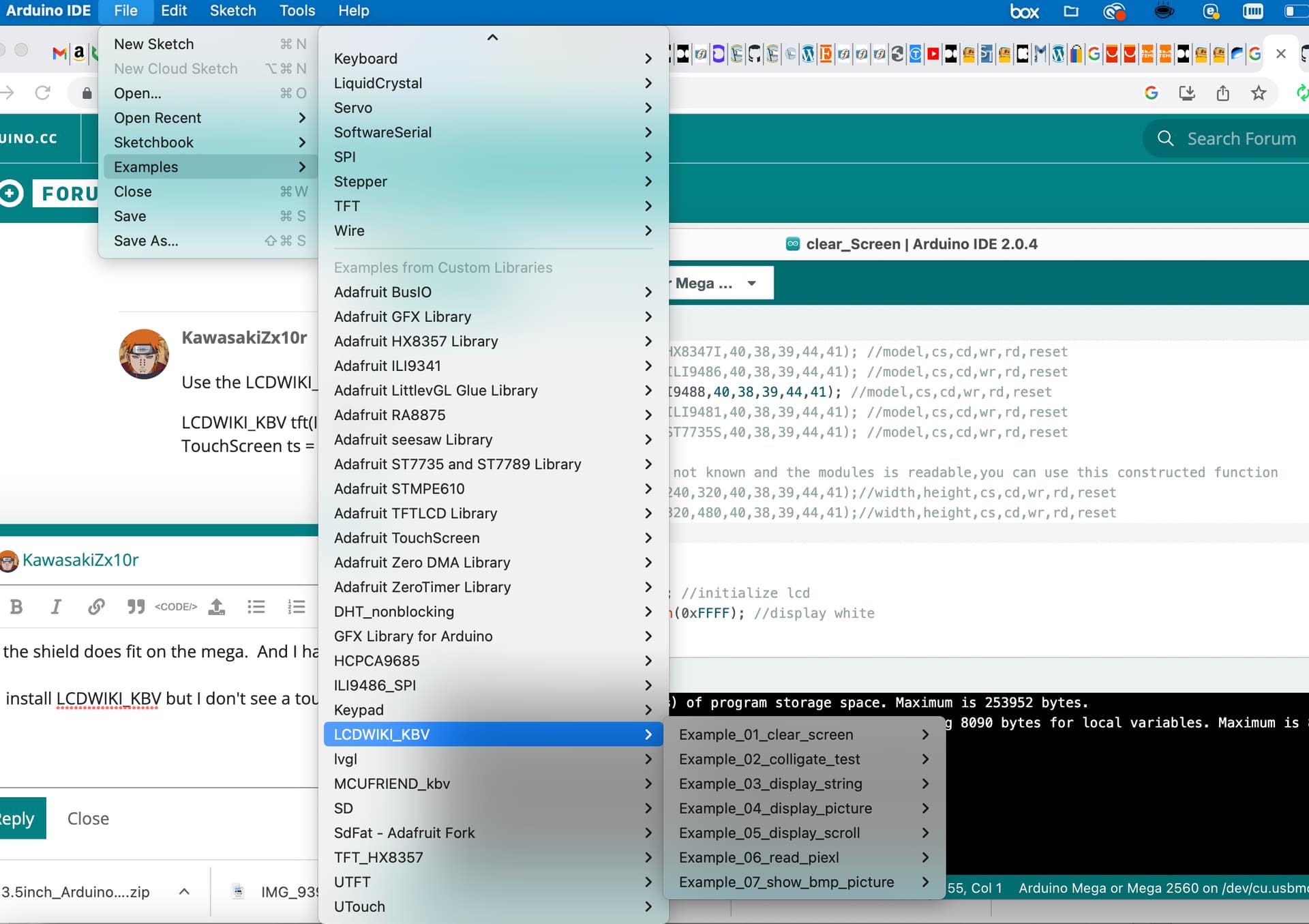
hmm, I have a better version of that library that i modded myself, you can have a copy it has everything all in one and it quite a bit faster and a new fonts system ect, and touch calibration and such, if you want some more fonts your need my font tool which creates the fonts. oh and i think just one of the examples has not been updated yet to use my new functions names but all the main examples work.LCDWIKI_KBV - Google Drive and Release - Google Drive if you want the source code for the font tool i can give you the C# sln files.
Thanks but I'm unsure how to handle the fonts for your library. However, I was able to use the MCUFRIEND_kbv library to successfully run the calibration and then some of the examples... so I think I have enough to start with using that where I'm able to do some basic touch buttons and screen printing.
just run the exe and select and font you want, the size and style and click generate, it will then show a prevue, you can just close it at that point, or you can edit or crop all the glyths/icons manually or automatically using the menu, cropping the fonts removes the padding around the glyths, which in average saves 60% memory. It will create a header file with the font and then just include that header file in the project at set the font to it, the font name is the return struct name at the bottom of the header file, your see use cases in the examples. Oh and leave the output type to basic in the font tool.
I'm on a Mac though... so don't believe I can run the exe
This TFT is compatible with UTFT library.
Look for this:
Trying to get UTFT library working. currently all lines in memorysaver.h are commented out.
When I try this I get "Compilation error: 'ILI9488' was not declared in this scope":
// Remember to change the model parameter to suit your display module!
UTFT myGLCD(ILI9488,38,39,40,41);
When I try this I get a blank screen:
// Remember to change the model parameter to suit your display module!
UTFT myGLCD(ILI9486,38,39,40,41);
So, I'm not sure what model parameter I should be using to get UTFT working. Any suggestions on what to try next?
Looks like ILI9488 is not officially supported or it it has been removed.
You can try this version.
Since you are using an Uno shield the definition should be:
UTFT myGLCD(ILI9488, A5, A4, A3, A2);
Ok, I'll give that a try. Also, FYI, I'm using a Mega shield so I believe 38,39,40,41 are correct
No, this shield is for Uno.

There's no connection to pins 38, 39, ...
Huh... ok... strange. Here is what I bought: https://www.amazon.com/gp/product/B07MJBT948/ref=ppx_yo_dt_b_search_asin_title?ie=UTF8&psc=1
And I have it mounted on a Mega. But that could explain why I'm having issues
With the right settings it will work with Mega too.
Still no luck using UTFT with the following:
UTFT myGLCD(ILI9486, A5, A4, A3, A2);
Still getting a blank screen