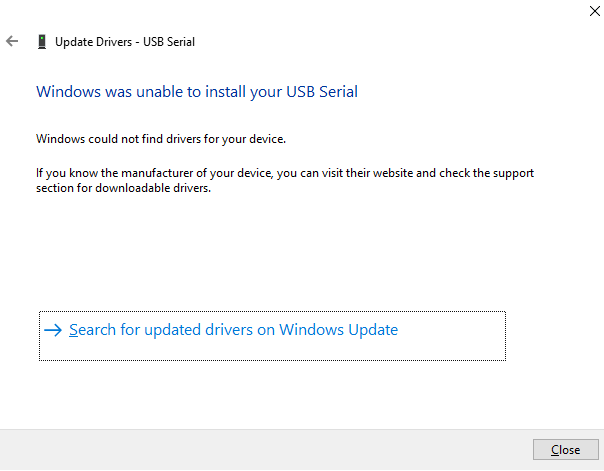
I've been trying to use the Arduino nano I recently bought for a school project of mine and found that the reason I couldn't see the port selection tab was that I had not installed the proper drivers. When I went to the page for the driver tutorial and repeated the steps, my computer told me "Windows could not find drivers for your device", despite the fact that I had selected the folder in my arduino ide installation with the drivers.
Any help would be appreciated, hopefully, it's not something that can't be fixed.