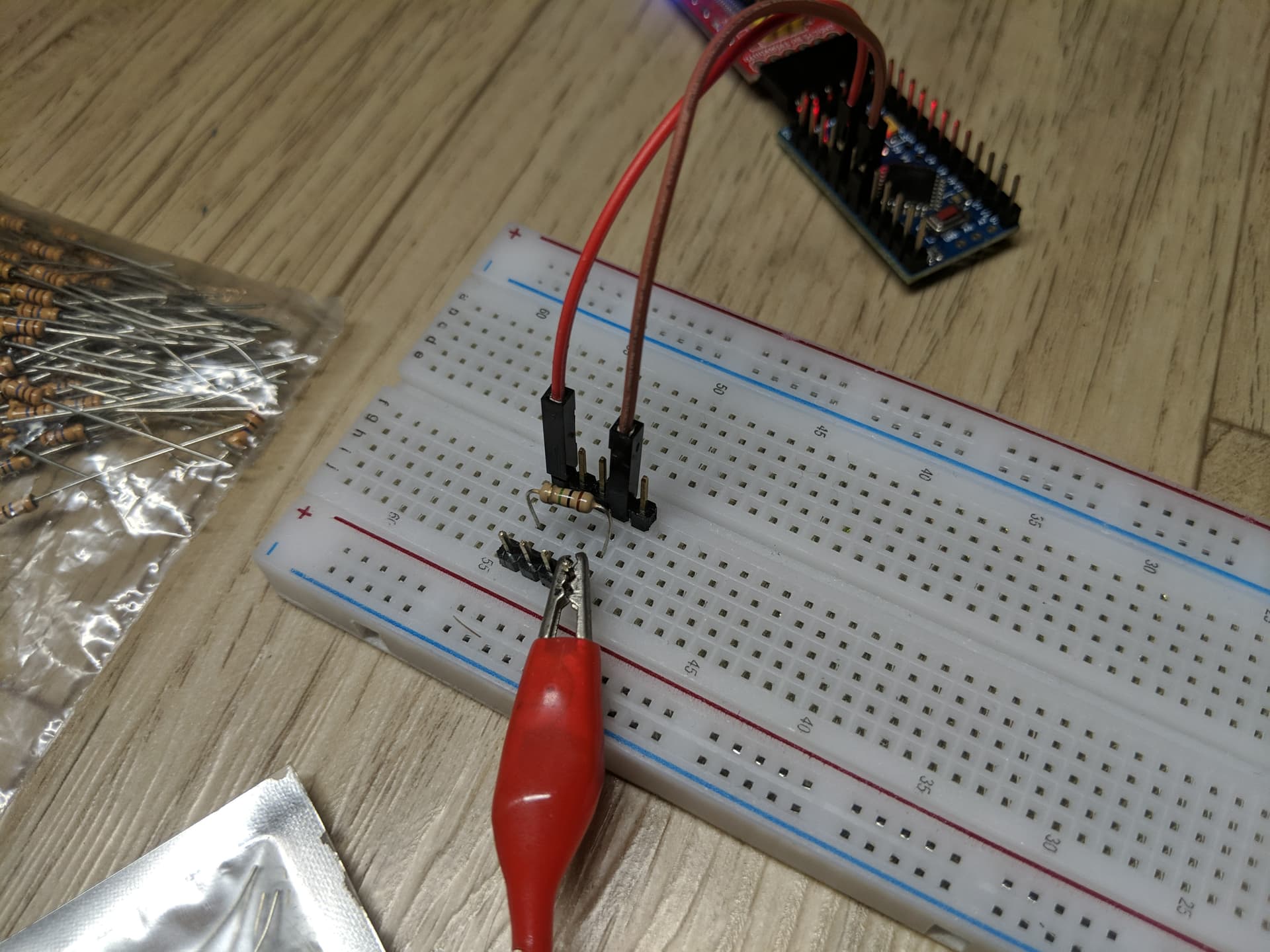
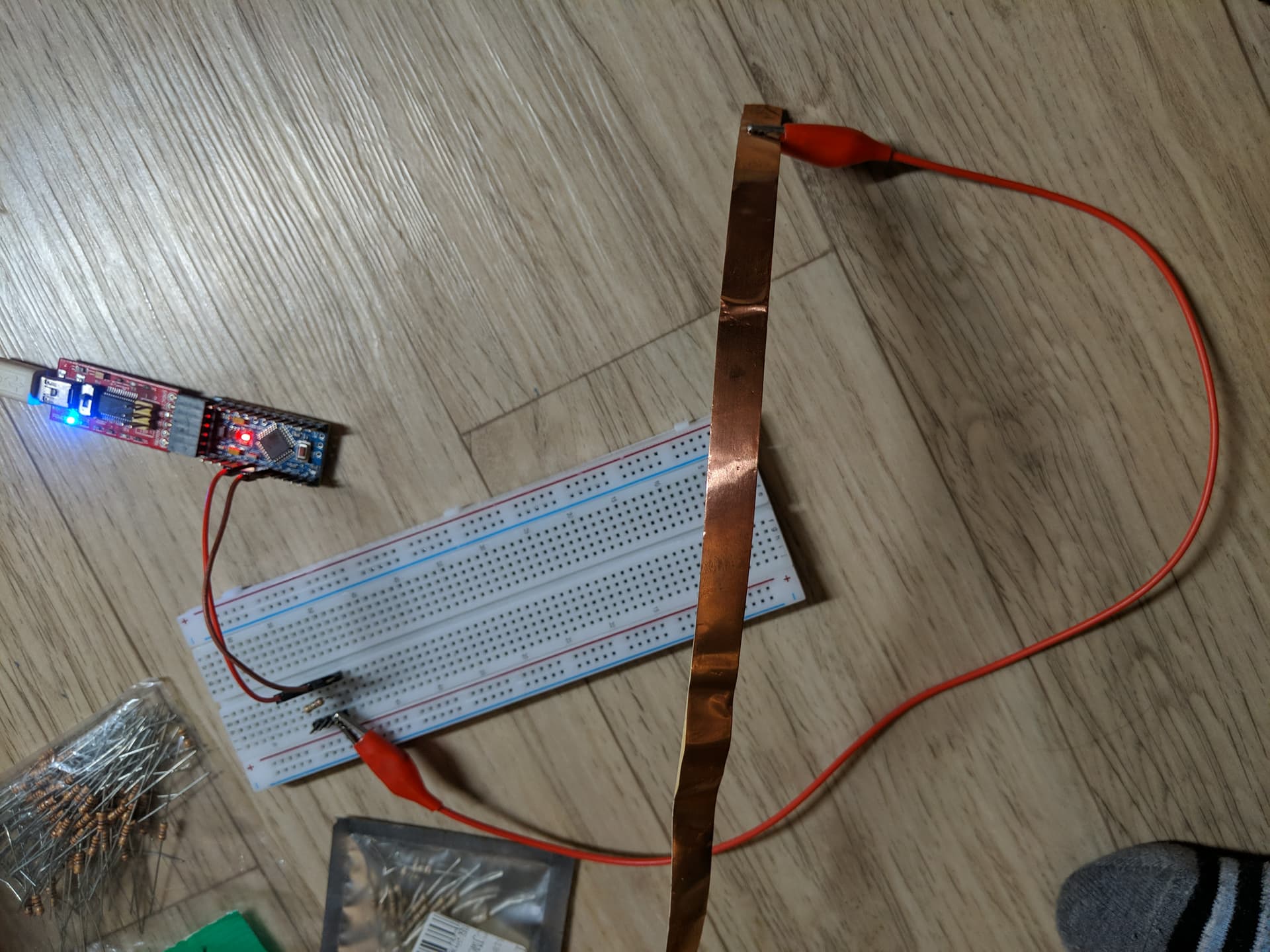
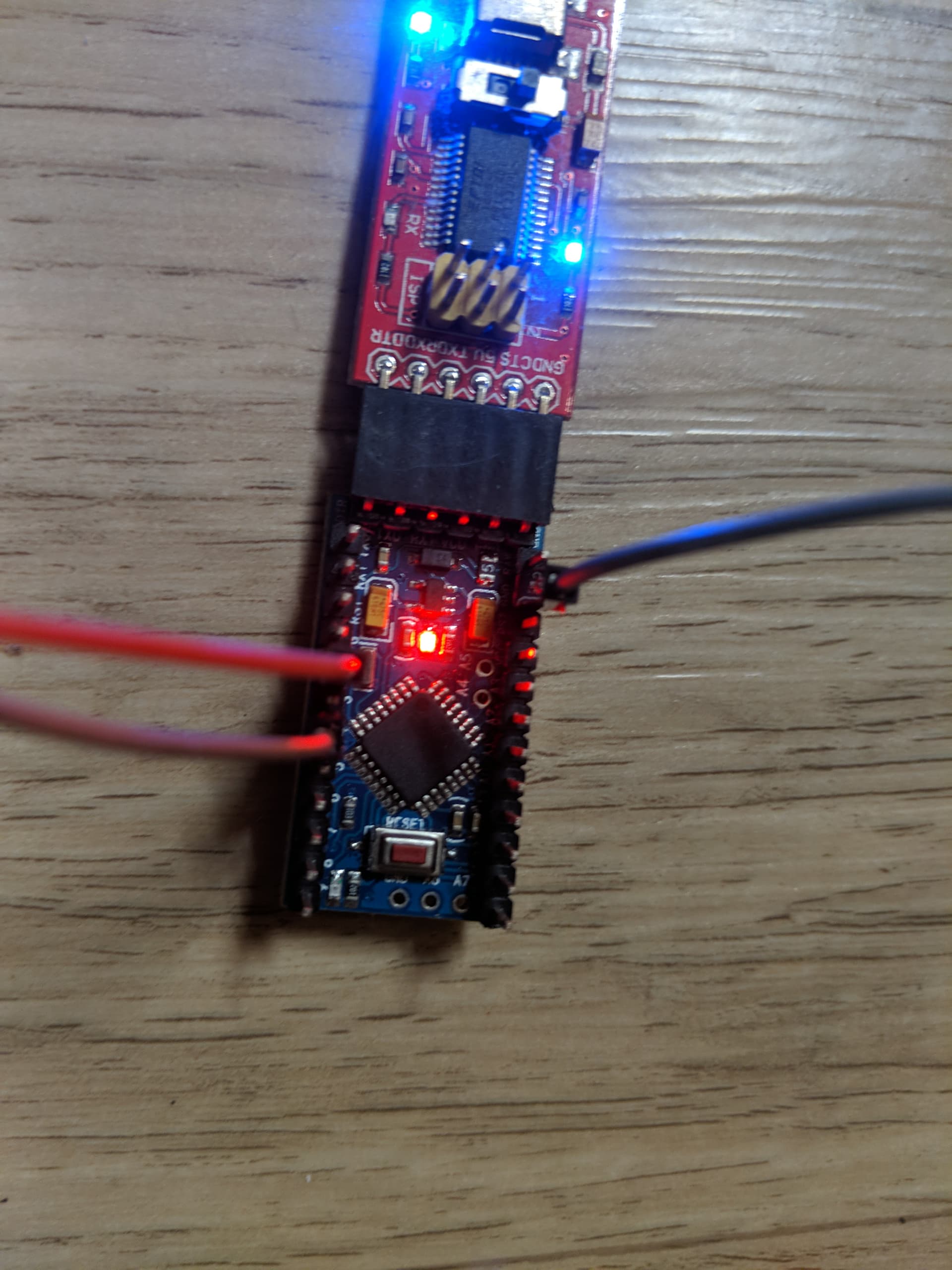
Hi, I am trying to make a simple proximity/touch sensor and I can't figure out what's wrong. It's the classic setup of pin 2 sending and 4 receiving with copper tape as the touch interface. Here is the code:
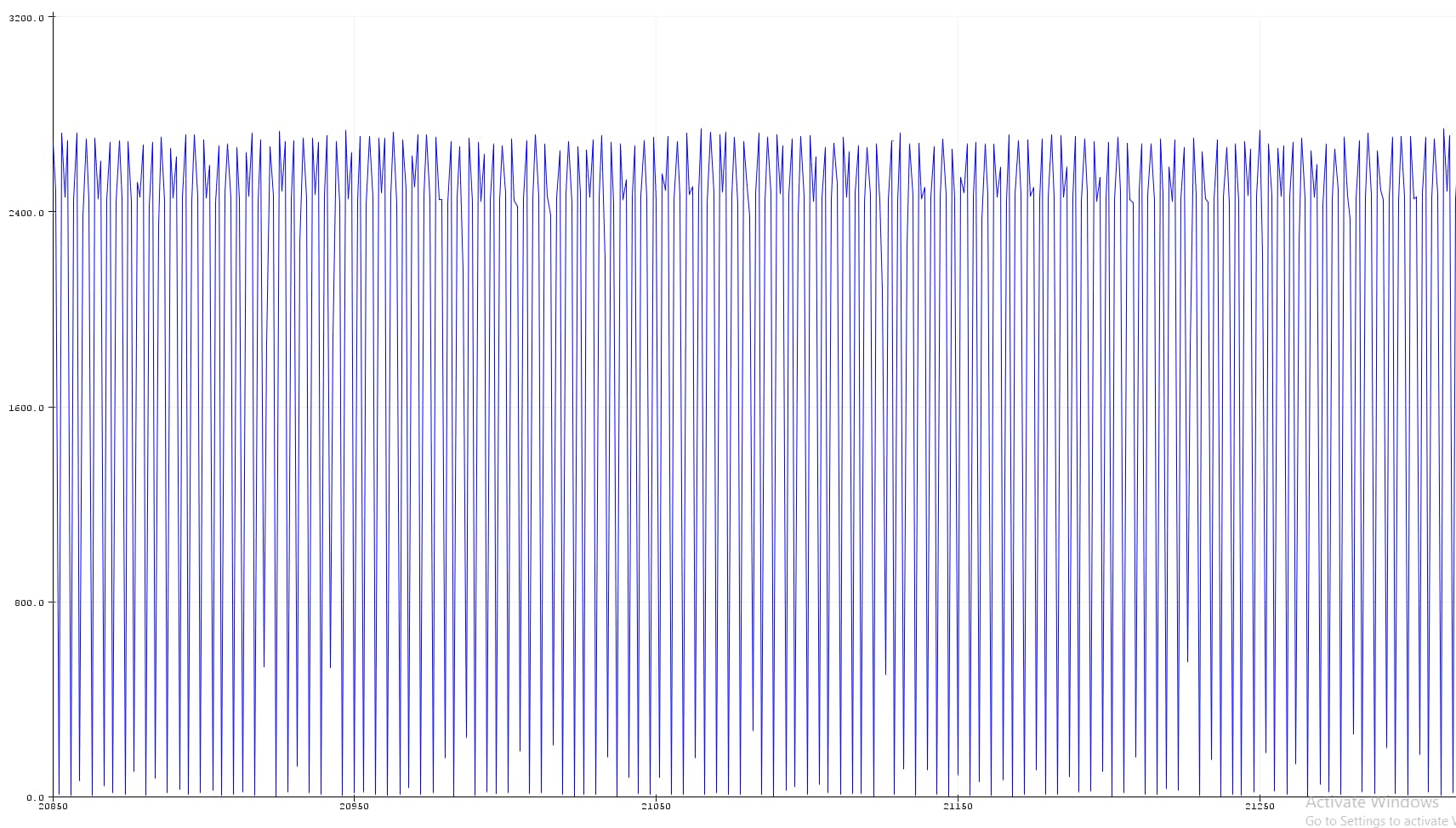
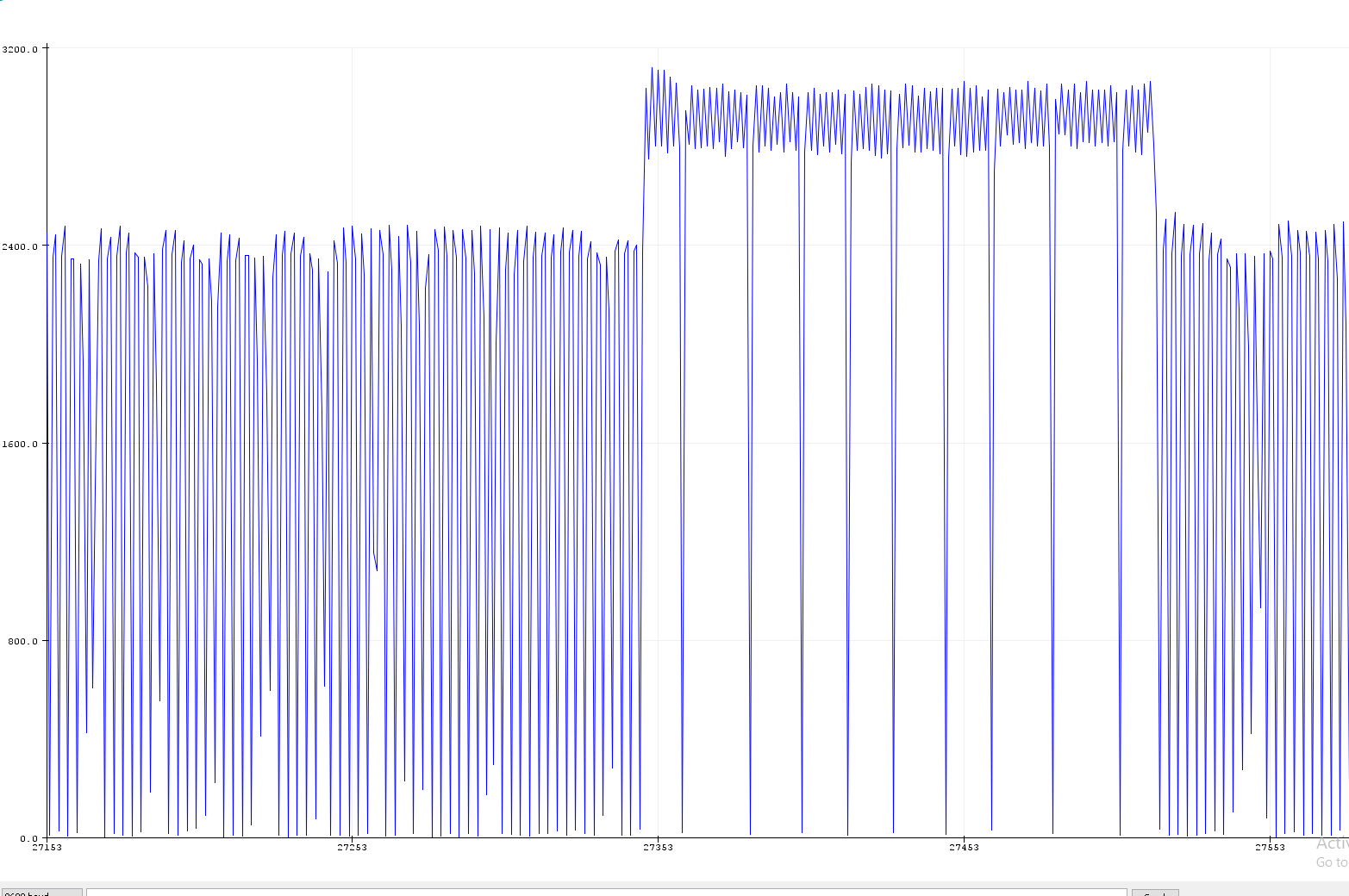
I'm a new user so I can't post more pictures in this post, so I will post pictures of the readings below.
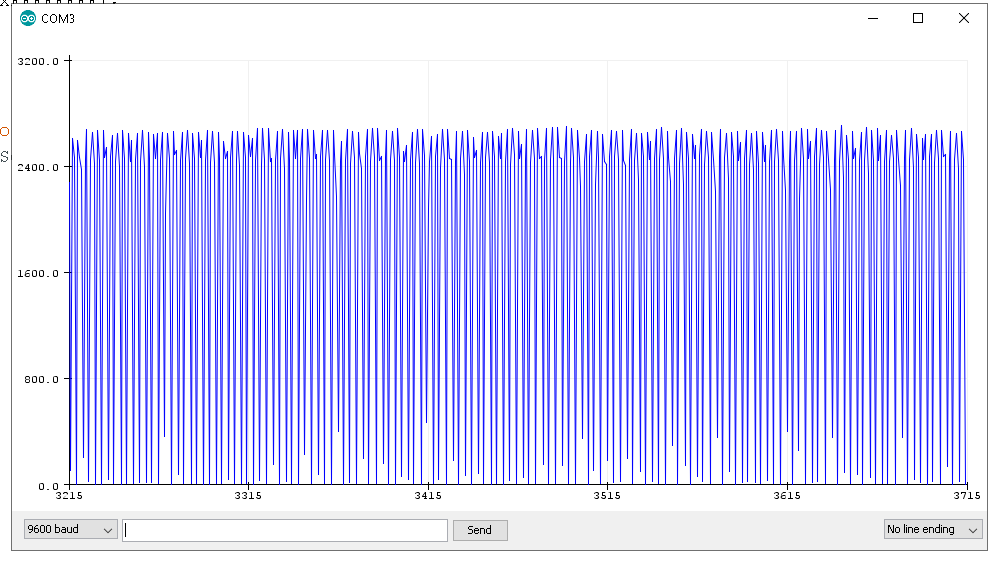
I used both the raw readings and the auto-calibrate readings. The first two are with no touch and the second two are with touch. Clearly something is working, but I can't figure out why this data is so erratic with periodic drops.
I got this touch function working in another project but just can't figure out what's going on! Thank you in advance for any help you can offer!
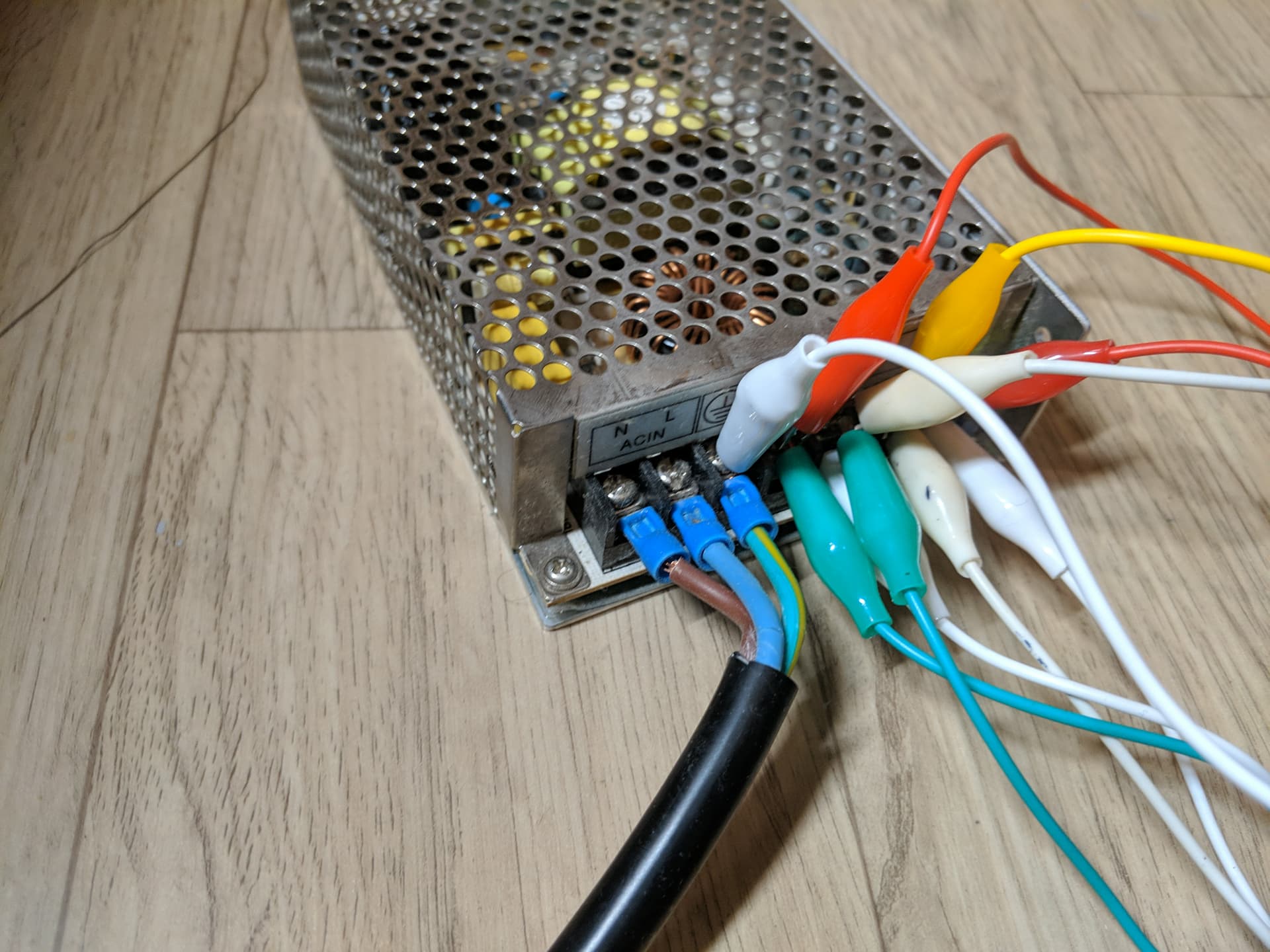
Thanks for your quick response! I had tried researching this issue before posting and it seemed like the ground through the PC was enough (it's not connected to a laptop). I tried a direct earth ground connection as you can see here. I apologize for the messiness.
Also, any thoughts on why proximity isn't being detected? I'm using a 7.6M ohm resistor, which seems like it should be picking up something other than direct touch. I'm guessing that the issues are somehow related.
Noise is usually from floating pins. Try a "pulling resistor" for example, if your sketch is waiting for a HIGH from your sensor, use a "pulldown resistor" of 330 ohm to a ground pin (and pullup to Vcc if your sketch waits for a LOW).
Use shortest wires possible.
"Pull" all unused pins to keep the pins from becoming receive-antennae.
I tried as you suggested but didn't notice a significant difference. I will keep it in mind for the future though, so I appreciate the suggestion!
However, I did notice that when I was powering the setup from the computer alone via USB, it performed as expected. When I powered the setup from both the power supply and the computer, the data was noisy. I've given examples of a touch in both situations. As you can see, the touch when powered by USB is clean and clear as expected, while with the power supply it goes up and down.
So, I tried another power supply and got expected results! However, it was 12 V so I had to run it through a buck converter. I wondered if the buck converter had a "cleaning" effect on the electricity, so I powered the project using the original power supply unit but running it through the buck converter and again got bad results.
Am I correct in concluding that among these cheap switching power supply units, some just produce "dirty" power and aren't suitable for powering capacitive touch projects? If so, is there a way to know in advance whether they will be suitable or not? They aren't terribly expensive, but if I have to buy 10 to find one good one, it's not very economical.
Just to add a little more information, I tried running the project off of my laptop and again got good results. So did I just by chance get a bad power supply and should expect that most would be suitable?
Capacitive touch sensors only work reliably when there is a much larger ground area near.
Best design is the touch area surrounded by a ground plane (grounded to Arduino ground). See this picture.
Touch sensor is a misnomer. You should not physically touch a touch sensor.
They should work through an insulator, like glass or perspex.
Leo..
Capacitive touch sensors only work reliably when there is a much larger ground area near.
Best design is the touch area surrounded by a ground plane (grounded to Arduino ground).
Yes, I had heard that, though in this case an actual physical touch is preferred given the nature of the application. However, in the future I was going to build what you are talking about, so I was curious because my current application only senses an actual physical touch and not proximity like I've seen. As you can see in the images above, upon an actual physical touch there is a strong response, but before that, there's no response. Is the ground plane what allows for the sensing of proximity and not just physical contact?
If you want physical touch, then don't use capacitive sensing.
Just use a digital input pin to detect mains hum from your body (assuming you're near mains AC).
10Megohm resistor from a digital input pin to ground,
with a 1Megohm resistor between pin and copper strip (for some ESD protection).
Read the pin. It will be LOW without touch, and have a 50 (60) Hz pulse when touched.
Leo..
Just use a digital input pin to detect mains hum from your body (assuming you're near mains AC).
Interesting! I am already locked in to this design for the present, but I'm going to do another version in a bit and will give this a try! I had seen some people using this technique, but it seemed like it was a less desirable alternative for some reason. I confess that I'm not an expert in this field (which is why I'm asking these questions lol) so I didn't dive to deeply at the time, but I will try it out.
With regard to my problem above, do you by chance know anything about how to pick a clean power supply? I'm assuming I need a "clean" one but I really don't know. I just see that one power supply produces results I don't like while others don't and I don't know why.
Forget about that. You're chasing your tail, regarding capsense and grounding.
Thanks for sticking with me! Can you be more specific?
As I mentioned, I've been able to get desired results with three out of four power sources I've tried, so I'm trying to determine how I can pick a suitable source without having to buy a bunch and hope they work. I'm wondering if there is some particular design, model, brand, etc. to look for.
I also learned two things from your code! First, I didn't ever think about digitalRead being a Boolen, but I guess HIGH == 1? And I didn't know you could put a conditional in digitalWrite! How did you know that? It's not in the reference: digitalWrite() - Arduino Reference. I love learning how to make code more elegant. Little is more satisfying than turning a big plate of spaghetti in a nice tight little packet of code :).
In case anyone is following this, I think I just had a bad power supply. I have tried a few others and gotten good results each time. So, there you go! Thank you @xfpd and @Wawa for your kind help!