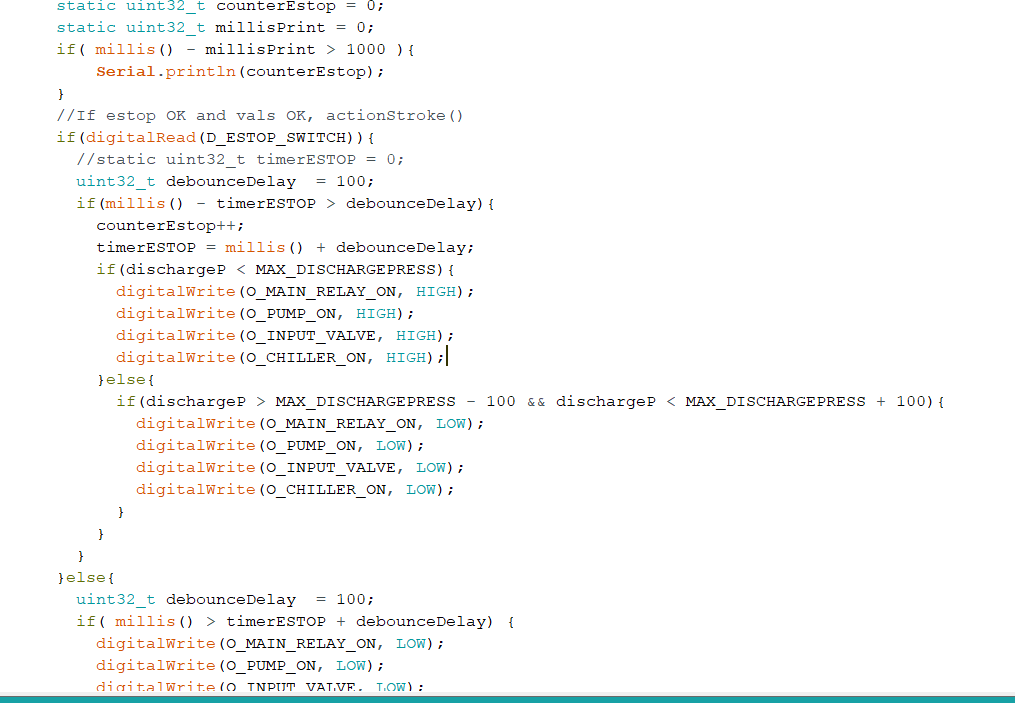
This is an example I used to apply one type of hysteresis using analog in A0. There are a few ways to use hysteresis in a software solution. You should be able to work from this as the remarks sort of follow what is happening. I forget what I even developed from this but I tried it and it does compile so now you at least have a start. The idea is to look at the code and get a good handle on what is going on.
// The baud rate is the number of bits per second transmitted over the serial port.
#define BAUD_RATE 9600
// This assumes a photoresistor is pulling A0 up and a resistor is pulling A0

// down. When the input is bright, the voltage increases, when dark, the

// voltage decreases.

#define INPUT_PIN A0
// Some version of the Arduino IDE don't correctly define this symbol for an

// Arduino Uno.

#ifndef LED_BUILTIN

#define LED_BUILTIN 13

#endif
/****************************************************************/

// Global variables.
// The state of the system can be captured with only two values, e.g., it is

// represented as a single bit. The following statement defines two symbolic

// values, one for each possible state.

enum state_t { IS_DARK, IS_LIGHT };
// Declare the state variable as a symbolic value.

enum state_t state = IS_DARK;
// The hysteretic response is defined by using two thresholds.

const int light_threshold = 700;

const int dark_threshold = 300;
/**************/

/ Standard entry points for Arduino system /

//
// Standard Arduino initialization function to configure the system.
void setup()

{

// initialize the Serial port

Serial.begin( BAUD_RATE );
// configure our trivial I/O

pinMode( LED_BUILTIN, OUTPUT );
// the LED start out ON to match the initial state

digitalWrite(LED_BUILTIN, HIGH);

}
/****************************************************************/

// Standard Arduino polling function.
void loop()

{

// Read the ambient light level.

int input = analogRead(A0);
if (state == IS_LIGHT) {

if (input < dark_threshold) {

Serial.print("Dark observed at input level ");

Serial.println(input);

Serial.println("Transitioning to the IS_DARK state.");
state = IS_DARK;

digitalWrite(LED_BUILTIN, HIGH);

}
} else { // state must be IS_DARK

if (input > light_threshold) {

Serial.print("Light observed at input level ");

Serial.println(input);

Serial.println("Transitioning to the IS_LIGHT state.");
state = IS_LIGHT;

digitalWrite(LED_BUILTIN, LOW);

}

}

}
/****************************************************************/
Keep a few things in mind. You have your pressure transducer providing your 4 to 20 mA loop. As I mentioned earlier that is likely 1 to 5 volts so you have a 4 volt span for your pressure range.
The above is merely an example and you will have to tailor it to your needs. The idea of the code using this method is to take a state and represent that state using two values. These become your high and low. Matter of fact you can change the LIGHT and DARK to HIGH and LOW.
I am very new to these forums and my take is that the objective is to help people but they learn and do the work part. So I don't want to upset the powers to be because I am getting to like the place. 
Does the code sample make sense now?
Ron