I am using GxEPD2 (which is based on Adafruit GFX) and want to drawImage() - a calendar template with some icons on it.
I kind of achieved what I wanted, but the icons are being placed one by one and having 20-30 icons will take a long time to fill the tables as each placement is around a second.
What I was hoping to achieve is to place the template and all the icons in perhaps a memory or something and then draw from that memory in one go.
Here is what I got so far: over the calendar template I am adding week day letters (all bitmap icons 16x16) based on the current day of week, and I would like it to appear all at once, not one by one.
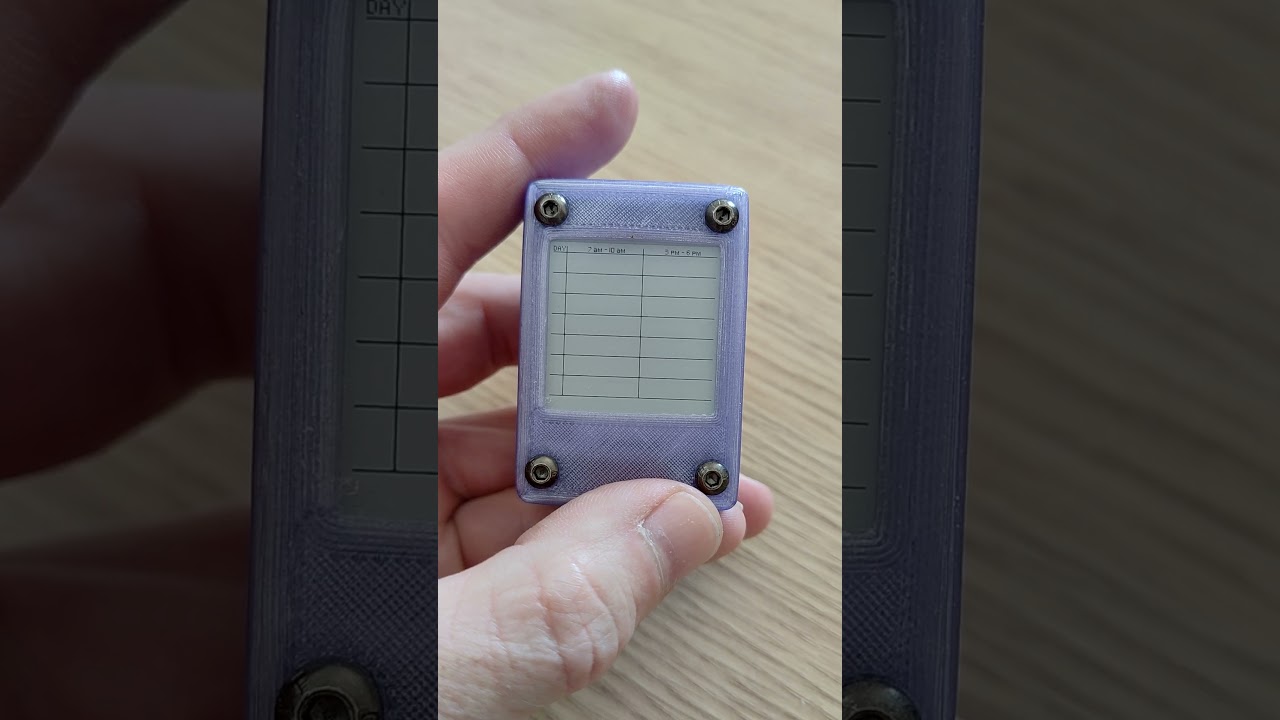
That is how I use it, first line is the calendar template, second line is the week day letter "S", third one is "M" :
display.drawImage((uint8_t *)epd_bitmap_Mockup_v2_MainScreen, 0, 0, 200, 200, false); // drawing the calendar template from bitmap
display.drawImage((uint8_t *)weekDays[0], 0, 12, 16, 16, false); // Black "S"
display.drawImage((uint8_t *)weekDays[2], 0, 37, 16, 16, false); // Black "M"
Later I add a black rectangle and invert the color of the week day like that:
display.fillRect(0, 9, 200, 24, GxEPD_BLACK); // Black rectangle over "Sunday"
display.displayWindow(0, 158, 200, 24);

display.drawImage((uint8_t *)weekDays[6], 0, 12, 16, 16, false); //White "S"
It is in a for loop and has some logic around the current week day in it, but I simplified it a bit. I hope this sample is enough to show how the code is constructing the view.
If anyone has some suggestions or a way to do it properly that would be great!
Thanks!
Vitally