I am working with an Arduino Uno board and encountered the following issues:
- IDE Port Option Greyed Out: Initially, the "Port" option in the Arduino IDE was greyed out.
- Driver Installation: To resolve the issue, I installed the CP210x USB to UART Bridge driver.
- Device Manager Error: After installing the driver, the device manager displayed the error:
4."Error 10 - Device could not start."
- Port Availability in IDE: Despite the above error, the "Port" option became available in the IDE, and I selected COM3.
- Upload Error: When attempting to upload a basic sketch to the Arduino Uno, the IDE returned the error:
7."avrdude: ser_open(): can't open device '.\COM3': The system cannot find the file specified. Failed uploading: uploading error: exit status 1."
Any way to fix this (could be a issue of my usb port, which is suspect is power only- instead of data?)
The serial-to-usb converter on that board looks like a CH340; can you find markings on it or is it absolutely blank?
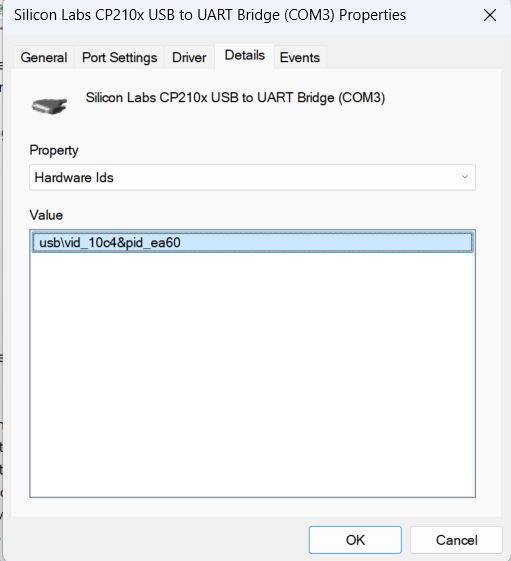
In device manager, double tap the port. It should tell you what the device is. Else you can select the details tab, select Hardware Ids from the properties drop down and post a screenshot.
Yes it indeed has a Ch340(as per the markings), i tried installing their drivers but it says "The driver is succesfully preinstalled in advance").
Anyways here are the screenshots of both the driver i earlier mentioned(in the first post) and that of the usb port
.
UPDATE: It was usb issue.
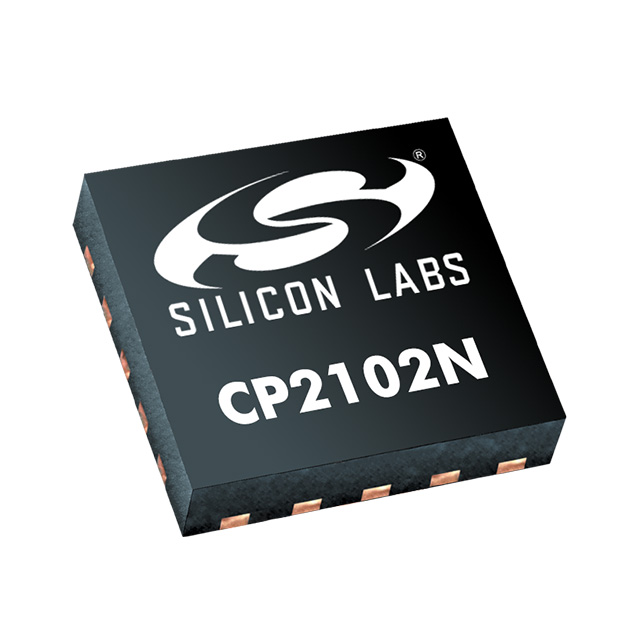
Your VID/PID indicate a CP210x and not a CH340. However the CP210x is only available in QFN package, not in SOP package as shown in your image.
CP2102 (product photo digikey)
So something does not seem to be right.
The issue wasn't drivers but my usb cable which was power only.
I'm still a bit confused how, with a good cable, Windows sees a CP210x but the board shows a CH340.
Unless that CP210x from the device manager info is not the Uno and the CH340 driver is the correct driver.
I actually manually installed CP210x in the device manager, it wasn't working anyways
The VID/PID are pulled from the chip by Windows and will even show if you don't have a driver installed.
But OK, I will let it rest; if you ever have problems with that board's communication I think that you will know where to look.