Hi,
I am an Master in Interior design Student and I am working on an Interactive art Installation project as my master's final project.
Can anyone help me out with the Code.
I am using PIR Sensor to activate and de-active the interactivity. Arduino UNO and PWM servo driver to control 9 servo motors. I want to create random servo movements when PIR sensor detacts "HIGH" and servo back to 0 position when PIR Sensor detacts "Low"
Well, it looks fun and it's very easy.
Do you already have the materials? The most important thing is the power source, and for that: how much weight do the servos have to move?
Do you already have an idea of how to interconnect everything? Upload what you have materials, electrical scheme and code.
Yes, I have all the material as per my limited knowledge.
Servo Motor's
PWM Servo Driver
Arduino Uno R3
External Power Supply (5v-6A)
Breadboard
PIR Sensor
Jumper Wires.
Based on Numberous videos I saw on Youtube I have connected proper in the right manner.
What I am struggling with is to find the right code.
Right now I am trying to control 9 servos without PWM Servo driver using external power supple to power servo using breadboard and connecting signal wire to arduino and the problem I am facing is that jumper wires are getting hot .
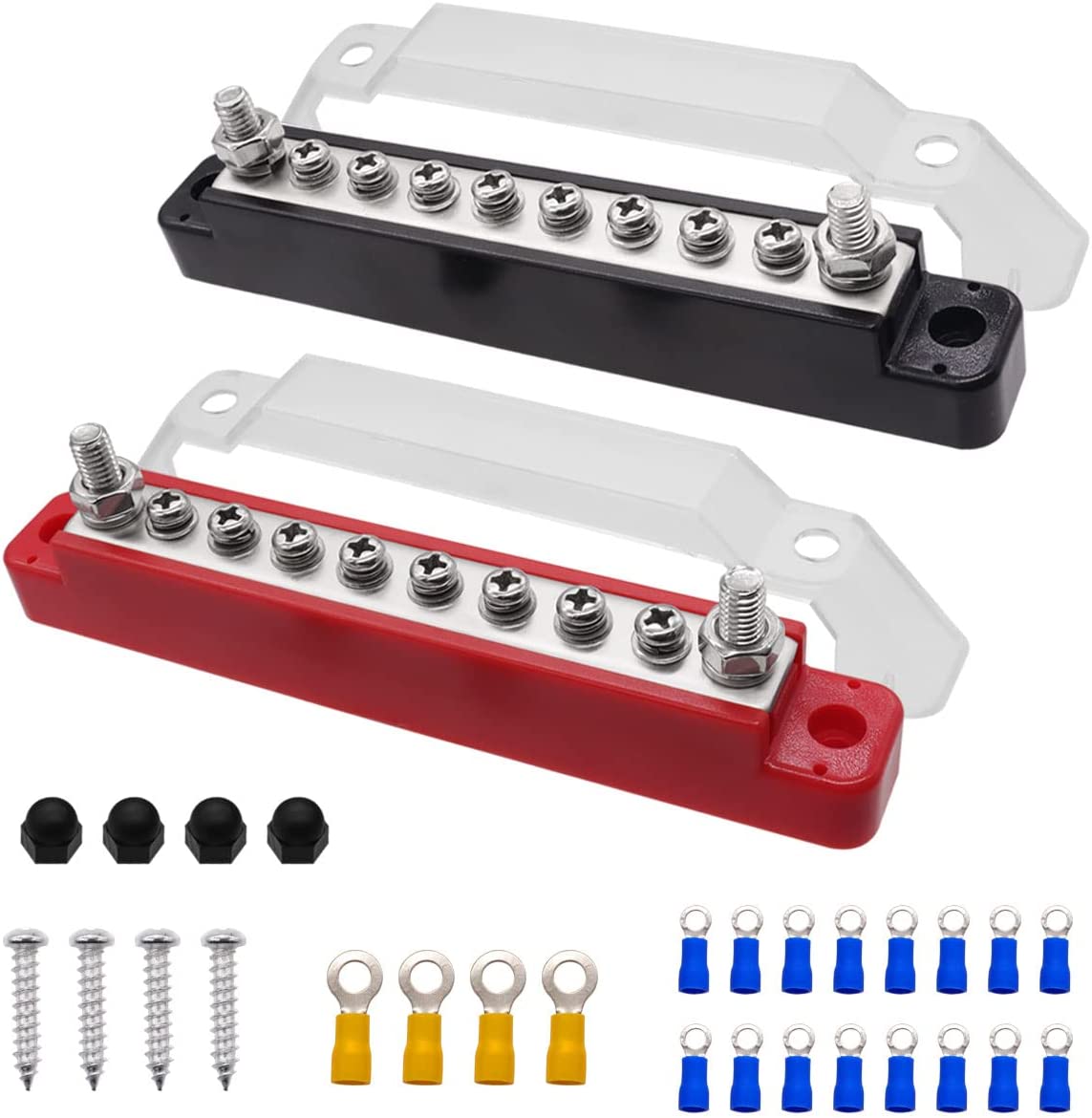
Each one of those plastic geared servos wants up to 1A each (800mA). A breadboard cannot handle 9 amps of current, as a note.
Which wires are getting hot?
Please follow the advice given in the link below when posting code, in particular the section entitled 'Posting code and common code problems'
Use code tags (the </> icon above the compose window) to make it easier to read and copy for examination
Use the IDE autoformat tool (ctrl-t or Tools, Auto format) before posting code in code tags.
Please include the entire error message. It is easy to do. There is a button (lower right of the IDE window) called "copy error message". Copy the error and paste into a post in code tags. Paraphrasing the error message leaves out important information.
"Right now I am trying to control 9 servos without PWM Servo driver" Mean I have attached all the servo's Power and Ground wire to 5V power supple using breadboard and attached the signal wire of all 9 servos to arduino board.
Code that I have right now somthing like this:
#include <Wire.h>
#include <Adafruit_PWMServoDriver.h>

// called this way, it uses the default address 0x40
Adafruit_PWMServoDriver pwm = Adafruit_PWMServoDriver();

#define SERVOMIN  150 // this is the 'minimum' pulse length count (out of 4096)
#define SERVOMAX  600 // this is the 'maximum' pulse length count (out of 4096)

uint8_t servonum = 9;

void setup() {
  Serial.begin(9600);
  Serial.println("16 channel Servo test!");

  pwm.begin();

  pwm.setPWMFreq(60);  // Analog servos run at ~60 Hz updates
}


void loop() {
  // Drive each servo one at a time
  Serial.println(servonum);
  for (uint16_t pulselen = SERVOMIN; pulselen < SERVOMAX; pulselen++) {
    pwm.setPWM(servonum, 0, pulselen);
  }
  delay(500);
  for (uint16_t pulselen = SERVOMAX; pulselen > SERVOMIN; pulselen--) {
    pwm.setPWM(servonum, 0, pulselen);
  }
  delay(500);

  servonum ++;
  if (servonum > 9) servonum = 0;
}
In Image bellow, circle marked are the wires thats getting hot. I have also attached the photos of power supple that I am using to power arduino.
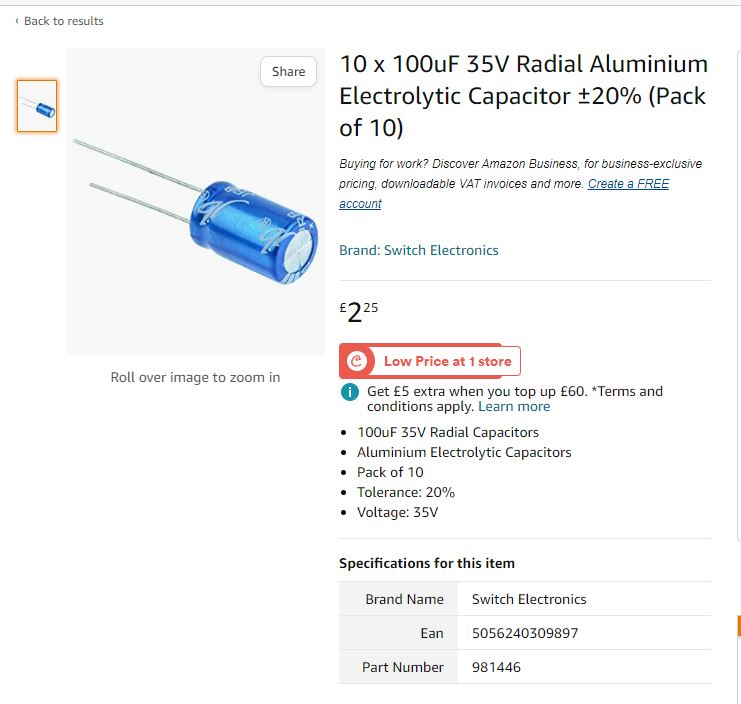
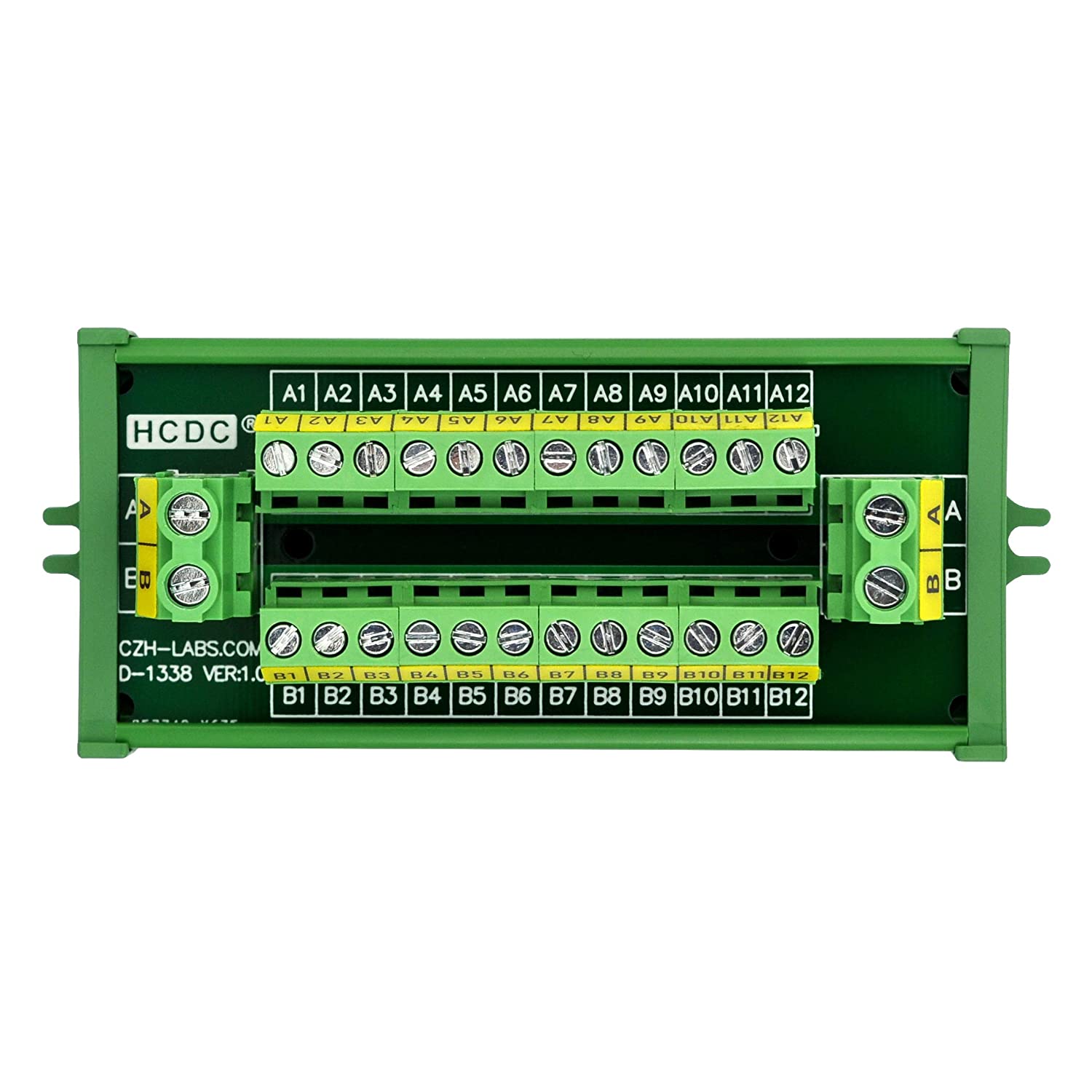
Those wires are too small. The power supply only gives 6 Amps, it is too small. The breadboard cannot handle 6 amps. With a switching power supply, you might want to add a filtering caps.
I see that you have been well advised, follow the advice of colleagues, just a few points regarding the power supply:
Those servos without load do not consume so much that power supply is enough. It would be necessary to take some numbers when they are moving weight.
At this moment the arduino is powered by the USB, in the future, in addition to the GND line you will have to power it also with the 5V of the external power supply. Don't forget to disconnect the external power supply before reconnecting the USB.
That PIR seems to be powered by the VIN. If so it is incorrect it should also go to the 5V from the servos.
And as for the code. Does that code as you have put it move you something? Well nothing for me, in fact not even the untouched examples of that library moves my servos.
I know why that code does not work. That code is for that servo expander board that you see at the bottom of the picture the PCA9685 .
If you are going to drive the servos directly with arduino try this other code:
Setup is working fine without connecting arduino ground to tha batteries. but i am new to this thing and if u say so, ill attach ground wire or arduino to the batteris. Thanks




 Thanks