Hello
3 years ago I developed some boards on Attiny3217, the program was created on Arduino 1.8 and I used the "export binary files" command to obtain a .hex file which allowed me to program microcontrollers from MPLAB IPE with PicKit4 or SNAP.
For a few days I have been working on another project with an ATtiny1614 on Arduino IDE 2.2.1 and the command to export binary files gives me an impossibility: The specific path cannot be found... It's true that with IDE 2 the SNAP and PicKit4 programmers are recognized, but is there still a way to create the .hex file?
Thanks in advance !
Christian
@ChristianHor
Message removed from French sub-forum
Hi @ChristianHor.
Do you mean that you are unable to find the files? If so, I'll provide instructions you can follow to find them:
- Open the sketch for which you want the binary in Arduino IDE.
- Select the board you want the binary to be generated for from the IDE's Tools > Board menu, as well as any other board configurations from the custom board menus under the Tools menu.
- Select Sketch > Export Compiled Binary from the Arduino IDE menus.
- Wait for the compilation to finish successfully.
- Select Sketch > Show Sketch Folder from the Arduino IDE menus.
The sketch folder will open in your file manager. - Navigate to the
buildsubfolder of the sketch folder. - Under the
buildfolder, you will find one or more subfolders. Navigate to the one that matches the board you compiled for (e.g.,megaTinyCore.megaavr.atxy4o).
You will find the .hex file in this folder.

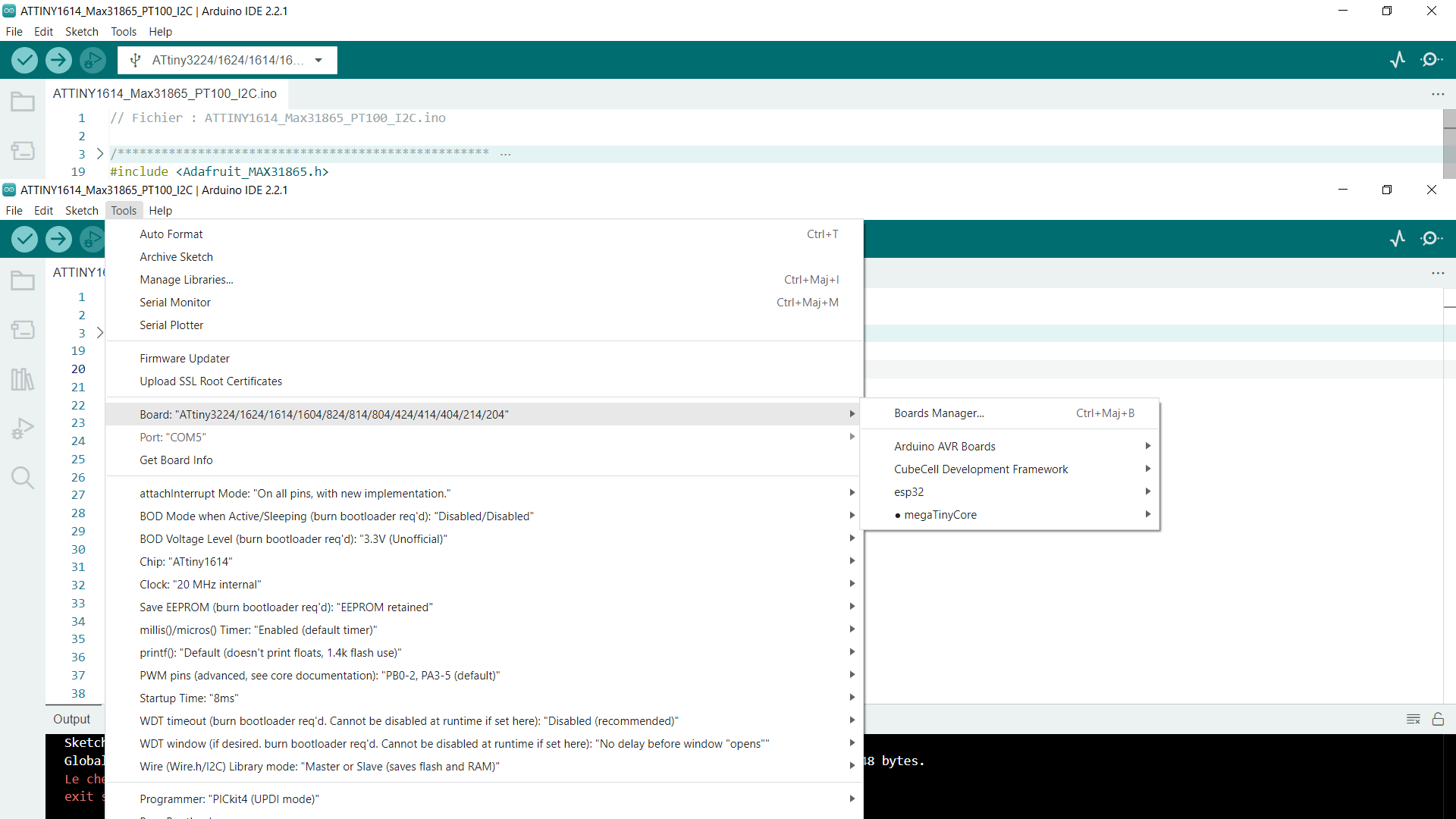

If you don't get a successful build, the .hex file isn't created, and neither is the "buid" folder.
Regards
Hello,
When I start compiling and programming, it works, and my microcontroller does what is expected.
However, I have to go through Upload Using Programmer.
It's when I export the binary file to get the .hex that it doesn't work.
Regards
Then you have done wrong to upload a screenshot in which there is compilation error. 
This compilation error message appears when I run the command: Export Compiled Library
The error message states that something (the file?) can not be found (sorry, my French is not up to scratch). But it seems to indicate a successful compile because the memory usage is reported.
If you enable verbose output during compilation in file / preferences and do a normal compile you should be able where the IDE puts the stuff and that way find the hex file. Look for the line "linking everything together"; the next line will contain the path of files in the temporary directory.
There is not much difference between IDE 1.x and 2.x from that perspective. This is from IDE 1.8.19 on a Linux system:
Linking everything together...
/home/wim/Downloads/arduino-1.8.19/hardware/tools/avr/bin/avr-gcc -Wall -Wextra -Os -g -flto -fuse-linker-plugin -Wl,--gc-sections -mmcu=atmega328p -o /tmp/arduino_build_621738/NetballTimer.0.10.ino.elf /tmp/arduino_build_621738/sketch/NetballTimer.0.10.ino.cpp.o /tmp/arduino_build_621738/sketch/display.cpp.o /tmp/arduino_build_621738/sketch/fsmMain.cpp.o /tmp/arduino_build_621738/sketch/gameConfig.cpp.o /tmp/arduino_build_621738/sketch/scorer.cpp.o /tmp/arduino_build_621738/sketch/timer.cpp.o /tmp/arduino_build_621738/libraries/Bounce2/Bounce2.cpp.o /tmp/arduino_build_621738/libraries/Wire/Wire.cpp.o /tmp/arduino_build_621738/libraries/Wire/utility/twi.c.o /tmp/arduino_build_621738/libraries/hd44780/hd44780.cpp.o /tmp/arduino_build_621738/../arduino_cache_61502/core/core_arduino_avr_nano_cpu_atmega328old_f50e817f4cc0fbbbc2c7e4d36ab1a98f.a -L/tmp/arduino_build_621738 -lm
Note: this does not explain the error that you get, just a workaround to find the hex (or bin) file.
There was a bug in previous versions of Arduino IDE that caused this failure when using MegaTinyCore:
The bug has been fixed (arduino/arduino-cli#2372, arduino/arduino-ide#2281) since Arduino IDE 2.3.0, but you are using version 2.2.1 which still has the bug. Please update to the latest version of Arduino IDE and then try again.
Thanks @ptillisch, saves me from installing that core and not being able to reproduce
Thank you both very much !!
I'm going to test ASAP verbose mode on the one hand and IDE 2.3.0 on the other!
Although the bug was fixed starting from 2.3.0, I recommend updating all the way to the latest version of Arduino IDE: 2.3.2. This way you will get the other enhancements and fixes that were made since the time of the 2.3.0 release.
After testing, both methods work:
- in verbose mode I identified the folder containing the .hex compilation
- with IDE 2.3.2 the installation of MegaTinyCore cards is done as in version 1.8.13,
and the export of binary files is done in the working folder.
Once again, thank you!
You are welcome. I'm glad it is working now.
Regards,
Per