I am using GitHub - fdebrabander/Arduino-LiquidCrystal-I2C-library: Library for the LiquidCrystal LCD display connected to an Arduino board. this library is in my code and the LCD is showing vertical lines instead of white spaces. Please help!!
Need help? ... how about...
Code?
Picture of the display?
Diagram of how everything is connected?
Code
#include <Wire.h>
#include <LiquidCrystal_I2C.h>

// Set the LCD address to 0x27 for a 16 chars and 2 line display
LiquidCrystal_I2C lcd(0x3F, 16, 2);

void setup()
{
	// initialize the LCD
	lcd.begin();

	// Turn on the blacklight and print a message.
	lcd.backlight();
	lcd.print("Hello, world!");
}

void loop()
{
	// Do nothing here...
}
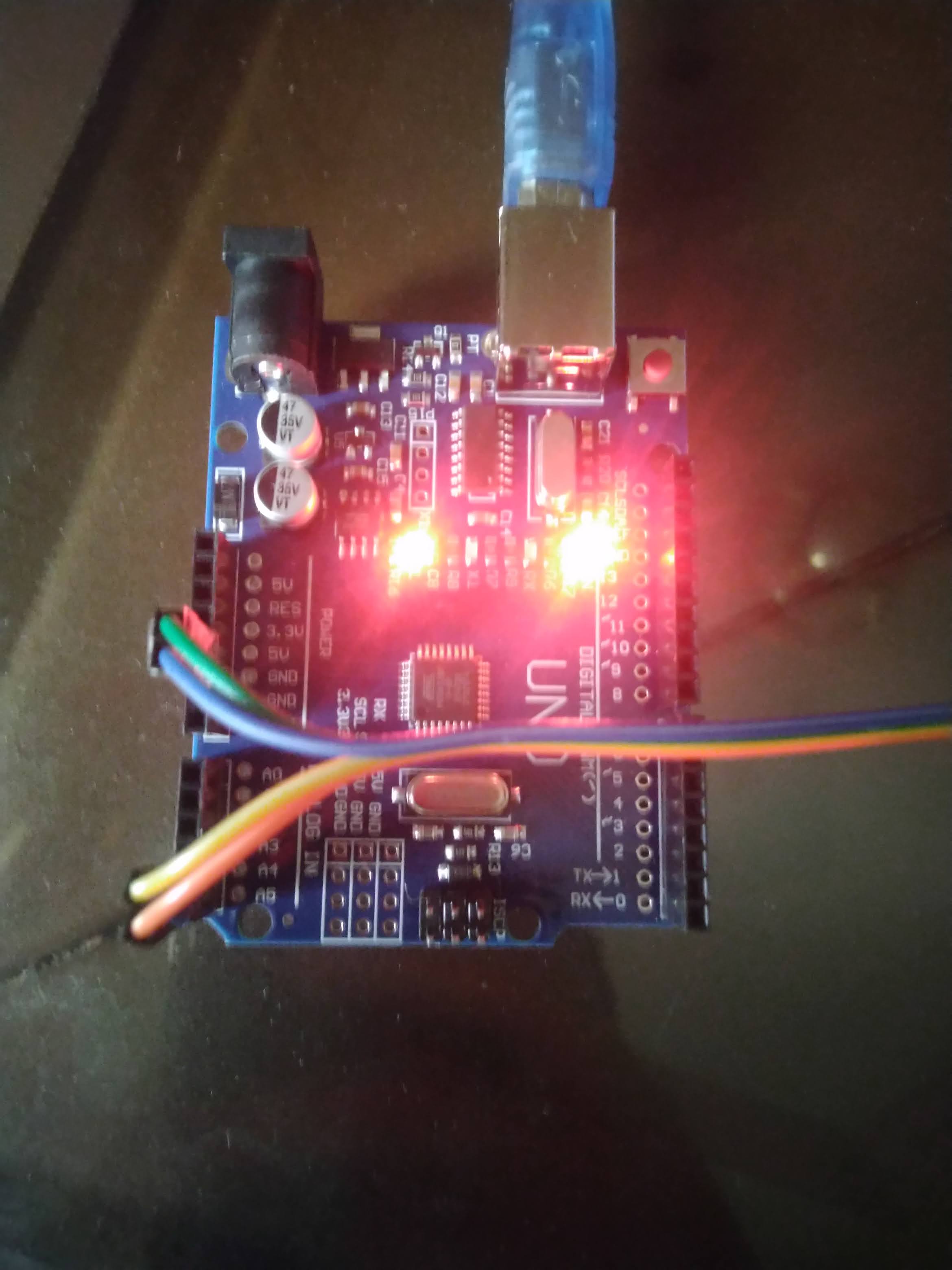

Please check , I have uploaded the photos and code
//use....
lcd.clear()
before lcd.print()You don’t have a 16x2 display but a 20x4
Use
LiquidCrystal_I2C lcd(0x3F, 20, 4);
No change in output.
Yeah, I changed that also but still the output is same.
So what’s the code you use Now?
#include <Wire.h>
#include <LiquidCrystal_I2C.h>

// Set the LCD address to 0x27 for a 16 chars and 2 line display
LiquidCrystal_I2C lcd(0x3F, 20, 4);

void setup()
{
	// initialize the LCD
	lcd.begin();

	// Turn on the blacklight and print a message.
	lcd.backlight();
  lcd.clear();
	lcd.print("Hello, world!");
}

void loop()
{
	// Do nothing here...
}
Your photo shows a 20x4 LCD.
Mind you, I would still expect the "first line" to work on both 16x2 and 20x4.
The mystery is : "Why have you chosen the fdebrabander code ?"
Life is much simpler (and reliable) if you install hd44780.h via the IDE Library Manager.
David.
The clear is not needed as begin() does so
Check the physical connection for your cables (change them) and the soldering job for the I2C backpack (did you do it yourself?)
I bought this module from local store
It works fine for me (agree hd44780 is faster/ better but the examples might be scary !)
Can someone explain what is going on with the libraries ?
The original repository by Frank de Brabander is here: https://github.com/fdebrabander/Arduino-LiquidCrystal-I2C-library, that is however no longer used.
In Arduino IDE 1.8.19 and Arduino IDE 2.0, in the Library Manager. There is a library called "LiquidCrystal I2C by Frank de Brabander". It points to: https://github.com/johnrickman/LiquidCrystal_I2C, that is used.
However, there is a note that it has been transferred to GitLab.
I can see nothing at GitLab without logging in.
Does the Arduino Library Manager use the GitHub version or the GitLab version ?
@anon49887758 This is a mess! Could you try the hd44780 library that others already wrote about ? You display could also be broken. Do you have another display ?
As suggested by you guys I have installed hd44780. Below is the code.
#include <Wire.h>
#include <hd44780.h>
#include <hd44780ioClass/hd44780_I2Clcd.h> // i2c LCD i/o class header

const int i2c_addr = 0x3f;
hd44780_I2Clcd lcd(i2c_addr); // use device at this address


// LCD geometry
const int LCD_COLS = 20;
const int LCD_ROWS = 4;
void setup()
{
int status;

  status = lcd.begin(LCD_COLS, LCD_ROWS);
  if(status) // non zero status means it was unsuccesful
  {
    // begin() failed so blink error code using the onboard LED if possible
    hd44780::fatalError(status); // does not return
  }

  lcd.print("Hello, World!");
}

void loop() {}
Output is still the same but now there is no backlight on display.
I ran the debrabander code on a 20x4 and it worked as expected.
It looks as if your LCD has a corrupted space character (0x20)
Since the other letters display correctly the library code is probably fine.
Run the hd7780.h diagnostic sketches. This may show up the problem.
It may also show up any other "Font" problems. e.g. other letters with extra pixels.
It is quite simple. Verify that something is wrong. Take the LCD back to the shop. They will replace it.
David.
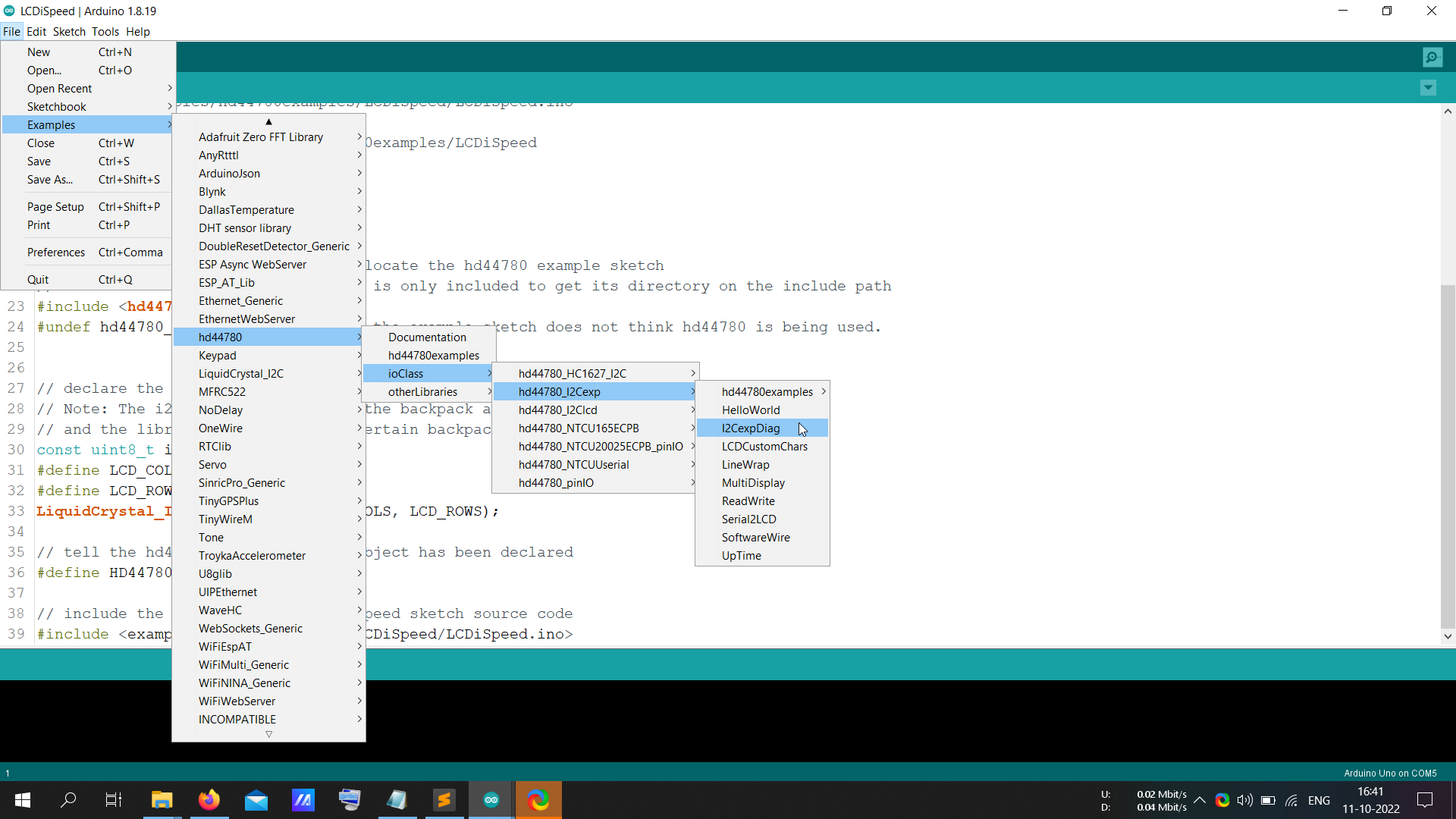
Run this code (adapted from hd44780 examples)
Study the characters. See if any are corrupted. Make a note of the values.
There are several "blank" letters in a regular Font. But since 0x20 is used for lcd.clear() it would be painful to change every "space" to a different specific "blank" letter e.g. 0x8C.
#include <Wire.h>
#include <hd44780.h>
#include <hd44780ioClass/hd44780_I2Cexp.h> // i2c expander i/o class header

#define LCD_COLS  20
#define LCD_ROWS   4

hd44780_I2Cexp lcd;

// minature digits
// To be used for the Custom characters
const PROGMEM uint8_t minidigit[10][8] = {
	{0x07,0x05,0x05,0x05,0x07,0x00,0x00,0x00}, // minature 0
	{0x02,0x06,0x02,0x02,0x07,0x00,0x00,0x00}, // minature 1
	{0x03,0x05,0x02,0x04,0x07,0x00,0x00,0x00}, // minature 2
	{0x07,0x01,0x07,0x01,0x07,0x00,0x00,0x00}, // minature 3
	{0x05,0x05,0x07,0x01,0x01,0x00,0x00,0x00}, // minature 4
	{0x07,0x04,0x06,0x01,0x07,0x00,0x00,0x00}, // minature 5
	{0x07,0x04,0x07,0x05,0x07,0x00,0x00,0x00}, // minature 6
	{0x07,0x01,0x02,0x04,0x04,0x00,0x00,0x00}, // minature 7
	{0x07,0x05,0x07,0x05,0x07,0x00,0x00,0x00}, // minature 8
	{0x07,0x05,0x07,0x01,0x01,0x00,0x00,0x00}, // minature 9
};


void setup()
{
int status;

	// initialize LCD with number of columns and rows:
	// hd44780 returns a status from begin() that can be used
	// to determine if initalization failed.
	// the actual status codes are defined in <hd44780.h>
	// See the values RV_XXXX
	//
	// looking at the return status from begin() is optional
	// it is being done here to provide feedback should there be an issue
	//
	// note:
	//	begin() will automatically turn on the backlight
	//
	status = lcd.begin(LCD_COLS, LCD_ROWS);
	if(status) // non zero status means it was unsuccesful
	{
		status = -status; // convert negative status value to positive number

		// begin() failed so blink error code using the onboard LED if possible
		hd44780::fatalError(status); // does not return
	}

	// initalization was successful, the backlight should be on now
	if(LCD_COLS > 8)
		lcd.print("LCD ");

	lcd.print("Charset");

	// Fill in the 8 custom characters with miniture digits
	// so they can be seen in the character set
	for(uint8_t i=0; i < 8; i++)
		lcd.createChar(i, minidigit[i]); // mini digit matching each codepoint

    delay(2000);
}
void loop(void)
{
static int c = 0;

	lcd.clear();
	if(LCD_COLS>15)
    	lcd.print("Codes 0");
    lcd.print("x");
	lcd.print(c, HEX);
    lcd.print("-0x"); lcd.print(c+LCD_COLS-1, HEX);

    if(LCD_ROWS > 1)
	{
    	lcd.setCursor(0, 1);
		for(int col = 0; col < LCD_COLS; col++)
			lcd.write(' ');
    	lcd.setCursor(0, 1);
	}
    else
	{
    	delay(2000);
		lcd.clear();
	}


    for(int j=0; j<LCD_COLS; j++)
	{
      	lcd.write((uint8_t)(c));
		if(++c > 255)
		{
			c = 0;
			break;
		}
    }
    delay(4000);

}