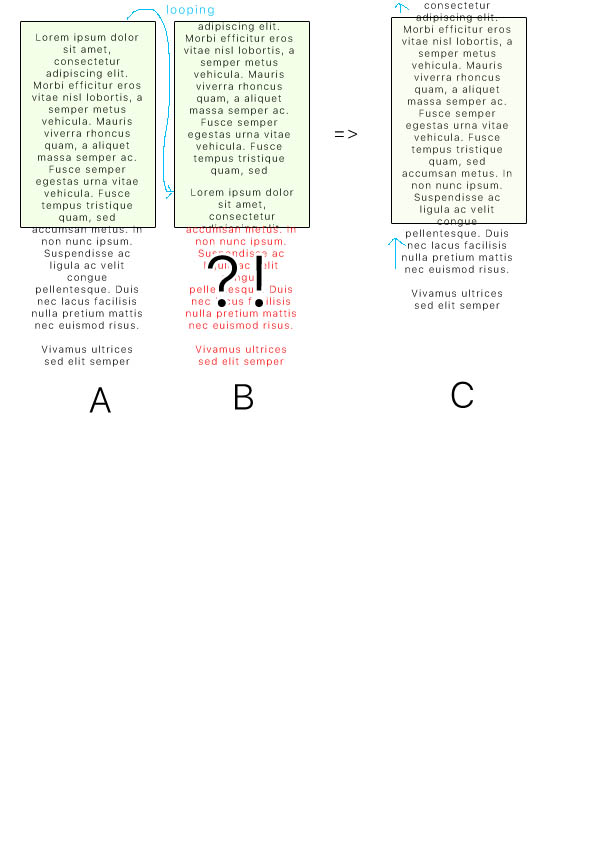
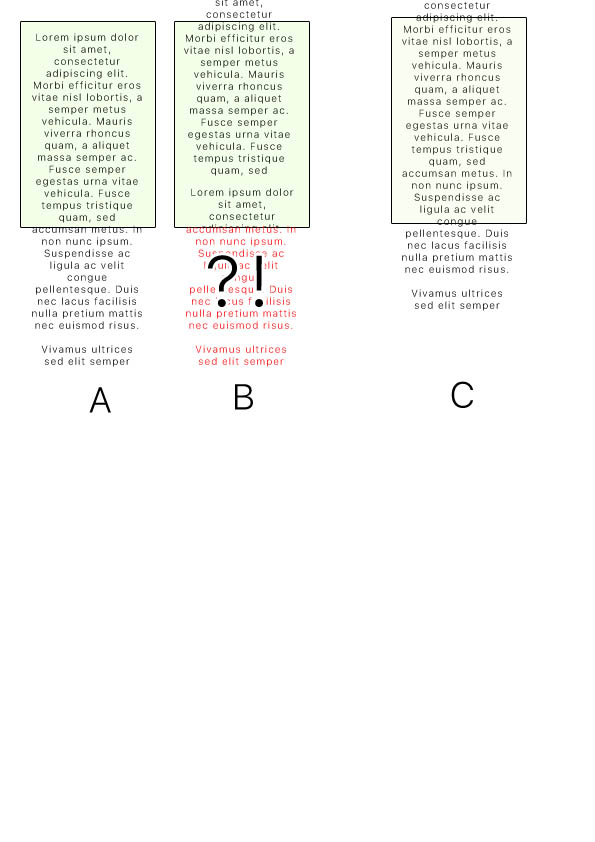
Take a piece of paper with 960 lines. marked 0..959
Then take another but mark it 0..479 and 0..479
Sellotape the second sheet into a loop.
Now place the second sheet on top of the first. Starting at 0 on both sheets.
Rotate the second sheet by 1. i.e. 1 at the top, 0 is showing at the bottom. Line the two line #1 on each other. The 0 is on top of line #480 now.
You can see how to display a scrolling vertical window.
Scrolling one line up means that you copy line#480 onto window location #0. Erase #0 first. Adjust the vertical scroll registers to display line#1 at the top of the window.
It is difficult to describe in text. Much easier with paper, pencil and sellotape.
Scrolling one line of text just involves writing the new bottom line into the correct place in physical TFT memory.
Your Arduino has plenty of SRAM to store the text. i.e. sheet #1 has 120 lines of text
Your TFT only has 480 scan lines. i.e. display 60 lines of text at any point in time.
I presume that you want your TFT to look like a VT100 terminal. smooth scrolling. or a typewriter with newline jerky scrolling.
To perform up and down scrolling you need to update the physical TFT GRAM memory i.e. make new text appear at the bottom of the screen. (or top of screen with scroll down)
Your project appeared to require 2000 lines of text (16000 scan lines on a TFT)
So you are always displaying a small "window" onto your 2000 lines of text.
Think about 1980s Unix editors and remote Terminals. The editor manipulates small chunks in RAM memory from a large file on hard disk. Great care was required to minimise the comms traffic over a slow phone line.
Incidentally, 1980s video controllers had a similar arrangement for Vertical Scrolling.