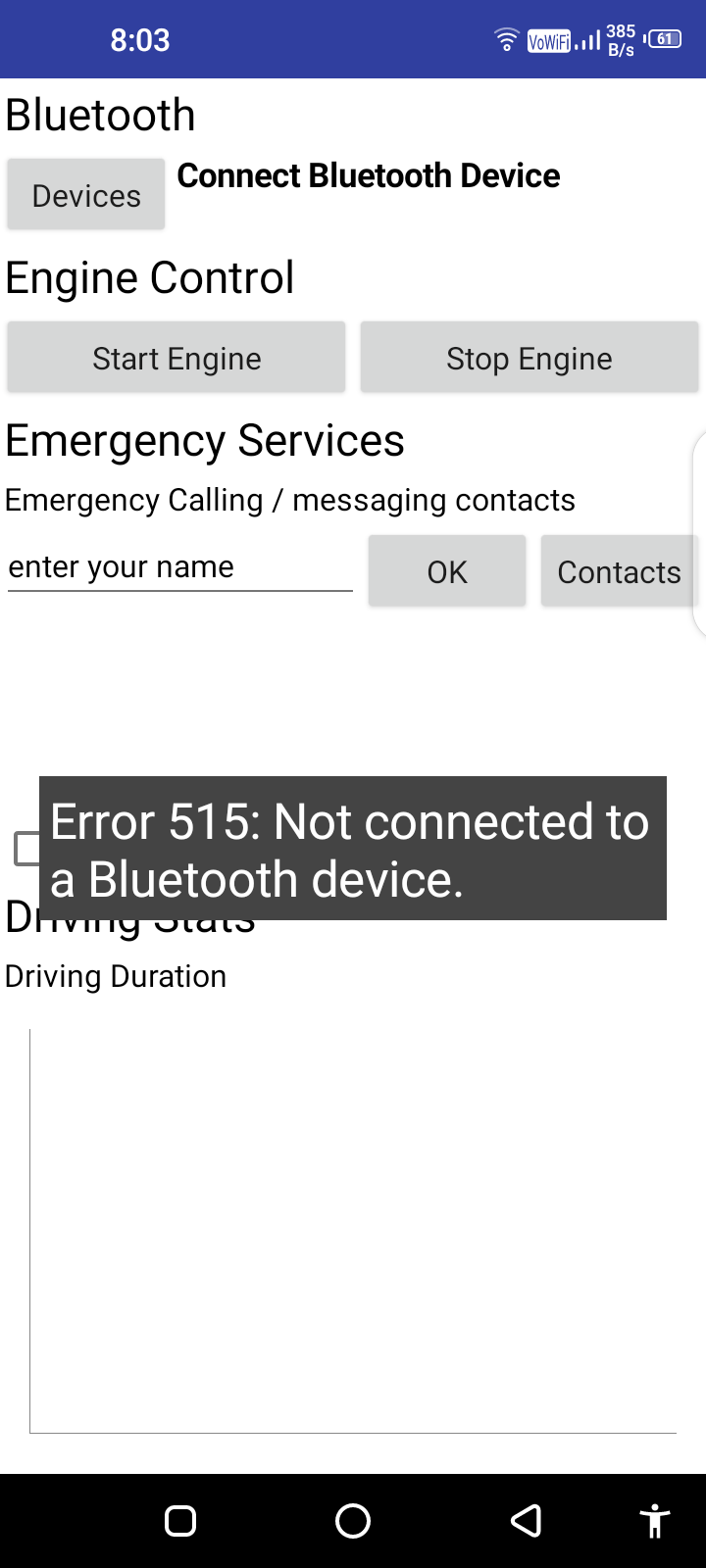
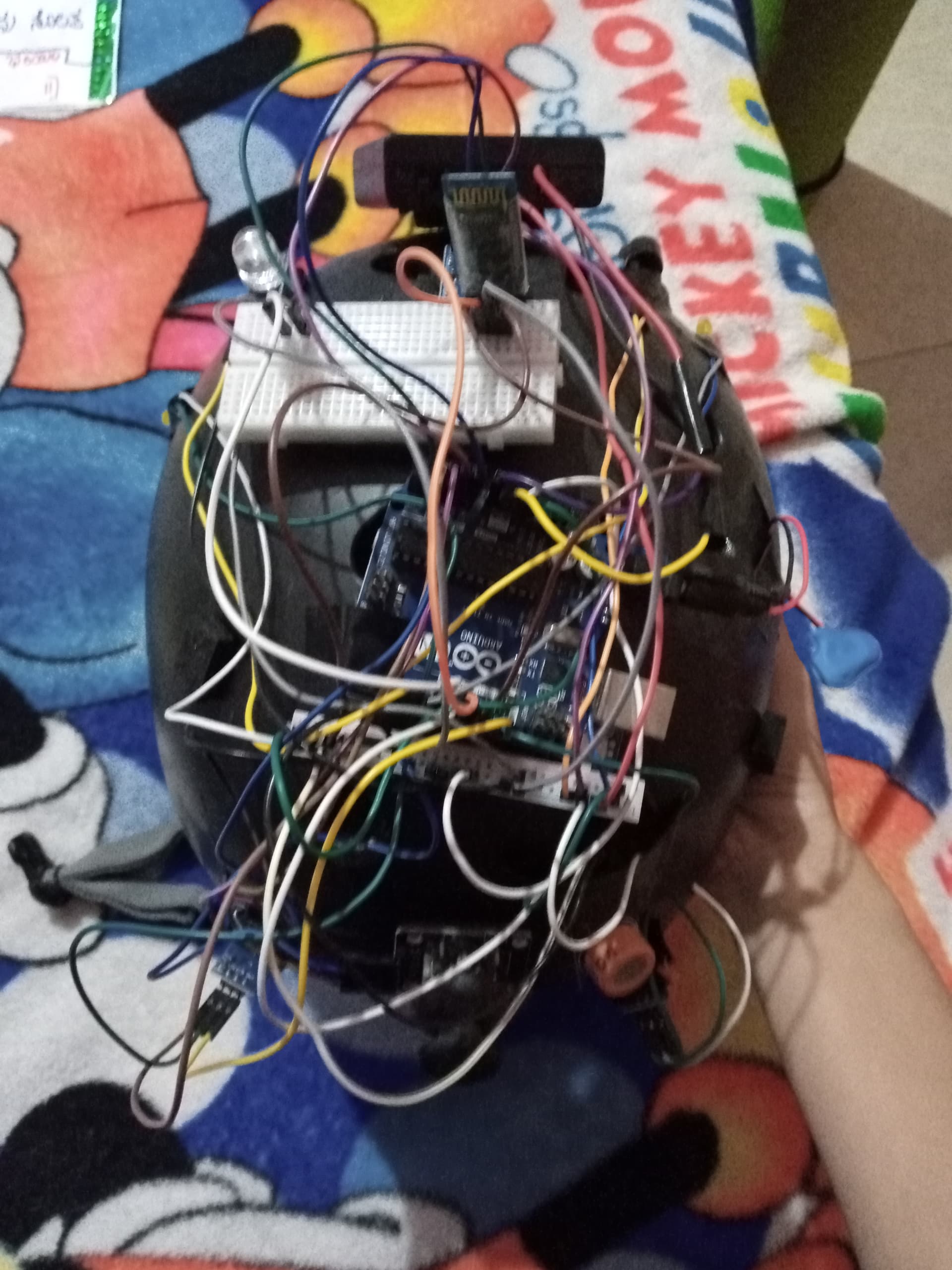
Hello to the community! I'm new here so I apologise I'm posting this in the wrong category. I'm having problems in communication between my arduino Uno and app. the app and arduino are not responding when commands are sent. I do not have much knowledge in either arduino or app development so I apologise if it is a simple issue. I have embedded both the arduino and App inventor code here. Thanks in advance!

#include <SoftwareSerial.h>
#define IR_RIGHT 12
#define IR_LEFT 11
#define BL_RX 9
#define BL_TX 10
#define ALCOHOL 8
#define LED 7
#define LEFT_BLINKER 6
#define RIGHT_BLINKER 5
#define LDR 4
#define BUZZER 3

bool engine = false;
bool ir_right;
bool ir_left;
int mag;
int joyx;
int joyy;
int press;
int crashcount;
bool alc_s;
int acc_x;
int acc_y;
int acc_z;
char blvalue;
volatile int BT;
int st;
int time;

SoftwareSerial mySerialBT(BL_TX,BL_RX);

void BL_READ() {
  if (mySerialBT.available() > 0) {
      BT = mySerialBT.read();
      Serial.println(BT);
      if (73 == BT) {
        engine = true;
        mySerialBT.print("G");
        mySerialBT.println();
      } else if (82 == BT) {
        mySerialBT.print(blvalue);
        mySerialBT.println();
        mySerialBT.print("G");
        mySerialBT.println();
      } else if (74 == BT) {
        engine = false;
        mySerialBT.print("G");
        mySerialBT.println();
      } else {
        mySerialBT.print("R");
        mySerialBT.println();
      }
    }
}

void blink_right() {
   analogWrite(RIGHT_BLINKER, 255);
  delay(500);
   analogWrite(RIGHT_BLINKER, 0);
  delay(500);
}

void check() {
  value_checks();
  if ((ir_left | ir_right) == true) {
    alarm();
  } else {
     analogWrite(5, 0);
  }
  if (acc_x < 390) {
    blink_left();
  }
  if (acc_x > 470) {
    blink_right();
  }
  if ((acc_x > 600 | acc_y > 600) | acc_z > 600) {
    alarm();
    delay(1000);
    crashcount = crashcount + 1;
    if (crashcount > 10) {
      mySerialBT.print("C");
      mySerialBT.println();
      blvalue = "C";
    }
  }
  if (alc_s == false) {
    alarm();
  }
}

void value_checks() {
  press = analogRead(A5);
  joyx = analogRead(A2);
  joyx = analogRead(A3);
  acc_x = analogRead(A0);
  acc_y = analogRead(A1);
  acc_z = analogRead(A4);
  ir_left = digitalRead(IR_LEFT);
  ir_right = digitalRead(IR_RIGHT);
  alc_s = digitalRead(ALCOHOL);
}

void alarm() {
   analogWrite(3, 255);
  delay(500);
   analogWrite(3, 0);
  delay(500);
  pinMode(LED, OUTPUT);
   digitalWrite(LED, 1);
  delay(500);
  pinMode(LED, OUTPUT);
   digitalWrite(LED, 0);
  delay(500);
}

void blink_left() {
   analogWrite(LEFT_BLINKER, 255);
  delay(500);
   analogWrite(LEFT_BLINKER, 0);
  delay(500);
}

void joystick_checks() {
  if (press < 7) {
    mySerialBT.print("P");
    mySerialBT.println();
    blvalue = "P";
  }
  if (joyx < 30) {
    mySerialBT.print("A");
    mySerialBT.println();
    blvalue = "A";
  }
  if (joyx > 800) {
    mySerialBT.print("D");
    mySerialBT.println();
    blvalue = "D";
  }
  if (joyy < 30) {
    mySerialBT.print("W");
    mySerialBT.println();
    blvalue = "W";
  }
  if (joyy > 800) {
    mySerialBT.print("S");
    mySerialBT.println();
    blvalue = "S";
  }
}


void setup() {
  pinMode(RIGHT_BLINKER, OUTPUT);
  pinMode(LED, OUTPUT);
  pinMode(BUZZER, OUTPUT);
  pinMode(LEFT_BLINKER, OUTPUT);
  pinMode(IR_LEFT, INPUT_PULLUP);
  pinMode(IR_RIGHT, INPUT_PULLUP);
  pinMode(ALCOHOL, INPUT_PULLUP);
  Serial.begin(9600);
  mySerialBT.begin(9600);
}

void loop() {
    BL_READ();
    if (engine == true) {
      check();
      joystick_checks();
    }
}