
find scroll line from page...
Focus is frame...

Do you have a question ?
how do I get to the scroll line?
no, scrolling with the key does not work, because then the whole frame scrolls
[edit:picture]
Not quite sure if I understand the problem. UsingWindows 10 plus Chrome.
I can use the scroll wheel of the mouse, I can use the vertical scroll bar at the right (drag it with the mouse) and I can use the up and down cursor keys to scroll through the text.
Please explain. What is the "whole frame"?
OK, I think I can reproduce it in Windows10 with Chrome 115.0.5790.171
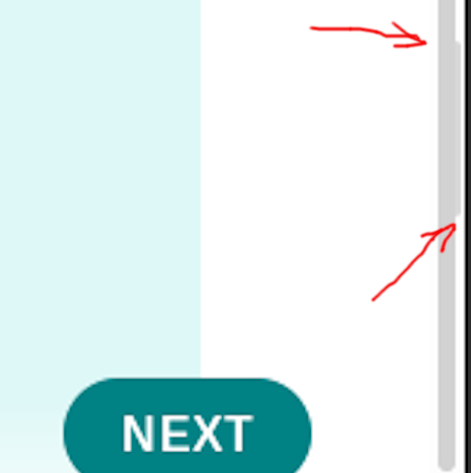
Browser size is 1072 x 637. There are two scrollbars (I've marked them with 1 and 2 at the right top).
As long as you don't touch the right one (1), scrolling works as expected with
Only the actual content scrolls, not the TOC at the left
After using the right scrollbar (1), the arrow keys now control the complete popup and not the center content only. Mousewheel and left scrollbar (2) still work as expected scrolling the actual content and not the TOC.
PS
For others, this is the link in OP's screenshot in the opening post: https://docs.arduino.cc/hardware/mkr-gsm-1400
Thank you! I can only not operate the scrollbar 2. at all, because it is covered by the 1.
I just don't understand why this has to be packed into many windows at all and not just use one frame. See https://docs.arduino.cc/software/ide-v1/tutorials/getting-started/cores/arduino-samd

