You can also make one without an SD card or MP3 module, using the Arduino Talkie library. It will run on many Arduinos, including the Uno. You will still need an amplifier and speaker. Here is an example of what the voice sounds like:
I built this speaking clock some time ago: Arduino ESP8266 Speaking Clock . It is based on an esp8266 and uses the Internet over a wireless network (WLAN) as a time source.
I've just built another, simpler and smaller version based on an ESP32 but I have not published it (yet). In fact I am still fine tuning the software.
A clock will always need some sort of user interface say to load the time zone for daylight saving time correction or, if the time source is Internet then WLAN credentials have also to be entered somehow. A satellite (GPS) time source is simple to use and requires only a time zone to be configured but indoor reception may be a problem. Also radio can be a time source for example DCF77 in Europe.
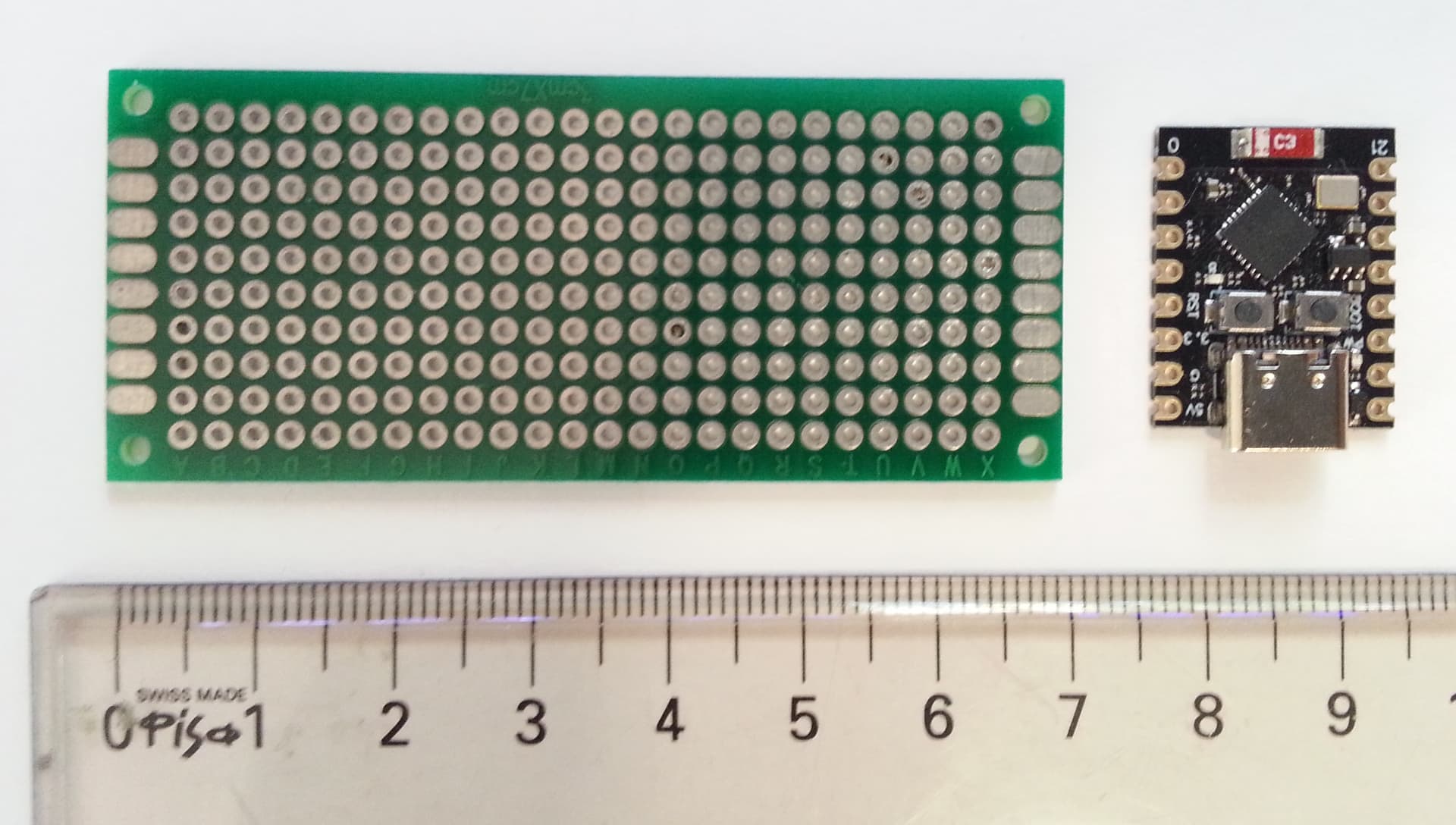
I will need to package this into as small a package as I can, preferably less than 10cm by 10cm. This is developed for a user so the actual size is important. I'd need to identify smaller boards, for which the microcontroller and the other components can fit. That's why I'm comparing with others eg. propeller.
I will need SD card because it'll be a different language (mandarin).
Thanks @6v6gt. I want to keep it (and the clock) as simple as I can without worrying about syncing with internet etc. Is there any concerns regards to using DS1307 for this?
I think the gold standard for free running RTCs is the DS3231. There are several discussion both here in the forum and on other websites that have comparisons between the various RTCs and I think the DS3231 comes out on top in each case.
It is notoriously inaccurate. Look at the DS3231 instead. If you don't synchronise it with an external time source you may find you'll need a user interface to set its time and date. The date will be needed if you want automatic daylight saving time adjustment.
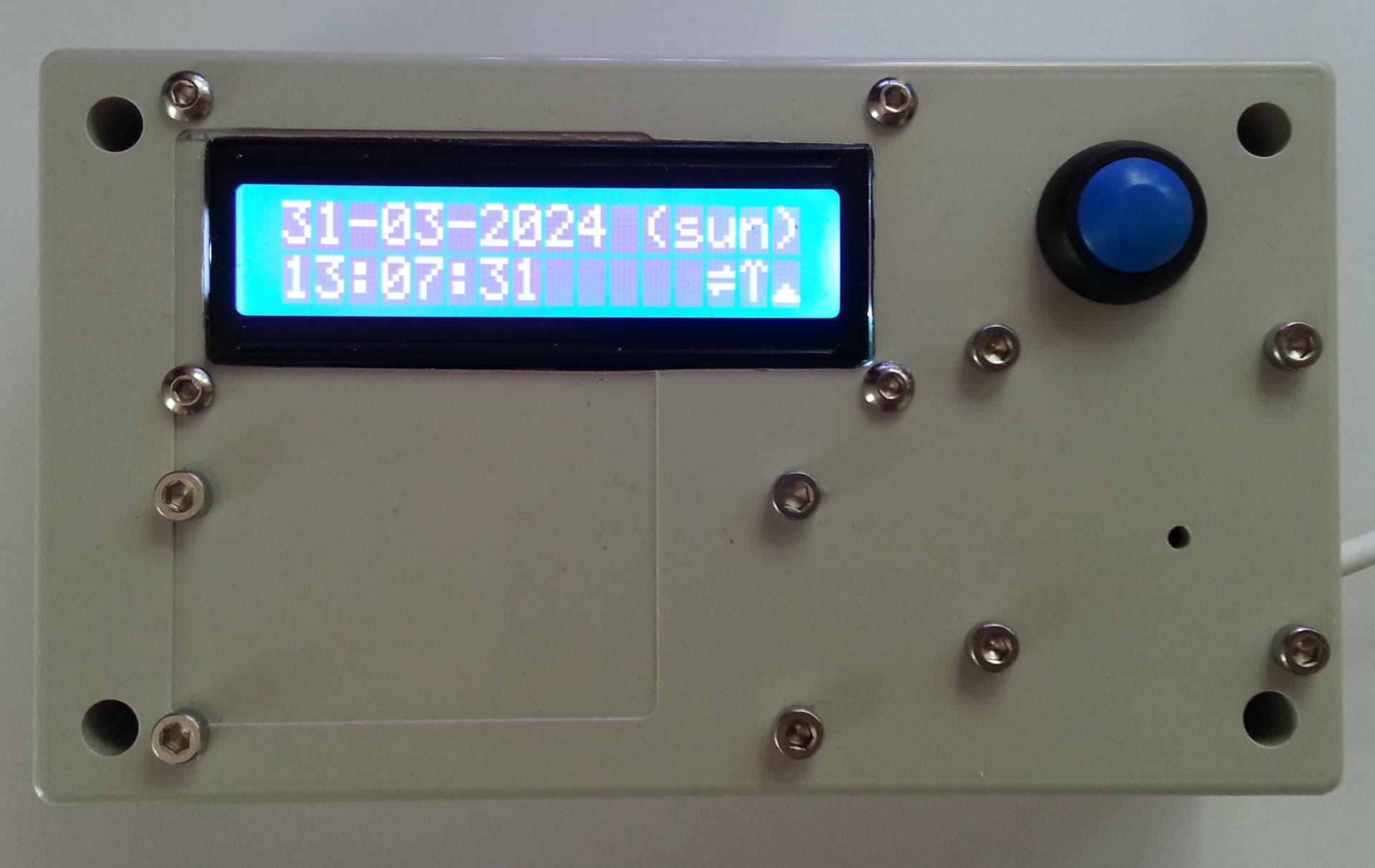
This is the ESP32 speaking clock version I mentioned above. The box dimensions are 140mm x 80mm x 38mm. Interestingly, the hole for the speaker at 2.5mm gives best results.
Don't overestimate the complexity of obtaining the time from an internet source if you have WLAN available. With a few lines of code it is done together with timezone handling and daylight savings time adjustment.
EDIT
Dimensions corrected thanks to an observation by @Terrypin
My latest project speaks various info, including time of day in 24 hour format, at the press of a button (and/or at scheduled Intervals). So a similar design could certainly meet your spec.
It uses the popular, inexpensive DFR MP3 Player. Recordings to the Mini SD cardSD card made in my case with GoldWave. Real Time Clock (RTC) module DS3231 as recommended by others.
An extra button could be used to toggle DST. However the discussion about UI so far is short on other factors, For example, I’d assume BST, battery changing, time adjustment, volume changing code (or re-recording unsatisfactory tracks), etc, would all presumably require a helper.
A fun project, but a commercial device would be tempting if it was needed relatively quickly?