So just received my Arduino UNO in the mail today. Plugged it in, downloaded the driver, and Installed the IDE.
Plugged in my Arduino board and noticed that the on-board LED was blinking 'yellow'. I was curious to why this was so..
I followed this guide > "Getting Started with Arduino on Windows" https://www.arduino.cc/en/Guide/Windows
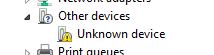
Made it to the "Install the Drivers" section. Followed the steps and noticed that when I opened up my device manager section my Arduino was labeled as "Unknown Device" under Other Devices with a yellow caution triangle. (pic attached)
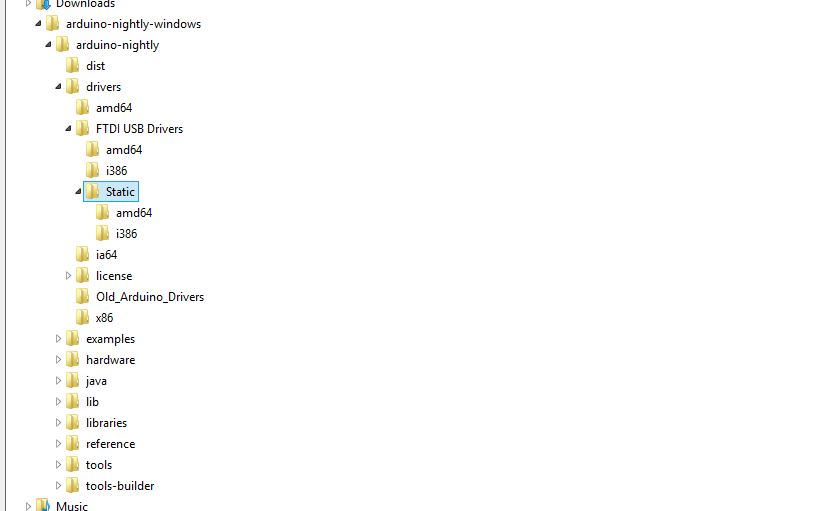
Which wasnt a problem as the guide walked me through what to do there. But, as I right clicked on "Unknown device" and clicked "Update driver software" where I was directed to "Browse my computer for Driver Software", I couldn't find the proper Driver File in the "driver" folder!?
I cant find either one it says to click. (ie. "arduino.inf")
I just downloaded the Arduino IDE 1.6.5 and I am running Windows 8
Can anyone pleasssee help me. What do I do to complete my driver installation?
Thank you!