I got a grove 128x64 oled display and i can't find any code for how to use it, could someone help with this?
10 seconds on Google, another 10 seconds scrolling down the product page to find demo code right there on the product page.
I tried the code and it didn't have any errors but it just didn't do anything and my wiring is correct.
First you couldn't find any code, and now you actually did find it and your wiring is correct but it doesn't work? Okay. Good luck with your project.
Well, thanks for trying.
There are plenty of thinkable displays like that.
Please post datasheets and schematics, all according to: How to get the best out of this forum - Development Tools / IDE 1.x - Arduino Forum
Well if you tried the published code for the display you have and the wiring is correct, then maybe the display or the unknown Arduino you are using is faulty.
You need to separate all the different colored blocks first.
Then it’s up to you to use like-sizes or mix the 1-2-3-4 way blocks of different heights.
It may be helpful to use a flat ‘base board’ to make your project more stable .
Only then should you introduce the special blocks, wheels, windows etc. as you become more comfortable with larger projects.
Is your OLED IIC/I2C or SPI? Post a photo of your OLED and a picture of your wiring.
Most likely, you have a code problem, a wiring problem or a power supply problem. Or some combination of those.


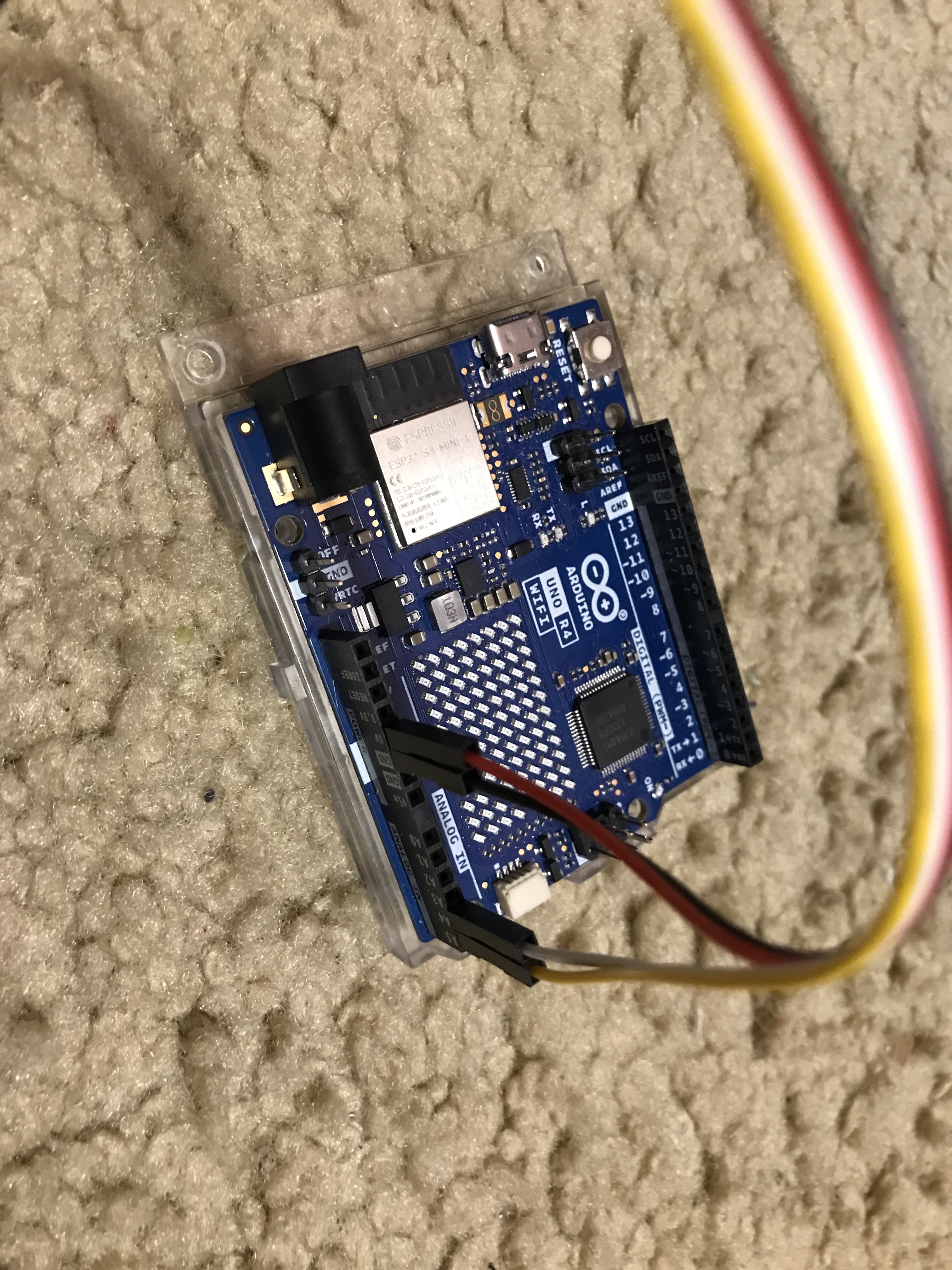
The four pins (VCC, SDA, SCL, GND) are I2C, and all connections look correct.
Did you install the library from the link in Post #2?
What is the indication your Uno R4 is working?
I'm using Arduino cloud editor and an Arduino uno r4 wifi so i didn't need to install any libraries. Also i have used that board for tons of other thing and it works just fine.
What indication does "the cloud" give to you that the library is installed (in the cloud)?
What indication doe the cloud have that it is talking to your Uno R4?
I think this is a "cloud" issue, not "General Guidance"
I was using a completely functional use cable and i was using stock code and i did not edit it at all, and @xfpd said that my wiring was correct.
I was using the arduino cloud editor for normal coding.
Yes, the wires are correctly routed. Can you verify the continuity of the wires?
Does the cloud editor support Grove?
i dont know. i'll try normal ide.
I tried uploading the library U8g2lib.h to arduino cloud editor and it gave an error 'no Selected file is not a valid library: library does not contain a library.properties file' i thought that it would be a valid library.
So than I tried normal ide and i got this error 'Error: 13 INTERNAL: Library install failed: extracting archive: Create link C:\Users\russb\AppData\Local\Temp\774589248\u8g2-master\sys\arm-linux\drivers: symlink .\c-periphery\src C:\Users\russb\AppData\Local\Temp\774589248\u8g2-master\sys\arm-linux\drivers: A required privilege is not held by the client.' could you help?