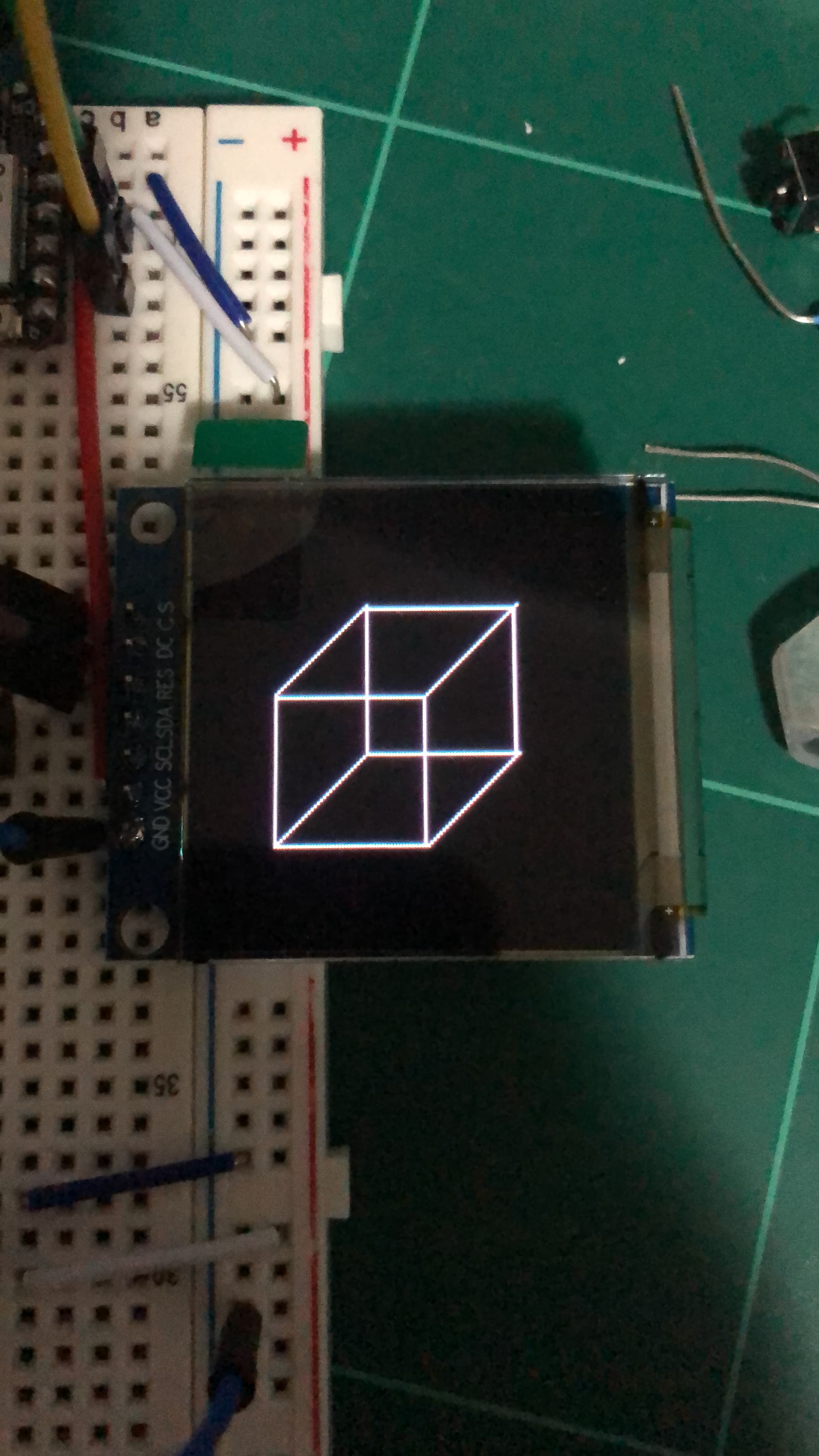
I’m using a Seeed Studio XIAO ESP32-C3 with a 1.5" Duinotech SPI Colour OLED display based on the SSD1351 driver chip. The display is set to 4-wire SPI. Whenever I display any basic test sketches (like “Hello World”) or any type of shape, the screen renders white streaks under and around all the displayed output (this is especially noticeable when using a black background). I wanted to see if anybody has any suggestions or fixes for my issue, anything is greatly appreciated!
I have already tried
- Verifying solder joints (no visible shorts or cold joints) (Including resoldering joints)
- Adding decoupling capacitors
- Multiple power sources (Including multiple boards Arduino UNO + Other ESP32s)
- Switched between hardware and software SPI
- Using an array of different libraries (Adafruit, Ucglib, and etc)
(I don't believe its an software issue, but I could be wrong.)