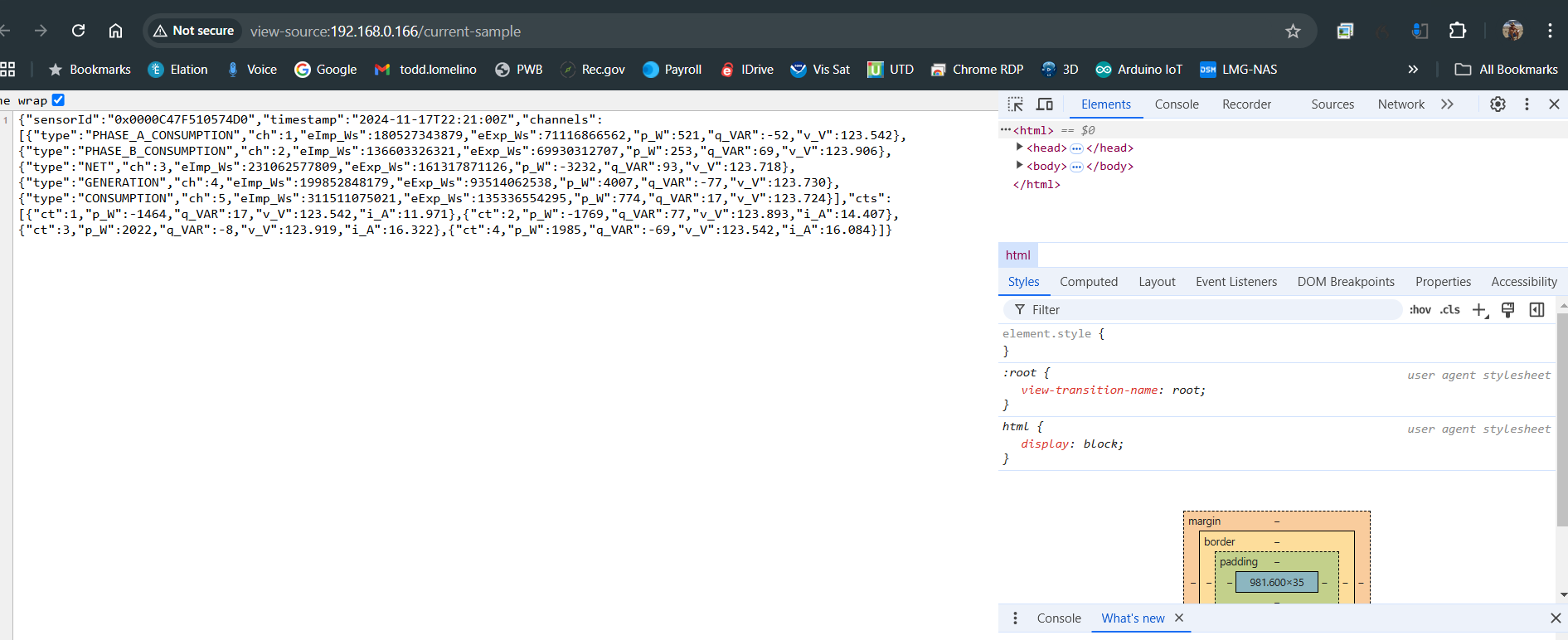
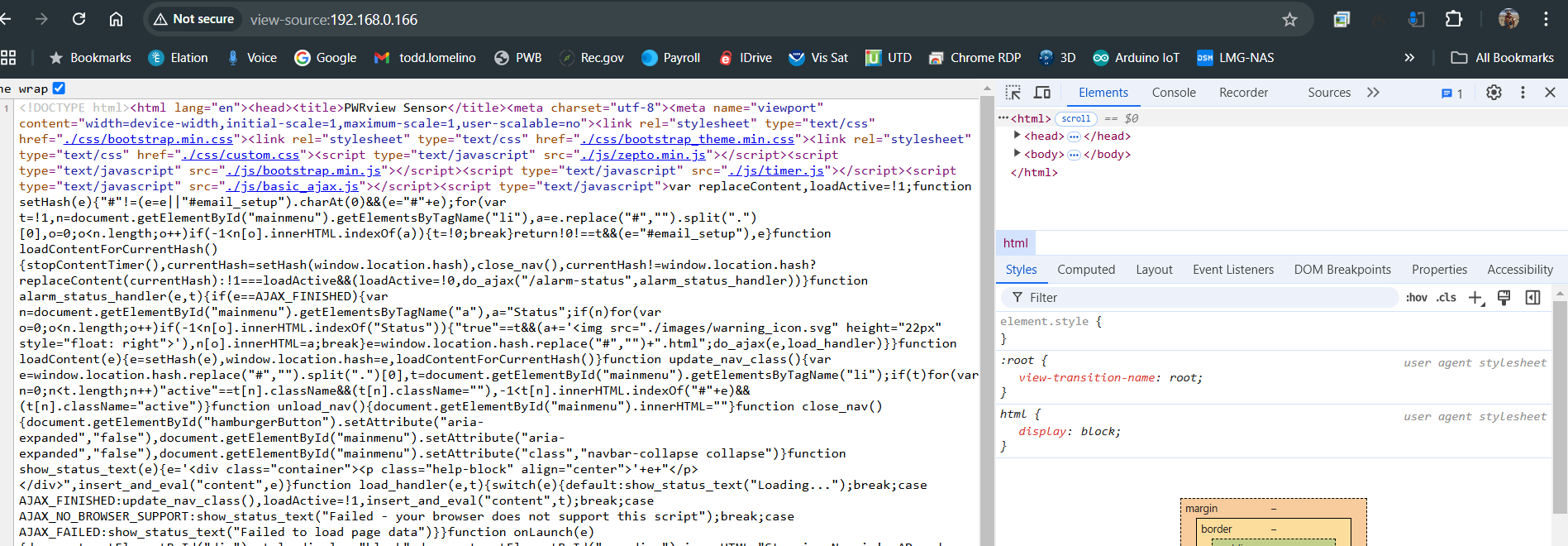
I would like to pull data off a neurio power meter in my electrical box. Pinging the device at the local ip address: 192.168.0.166/current-sample in a web browser reliably returns a string from which I could extract the info I need (those not easily). I have been trying to use the arduinohttpclient library to do so but I'm missing something. I have explored the: SimpleHTTPExample.ino and SimpleGET.ino without success. I do seem to connect to the KHostname[] = "192.168.0.166" - as I get an "OK" rather than a "connection failed". I have tried countless interactions of the kPath[] = "/current-sample"; such as:
kPath[] = "/current-sample/";
kPath[]= "192.168.0.166/current-sample";
kPath[]= "192.168.0.166/current-sample/";
kPath[]= "http:/192.168.0.166/current-sample";
kPath[]= "/";
I get an error response code of -3 which the documentation does not define that I can see.
Here is my output:
Attempting to connect to WPA SSID: X%_-^(O)^-_%X

connected

startedRequest ok

Getting response failed: -3
I feel I'm close to making this work but missing something basic as my understanding of http business is minimal. Appreciate any suggestions.
#include <ArduinoHttpClient.h>
#include <WiFiNINA.h>

#define ssid "X%_-^(O)^-_%X"
#define pass ""

const char kHostname[] = "192.168.0.166";

const char kPath[] = "/current-sample";
const int kNetworkTimeout = 30*1000;
const int kNetworkDelay = 1000;

WiFiClient c;
HttpClient http(c, kHostname);

void setup()
{
  //Initialize serial and wait for port to open:
  Serial.begin(9600);
  while (!Serial) {
    ; // wait for serial port to connect. Needed for native USB port only
  }

  // attempt to connect to WiFi network:
  Serial.print("Attempting to connect to WPA SSID: ");
  Serial.println(ssid);
  while (WiFi.begin(ssid, pass) != WL_CONNECTED) {
    // unsuccessful, retry in 4 seconds

  }

  Serial.println("connected");
}

void loop()
{
  int err =0;

  err = http.get(kPath);
  if (err == 0)
  {
    Serial.println("startedRequest ok");

    err = http.responseStatusCode();
    if (err >= 0)
    {
      Serial.print("Got status code: ");
      Serial.println(err);

      // Usually you'd check that the response code is 200 or a
      // similar "success" code (200-299) before carrying on,
      // but we'll print out whatever response we get

      // If you are interesting in the response headers, you
      // can read them here:
      //while(http.headerAvailable())
      //{
      //  String headerName = http.readHeaderName();
      //  String headerValue = http.readHeaderValue();
      //}

      int bodyLen = http.contentLength();
      Serial.print("Content length is: ");
      Serial.println(bodyLen);
      Serial.println();
      Serial.println("Body returned follows:");

      // Now we've got to the body, so we can print it out
      unsigned long timeoutStart = millis();
      char c;
      // Whilst we haven't timed out & haven't reached the end of the body
      while ( (http.connected() || http.available()) &&
             (!http.endOfBodyReached()) &&
             ((millis() - timeoutStart) < kNetworkTimeout) )
      {
          if (http.available())
          {
              c = http.read();
              // Print out this character
              Serial.print(c);

              // We read something, reset the timeout counter
              timeoutStart = millis();
          }
          else
          {
              // We haven't got any data, so let's pause to allow some to
              // arrive
              delay(kNetworkDelay);
          }
      }
    }
    else
    {
      Serial.print("Getting response failed: ");
      Serial.println(err);
    }
  }
  else
  {
    Serial.print("Connect failed: ");
    Serial.println(err);
  }
  http.stop();

  // And just stop, now that we've tried a download
  while(1);
}