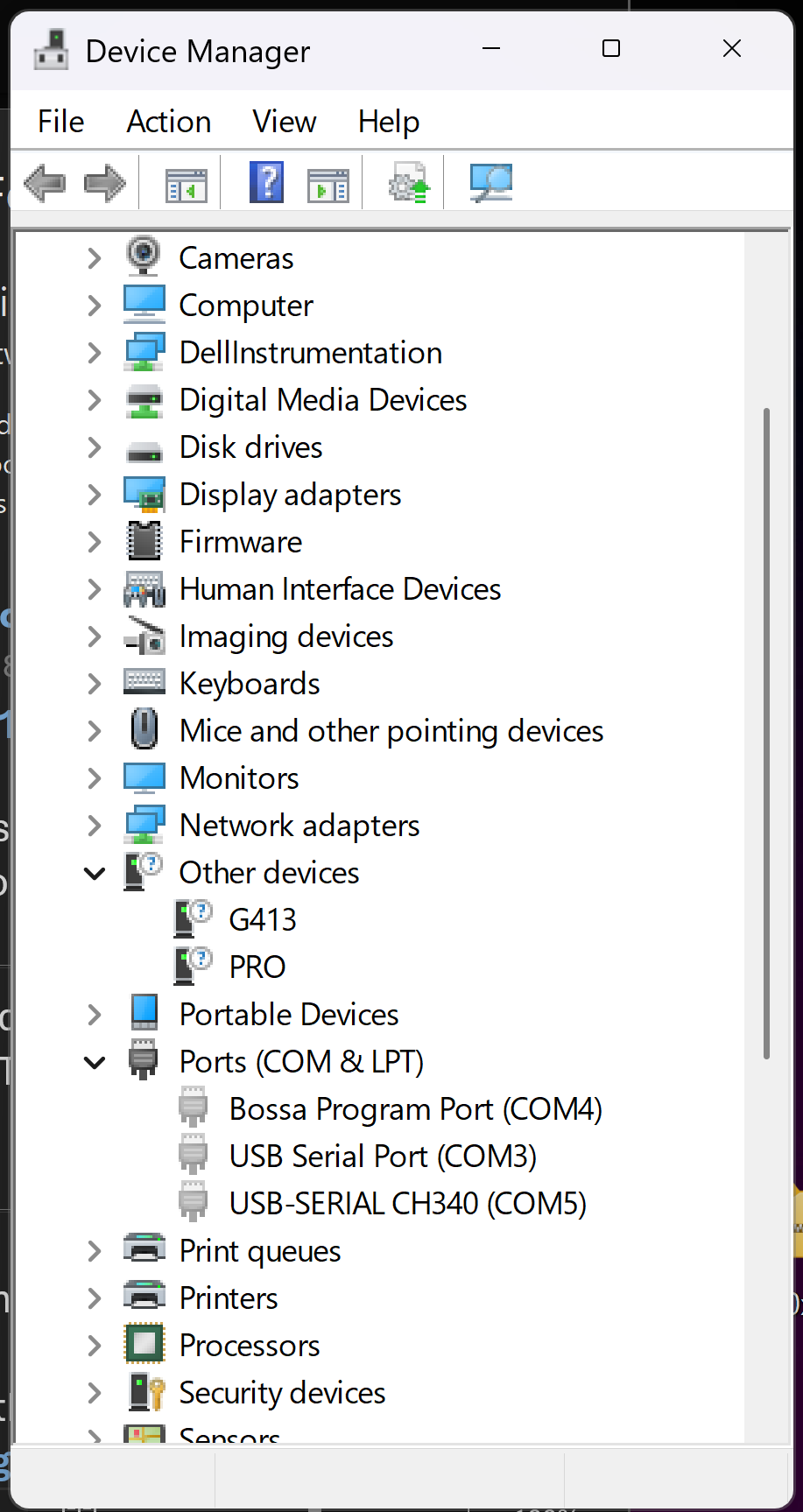
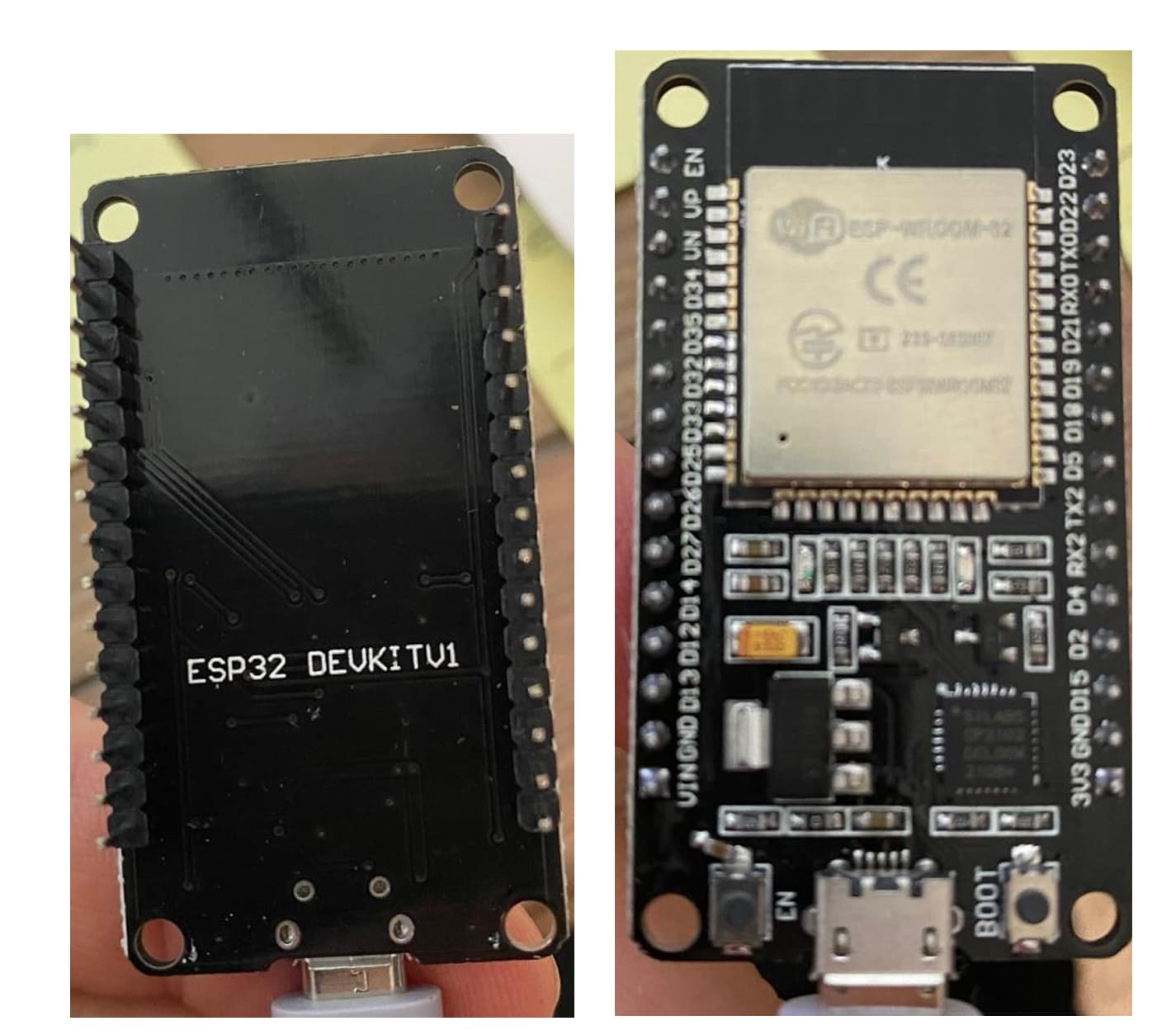
While I can successfully install and use the CH340 driver on nano, I’m having trouble with the vcp install on my win11 home machine for use on esp32. I have successfully installed vcp on this machine using win10, but win11 is a no go. This is on arduino 1.8.19, can’t even run blink.
Please add a reply here on this forum topic to tell us which ESP32 board you are using.
Please be as specific as possible, as some boards with similar names have significant differences and the forum helpers can only provide effective assistance if we are aware of which one is being used.
If you aren't sure how to describe which board you are using, you can provide the link to the online product listing you bought the board from and we'll proceed based on the information found there.
Make sure the USB cable is completely plugged into both the Arduino board and the PC.
If that doesn't help, you may have a damaged/defective or charge-only USB cable. Try a different cable.
Either of the above can result in the power connections being made (and thus LEDs lit on the board), but no data connections (and thus no port for the board).
Hi, I also have this problem. The CP1202 adapter shows up in the device manager, but the IDE doesn’t see a COM port.
Joke:when you push the button on the ESP, do you close your left or your right eye?
This is starting to be a bad experience with my first ESP. I have a project with an R4 WiFi, but the comms takes up 93% of flash, so I added a UNO to handle the ToF sensors. The ESP has more than eough memory, so I thoght o use that. The 2 parts worked fine separately, & I was starting to put it all in a box, when the sensors stopped working .
Covid 19 doesn’t help either - runny eyes & nose, a bit of brain fog Please excuse any typos here!
Does it show as an active device, or is it grayed out? When you have the "Show hidden devices" option enabled, Device Manager shows every device you have ever had connected to your computer. The presence of one of these "hidden" devices in the Device Manager tree for the board doesn't mean that the computer is actually recognizing the device that is currently attached to the computer.
By this, do you meant that there is no port for the board in Arduino IDE's Tools > Port menu?
Hi Per, Not greyed out, but there is a yellow warning triagle next to its name, & when I looked furthrer in the driver’s propeties, it said no driver installed. Also, no port shows up in the IDE. I guess there’s some bits missing from the download.
OK, so this tells us that the problem is at the operating system level, not specific to the Arduino IDE application. That information will allow you to focus your troubleshooting efforts in the right direction, rather than wasting time looking for a problem in Arduino IDE.
The CP2102 drivers are available from the manufacturer's website here:
Hi Per, It’s fixed! In the control panel for the CP2102, in parameters/update driver, you just have to browse to the folder where you put the driver. Windows 11 didn’t find it automatically.
My ESP32 project is going well (connects to my SSID, gets the time, reads the sensors, sends the E-mail). I just have to redo the parameters of the 2 ToF sensors. That’s for another day.

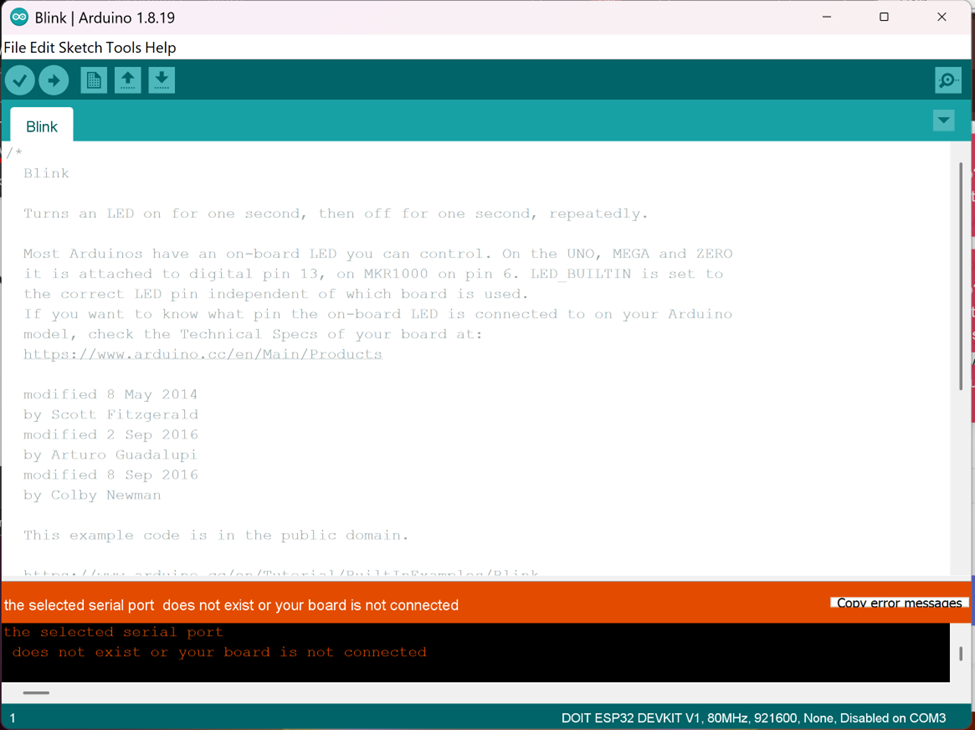

 This procedure is not intended to solve the problem. The purpose is to gather more information.