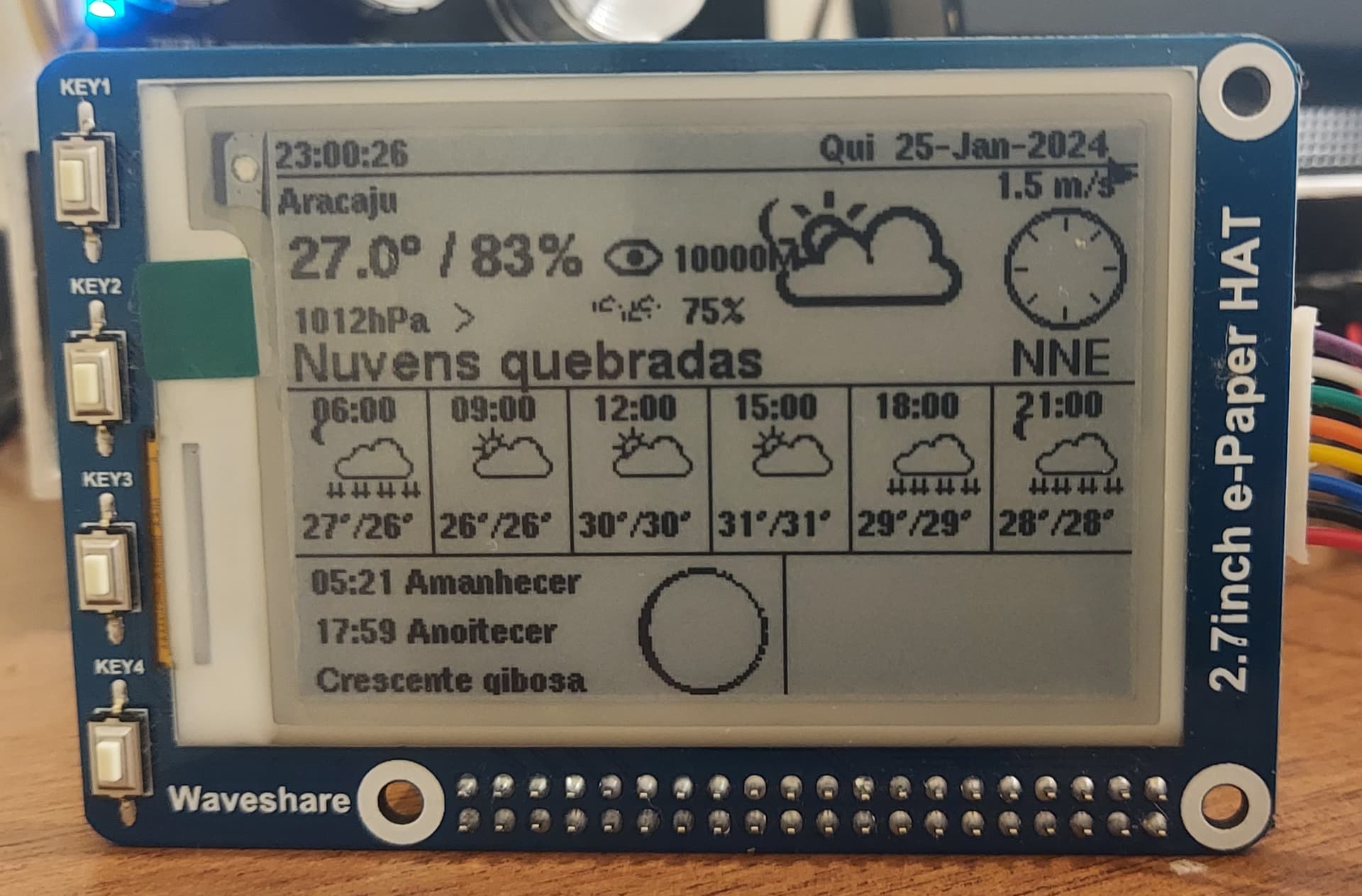
Waveshare 2.7inch e-Paper HAT, onboard key, how to use?
I have a Waveshare 2.7inch e-Paper HAT that I bought a long time ago and I'm just now using it with an ESP32 in the Arduino IDE.
I want to use it as a mini panel for my Home Assistant via WebSocket API or MQTT. The board has 4 native buttons (KEYS), how can I use these buttons to change pages and/or send commands?
Do they have specific pins on the board?
I didn't find anywhere how to access them.
Thank you for your attention.
Here is the schematic for the hat, from the waveshare site.
When pressed, the buttons each connect one of the pins (on the Pi GPIO connector) to ground. You can match the button labels (top left) to the connector pin-out (center-right).