That's incorrect. write() simply puts the data to be written into a buffer -- when in Master mode. The I2C bus transaction takes place on the call to endTransmission().
Hy, can you suggest something based on what I need to send?
I'm not at all familiar with that controller. But, regarding I2c ... if you look in Wire.h, you'll see that there are two overloads for the write() function:
    virtual size_t write(uint8_t);
    virtual size_t write(const uint8_t *, size_t);
So, you can either write the required data byte-by-byte by calling the first version of write() once for every byte ... then call endTransmission().
OR
Build your own buffer of the required bytes and then call the second version of write() just once ... then call endTransmission().
Ok, so if I understand correctly I can use the method from the script. For now Im struggling to get the display working, but I wasnt sure if something is wrong with method I use to send bytes.... After I get it to work I will definitely improve the script. Thank you
Not to be annoying, but there are no 'scripts' in this software environment. Not from the programmers point of view, anyway. Arduino introduced the word "sketch" for an Arduino program, but as it is compile C/C++ code, "program" or "sketch" are more appropriate names. "source code" is also a useful generic name for it. "script" has a special meaning in computing, usually files handed to a command line interpreter.
Sorry, I didn't know that.
It's okay, by the way is there no example code from the chip manufacturer?
If anyone has any idea of how to make this work please shine a light on me. I studied the datasheet, I tought that I know how to do it, but sadly no.
I only managed to use set-mode.
No there is no example code 
Datasheet says that Ram operations are only possible when 8578 is in mixed mode and then proceeds to show use of RAM operations, after that nothing else useful is shown. But I have it in row mode.... also datasheet shows series of commands to x adrress, ram access, ... (commands) then there should be data bytes, but I dont know what data... it`s not explained anywhere.

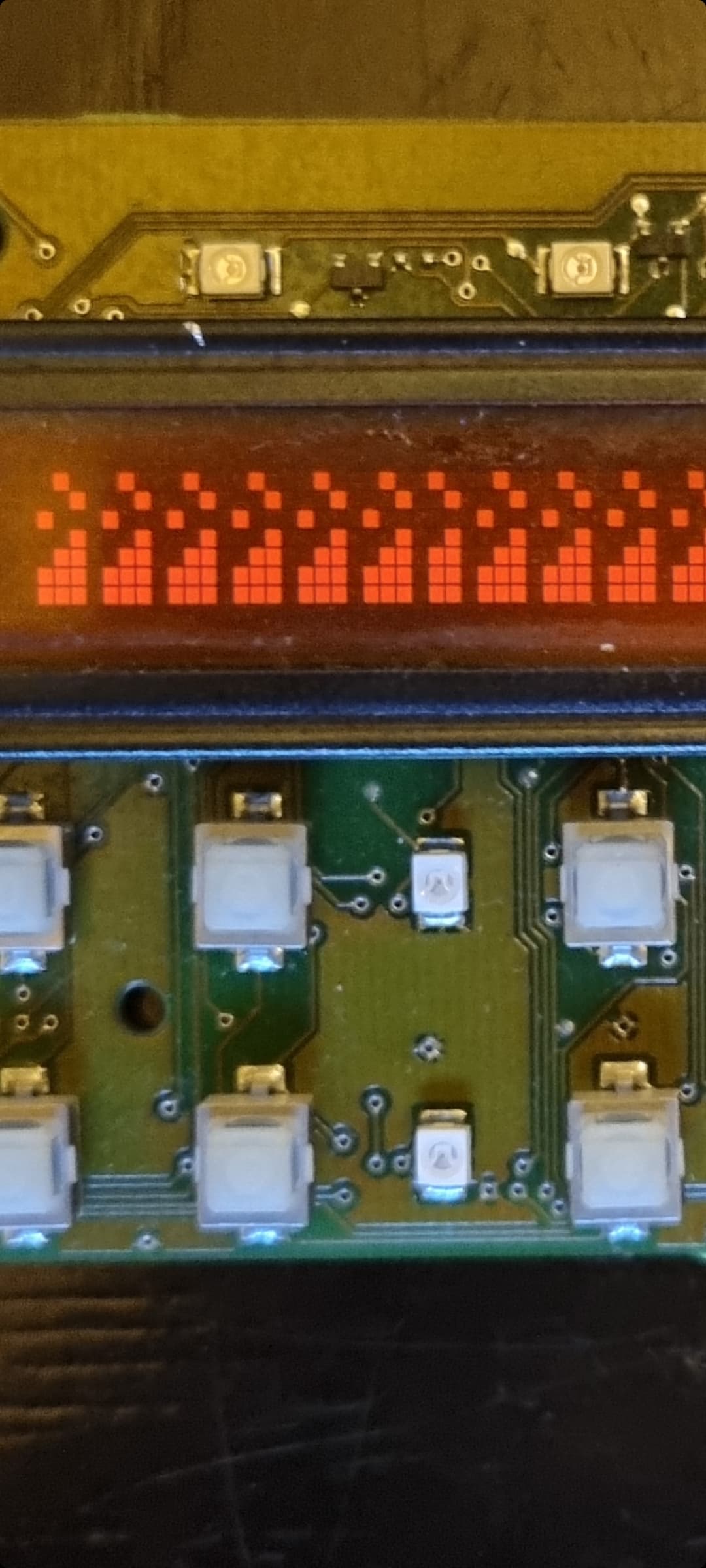
Basicly I made the code based on this picture... selected the 8579 with its subadrress, loaded x address (x 1) and ram access (y 1), bank 0, after that I tried some random data bits... And nothing, except if I put this code in loop, then I get some random shapes on the lcd, based on what data byte I use, until it freezes... I don`t know if looping this code is making the chipset do funny things or that is the prove that something is working...
Don't take this as a dismissal, but this kind of project is why embedded engineers make the big bucks. It's extremely complicated. So I doubt that you will find any real help from back and forth messages here. I think you have really two options:
-
Spend much longer with the data sheet. I've almost lived with a data sheet in my pocket for months at a time before. Simultaneously, begin some practical projects with some similar device, which is however, much better documented. You will benefit from learning from similarities. Be patient, expect failures.
-
Pay someone to do it.
Reply #30 sort of invites people to dig in, but typically a much deeper dive is needed to make any sense of it. Few people have the time, patience, or generosity to dedicate entire days or weeks to a project that is not their own.
Sometimes there is someone who already has the experience with a specific device like this, but nobody has spoken up and I think that is not a surprise.
Yes, looks like that I will take a break to clear my mind. My head hurts more and more. I read the useful part multiple times, extracted the tables, made notes, tryed multiple options... looks like datasheet is incoplete.
Did you try posting questions on the NXP user support forum?
I doubt it is incomplete. It probably does assume that you know things that would be general knowledge for someone working with this general type of display. Try to do some minimal function, like turn on one row of pixels (if you haven't already).
Does figure 23 look at all like your device?
Yes, like you said. My english knowledge is incomplete, I understand the datasheet and everything else, but sometimes I don't know how to expres things.
My plan is to turn on pixel or row for start.
No, my device looks more like figure 25, but it uses 2 8579s.
I didn't know it exists, will do that.


When you have something complete, you should post the code for other people that might want to do this - after all, it is what you came here looking for.
Will do. I still dont know how to set location, hopefully I will solve that soon.
Finaly made it working... will post the code when I get home.
Steps are:
Set mode
Set start bank
Load x address
Data bytes