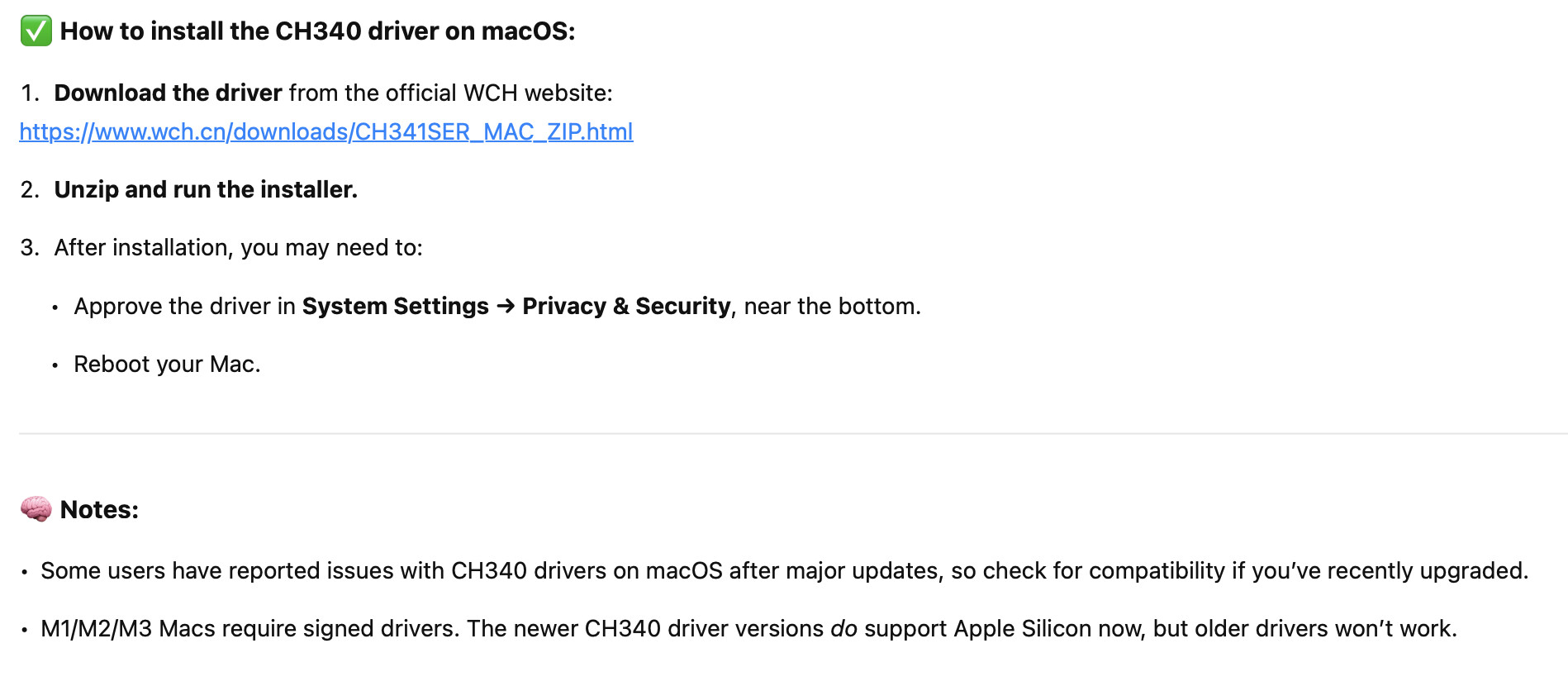
Hello, I had an old MacBook running Mac OS X, but now I got a newer one which runs Ventura, and now I can't connect to my Arduino clones. I have tried downloading ch340 drivers, but either I did something wrong or it didn't help.
Latest version of IDE
100% sure it is a working data cable
I will really appreciate any help, thanks
Hi @simon_s1. Please try this troubleshooting procedure and then report your results in a reply on this forum topic:
 This procedure is not intended to solve the problem. The purpose is to gather more information.
- Unplug the USB cable of your Arduino board from your computer if it is currently connected.
- Click the Apple logo on the left side of the menu bar at the top of the screen ("Apple menu").
- Select "System Settings..." from the menu.
- A "System Settings" window will open. Click "General" in the menu on the left side of the window.
ⓘ You may need to scroll the menu down to see "General".
- Click "About" on the panel at the right side of the "System Settings" window.
- The "About" panel will open. Click the "System Report..." button at the bottom of the panel.
- The "System Information" window will now open. Select Hardware > USB from the tree on the left side of the window.
- Take note of the contents of the "USB Device Tree" panel of the "System Information" window.
- Connect the Arduino board to your computer with a USB cable.
- Select File > Refresh Information from the menu bar.
Do you see any new device appear in the "USB Device Tree" panel of the "System Information" window after doing the last step?
Did you download the ARM version?
Here is the detailed Ch340 install. Did you also do the Cp210x and maybe the FT232 for FTDI use? If you need those, I can give you the links that I used for my M3 Mac.