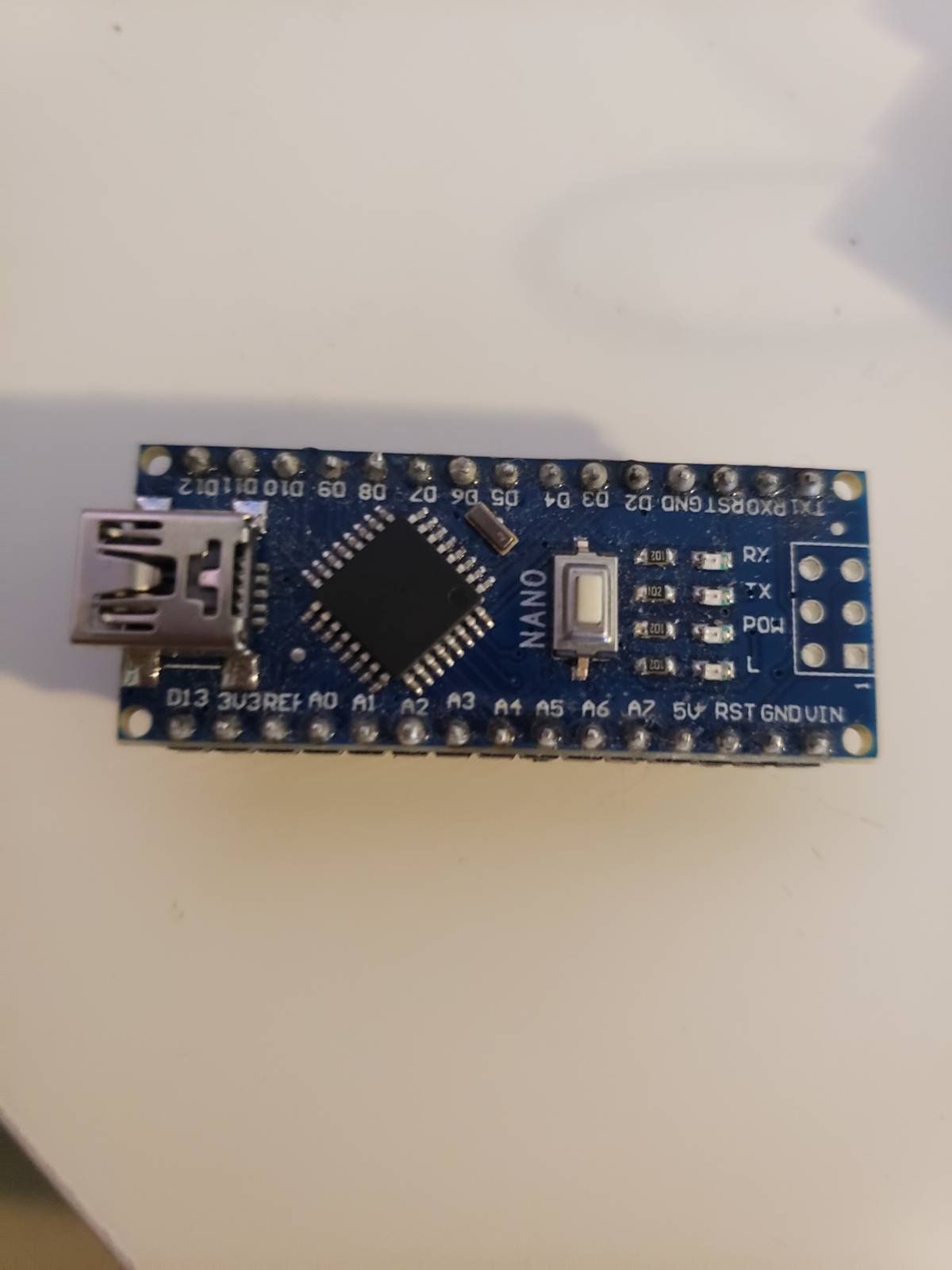
Hello,
I am having an issue with uploading a project to my Arduino. I have tried my Nana, Pro Mini and Micro they all have the same issue. I have made sure that I am using the proper COM port and that the correct board is selected. I have tried changing USB cables and it is the same issue. It compiles the sketch then just hangs for a while at uploading then I get this error:
Arduino: 1.8.10 (Windows 10), Board: "Arduino Pro or Pro Mini, ATmega328P (5V, 16 MHz)"

Sketch uses 924 bytes (3%) of program storage space. Maximum is 30720 bytes.
Global variables use 9 bytes (0%) of dynamic memory, leaving 2039 bytes for local variables. Maximum is 2048 bytes.
avrdude: stk500_recv(): programmer is not responding
avrdude: stk500_getsync() attempt 1 of 10: not in sync: resp=0xc9
avrdude: stk500_recv(): programmer is not responding
avrdude: stk500_getsync() attempt 2 of 10: not in sync: resp=0xc9
avrdude: stk500_recv(): programmer is not responding
avrdude: stk500_getsync() attempt 3 of 10: not in sync: resp=0xc9
avrdude: stk500_recv(): programmer is not responding
avrdude: stk500_getsync() attempt 4 of 10: not in sync: resp=0xc9
avrdude: stk500_recv(): programmer is not responding
avrdude: stk500_getsync() attempt 5 of 10: not in sync: resp=0xc9
avrdude: stk500_recv(): programmer is not responding
avrdude: stk500_getsync() attempt 6 of 10: not in sync: resp=0xc9
avrdude: stk500_recv(): programmer is not responding
avrdude: stk500_getsync() attempt 7 of 10: not in sync: resp=0xc9
avrdude: stk500_recv(): programmer is not responding
avrdude: stk500_getsync() attempt 8 of 10: not in sync: resp=0xc9
avrdude: stk500_recv(): programmer is not responding
avrdude: stk500_getsync() attempt 9 of 10: not in sync: resp=0xc9
avrdude: stk500_recv(): programmer is not responding
Problem uploading to board.  See http://www.arduino.cc/en/Guide/Troubleshooting#upload for suggestions.
avrdude: stk500_getsync() attempt 10 of 10: not in sync: resp=0xc9

This report would have more information with
"Show verbose output during compilation"
option enabled in File -> Preferences.
How can I fix this issue?
Thanks!