This is a slightly modified approach from the above
- Disconnect the board.
- Enable View -> Show hidden Devices.
- Expand the Ports section.
- Right click on the first CH340 entry that you find.
- Click Uninstall device.
- Repeat for all other CH340 entries that you might find.
- With the board still disconnected, run the downloaded CH341SER.exe.
- Confirm that the app can make changes.
- In the next screen, click Install
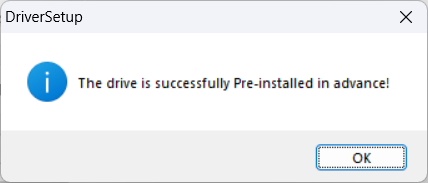
- You will see a message that the board was successfully pre-installed.
- Connect the board.
- In the Ports section in Windows Device Manager you will get a new entry.
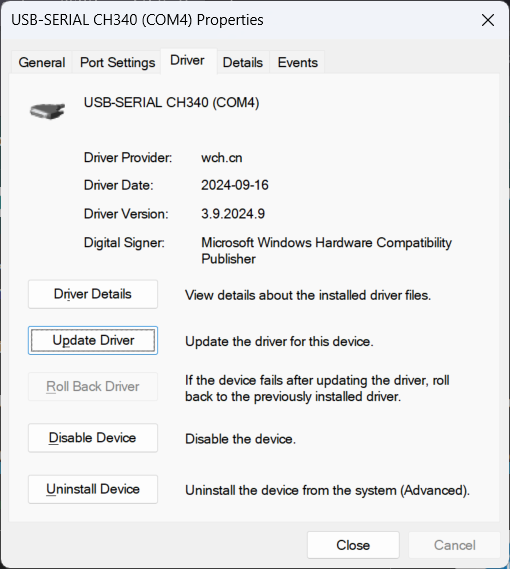
- Double-click the entry and select the Driver tab.
- Click Update Driver
- Click Browse my computer for drivers
- Click Let me pick from a list of available drivers on my computer.
- You will get something like the following list
. - Double click one of the entries with a lower version number.
- The Driver tab will now reflect the older version.