Waveshare e-paper displays with SPI

Thank you for the feedback. Not your fault, my description and comments should be improved.
uint8_t or uint16_t in loops is ok, depending on usage. Avoid it in decrement loops, as <0 never gets true.
uint is a typo, it is ok on some platforms, but may be unknown on others.

In TestRamDataEntryMode uint8_t would have been on purpose, because the parameter is uint8_t.
This test program has a specific purpose for verifying a function of the controller of the display.

I will check GxEPD_SPI_IconGrid_Example, it comes from contributor bytecrusher.

I will update GxEPD_SPI_IconGrid_Example for AVR (UNO, NANO) use with paged drawing.

This will require more changes in the imglib (add PROGMEM), interim fix done, GxEPD_SPI_TestExample should compile for AVR again.

Thank you very much,
I do tests tonight.
I will then post a return on the proper functioning

Hi,

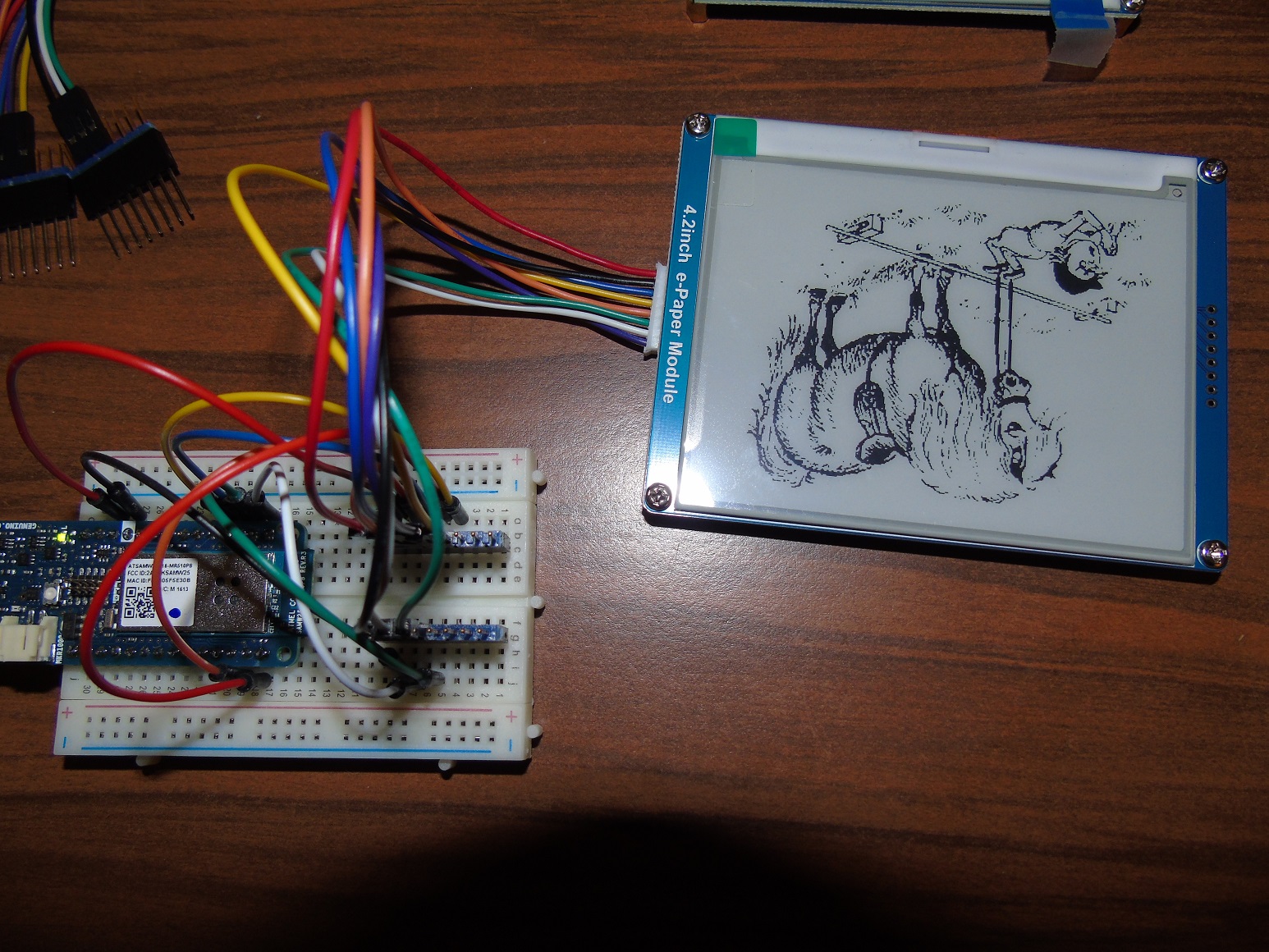
Has anyone got a guide on creating bitmaps to display using GxEPD? I have tried image2LCD based off the waveshare wiki and all of the images come out distorted. The attached are before and after using the code form the C array.

It looks to me like all of the pixels are actually there but it is in the wrong format going in so it is not parse in right order. I have of course gone through several different images and every combination of export options from image2LCD that I can think of but no luck.

Abridged code:

static unsigned char youtube[800] = { /* 0X01,0X01,0X64,0X00,0X3D,0X00, */
0XFF,0XFF,0XFF,0XFF,0XFF,0XFF,0XFF,0XF8,0XFF,0XFF,0XFF,0XFF,0XFF,0XFF,0XFF,0XF8,
0XFF,0XFF,0XFF,0XFF,0X1F,0XFF,0XFF,0XF8,0XFF,0X81,0XC2,0X00,0X00,0X0E,0X7F,0XF8,
0XFF,0X00,0X00,0X00,0X00,0X00,0X07,0XF8,0XFE,0X00,0X00,0X27,0XFC,0X00,0X07,0XF8,
0XFE,0X3E,0XFF,0XFF,0XFF,0XFF,0XE3,0XF8,0XFE,0X3F,0XFF,0XFF,0XFF,0XFF,0XE3,0XF8,
0XFC,0X3F,0XFF,0XFF,0XFF,0XFF,0XE3,0XF8,0XFC,0X3F,0XFF,0XFF,0XFF,0XFF,0XE3,0XF8,
0XFC,0X3F,0XFF,0XFF,0XFF,0XFF,0XF3,0XF8,0XF8,0X3F,0XFF,0XFF,0XFF,0XFF,0XE3,0XF8,
0XFC,0X3F,0XFF,0XFF,0XFF,0XFF,0XE3,0XF8,0XFC,0X3F,0XFF,0XFF,0XFF,0XFF,0XE3,0XF8,
0XFC,0X3F,0XFF,0XFF,0XFF,0XFF,0XE3,0XF8,0XFC,0X7F,0XFF,0XFF,0XFF,0XFF,0XE3,0XF8,
0XFC,0X7F,0XFF,0XFF,0XFF,0XFF,0XE3,0XF8,0XFC,0X7F,0XFF,0XFF,0XFF,0XFF,0XE3,0XF8,
0XFC,0X7F,0XFF,0XFF,0XFF,0XFF,0XE3,0XF8,0XFC,0X7F,0XFF,0XFF,0XFF,0XFF,0XF3,0XF8,
0XFC,0X7F,0XFF,0XFF,0XFF,0XFF,0XF3,0XF8,0XFC,0X7F,0XFF,0XFF,0XFF,0XFF,0XF1,0XF8,
0XFC,0X7F,0XFF,0XFF,0XFF,0XFF,0XF1,0XF8,0XFC,0X7F,0XFF,0XFF,0XFF,0XFF,0XF1,0XF8,
0XFC,0X7F,0XFF,0XFF,0XFF,0XFF,0XF1,0XF8,0XFE,0X3F,0XFF,0XFF,0XFF,0XFF,0XF3,0XF8,
0XFE,0X3F,0XFF,0XFF,0XFF,0XFF,0XF3,0XF8,0XFE,0X3F,0XFF,0XFF,0XFF,0XFF,0XF1,0XF8,
0XFE,0X3F,0XFF,0XFF,0XFF,0XFF,0XF1,0XF8,0XFE,0X3F,0XFF,0XFF,0XFF,0XFF,0XF3,0XF8,
0XFE,0X1F,0XC0,0X03,0XDF,0XFF,0XF3,0XF8,0XFE,0X1F,0X80,0X00,0X00,0X0F,0XF3,0XF8,
0XFC,0X3F,0XCE,0X00,0X00,0X0F,0XF3,0XF8,0XFC,0X3F,0XCF,0XFE,0X80,0X07,0XF1,0XF8,
0XFE,0X1F,0XC7,0XFF,0XFF,0X0F,0XF3,0XF8,0XFE,0X1F,0XC7,0XFF,0XFE,0X1F,0XF3,0XF8,
0XFC,0X3F,0XE3,0XFF,0XFC,0X3F,0XF3,0XF8,0XFC,0X3F,0XE1,0XFF,0XFC,0X7F,0XE3,0XF8,
0XFE,0X3F,0XF8,0XFF,0XF8,0XFF,0XE3,0XF8,0XFE,0X3F,0XF8,0XFF,0XF0,0XFF,0XF3,0XF8,
0XFC,0X3F,0XFC,0X7F,0XE1,0XFF,0XF3,0XF8,0XFC,0X3F,0XFC,0X3F,0XC3,0XFF,0XE3,0XF8,
0XFE,0X3F,0XFE,0X3F,0XCF,0XFF,0XE3,0XF8,0XFC,0X3F,0XFF,0X3F,0X8F,0XFF,0XE3,0XF8,
0XFC,0X3F,0XFF,0X1F,0X8F,0XFF,0XE3,0XF8,0XFC,0X3F,0XFF,0X1F,0X1F,0XFF,0XE3,0XF8,
0XFE,0X3F,0XFF,0X8E,0X3F,0XFF,0XE3,0XF8,0XFE,0X3F,0XFF,0X8E,0X7F,0XFF,0XF3,0XF8,
0XFE,0X3F,0XFF,0XC4,0X7F,0XFF,0XF3,0XF8,0XFE,0X3F,0XFF,0XC0,0XFF,0XFF,0XF3,0XF8,
0XFE,0X3F,0XFF,0XE0,0XFF,0XFF,0XF3,0XF8,0XFE,0X3F,0XFF,0XE1,0XFF,0XFF,0XF3,0XF8,
0XFE,0X3F,0XFF,0XFB,0XFF,0XFF,0XF3,0XF8,0XFE,0X3F,0XFF,0XFF,0XFF,0XFF,0XF3,0XF8,
0XFC,0X3F,0XFF,0XFF,0XFF,0XFF,0XF3,0XF8,0XFC,0X7F,0XFF,0XFF,0XFF,0XFF,0XF3,0XF8,
0XFC,0X7F,0XFF,0XFF,0XFF,0XFF,0XF3,0XF8,0XFC,0X7F,0XFF,0XFF,0XFF,0XFF,0XE3,0XF8,
0XF8,0X7F,0XFF,0XFF,0XFF,0XFF,0XE3,0XF8,0XF8,0X7F,0XFF,0XFF,0XFF,0XFF,0XE3,0XF8,
0XF8,0X7F,0XFF,0XFF,0XFF,0XFF,0XE3,0XF8,0XF8,0XFF,0XFF,0XFF,0XFF,0XFF,0XE3,0XF8,
0XF8,0XFF,0XFF,0XFF,0XFF,0XFF,0XE3,0XF8,0XF8,0XFF,0XFF,0XFF,0XFF,0XFF,0XE3,0XF8,
0XF8,0XFF,0XFF,0XFF,0XFF,0XFF,0XE3,0XF8,0XF8,0XFF,0XFF,0XFF,0XFF,0XFF,0XF3,0XF8,
0XF8,0XFF,0XFF,0XFF,0XFF,0XFF,0XF3,0XF8,0XF8,0XFF,0XFF,0XFF,0XFF,0XFF,0XE3,0XF8,
0XF8,0XFF,0XFF,0XFF,0XFF,0XFF,0XF3,0XF8,0XF8,0X7F,0XFF,0XFF,0XFF,0XFF,0XF3,0XF8,
0XFC,0X7F,0XFF,0XFF,0XFF,0XFF,0XF3,0XF8,0XF8,0X7F,0XFF,0XFF,0XFF,0XFF,0XF3,0XF8,
0XF8,0X7F,0XFF,0XFF,0XFF,0XFF,0XF3,0XF8,0XF8,0X7F,0XFF,0XFF,0XFF,0XFF,0XE3,0XF8,
0XF8,0X7F,0XFF,0XFF,0XFF,0XFF,0XE3,0XF8,0XF8,0X3F,0XFF,0XFF,0XFF,0XFF,0XE3,0XF8,
0XFC,0X1F,0XFF,0XFF,0XFF,0XFF,0XC7,0XF8,0XFC,0X01,0XFF,0XFF,0XFF,0XFF,0X07,0XF8,
0XFE,0X00,0X7F,0XFF,0XFF,0XF0,0X07,0XF8,0XFF,0X00,0X00,0X00,0X10,0X00,0X07,0XF8,
0XFF,0X80,0X00,0X00,0X00,0X00,0X3F,0XF8,0XFF,0XFF,0X00,0X00,0X00,0X00,0XFF,0XF8,
0XFF,0XFF,0XF0,0X00,0X00,0X0F,0XFF,0XF8,0XFF,0XFF,0XFE,0X7F,0XFF,0XFF,0XFF,0XF8,
0XFF,0XFF,0XFF,0XFF,0XFF,0XFF,0XFF,0XF8,0XFF,0XFF,0XFF,0XFF,0XFF,0XFF,0XFF,0XF8,
};

display.drawBitmap(youtube, 0, 0, 100, 61, GxEPD_BLACK);

Any tips would be appreciated :slight_smile:

I should be able to help tomorrow, but you can download info from the Good Display site:

http://www.good-display.com/download_index.html

On this page I found a youtube link:

https://www.aliexpress.com/store/product/GDE029-with-demo-2-9-EPD-display-e-paper-display-panel-with-development-kit/600281_32810074356.html

Thanks mate, unfortunately http://www.good-display.com/download_index.html doesn't load for me it tries to connect but ultimately fails. Looks like my IP doesn't like it or the website is down.

link works for me; sometimes this site is slow to access.

maybe scan should be horizontal, MSB first, I will try to find the information.

try horizontal dimension as a multiple of 8.

multiple of 8!!! That was it, it worked when I changed my image from 100px wide to 96px. Thank you!

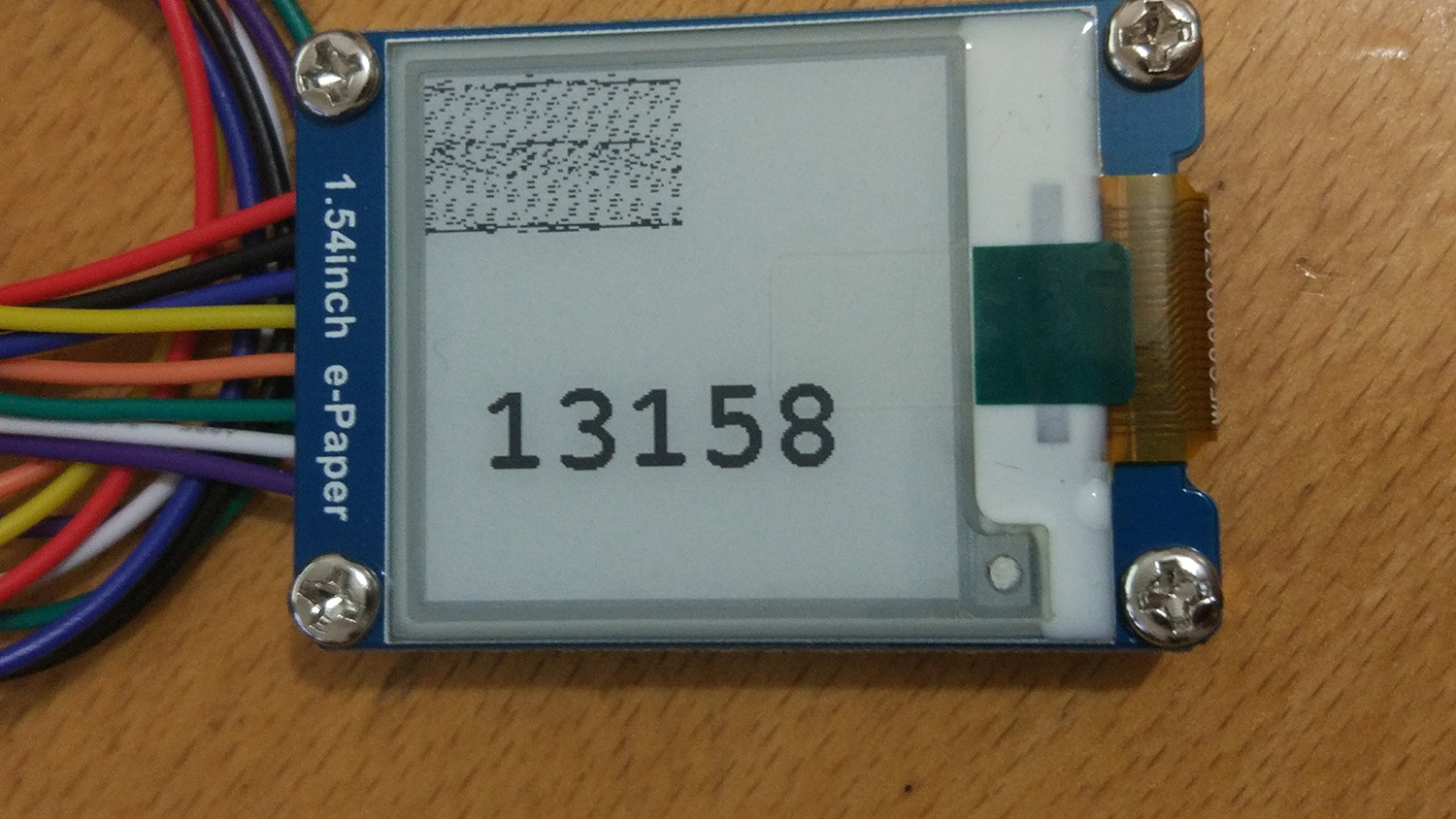
I have just done tests unfortunately I can not operate my waveshare 1.54''

board : Arduino MkrZero
E-Ink : waveshare 1.54'' - 4 SPI communication modes

code : GxEPD_SPI_TestExample.ino

pins :

BUSY ->D10(MISO)
RST ->D4
DC ->D3
CS ->D5
CLK ->D9(SCK)
DIN ->D8(MOSI)
GND ->GNG
3.3V ->3.3V

GxIO_Class io(SPI, 5, 3, 4);

If you have an idea

You could try to connect CS to SS, the standard SPI Slave Select pin.
And BUSY to a different pin than MISO, it may not work as standard IO when SPI is used.

I assume D4 means digital pin 4; I do not know if D4 is defined for MkrZero.

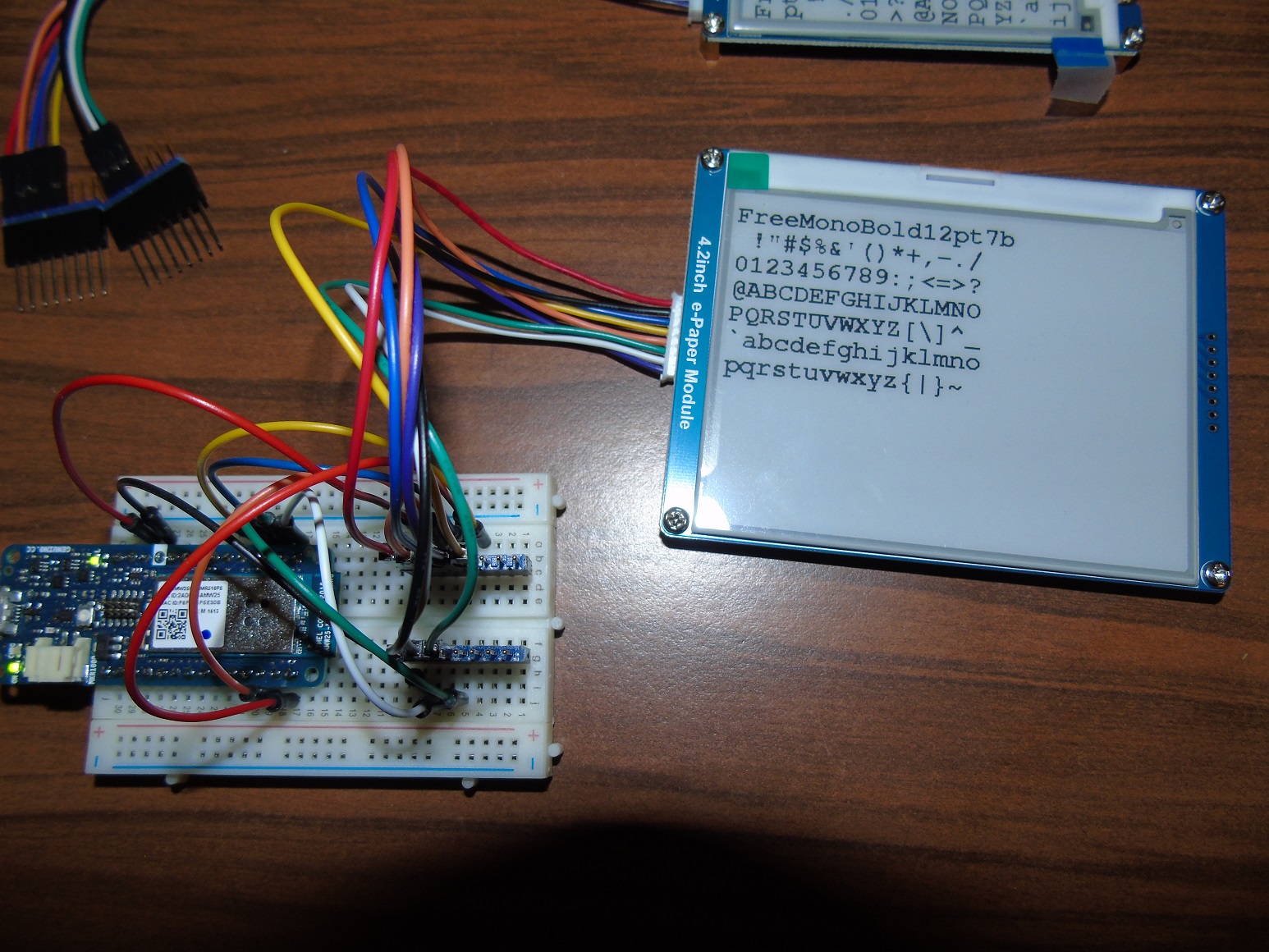
I don't have a MkrZero, but I will test with MKR-1000.

Have you tried to use this pin mapping:

#elif defined(ARDUINO_ARCH_SAMD)

// variant.h of MKR1000
//#define PIN_SPI_MISO (10u)
//#define PIN_SPI_MOSI (8u)
//#define PIN_SPI_SCK (9u)
//#define PIN_SPI_SS (24u) // should be 4?
// variant.h of MKRZERO
//#define PIN_SPI_MISO (10u)
//#define PIN_SPI_MOSI (8u)
//#define PIN_SPI_SCK (9u)
//#define PIN_SPI_SS (4u)

GxIO_Class io(SPI, 4, 7, 6);
GxEPD_Class display(io, 6, 5);

looking at this I see a conflict with your mapping, as 4 is the standard SS pin on MkrZero.

make sure you have selected the appropriate display class for your 1.54" display:

#include <GxGDEP015OC1/GxGDEP015OC1.cpp>

My test with MKR-1000 and above pin mapping is successful.

Thank you for this wonderful work and for your help.
The library works perfectly with the Arduino MKRZero

Board: Arduino MkrZero
E-Ink: waveshare 1.54 '' - 4 SPI communication modes

Pins:

BUSY -> D5
RST -> D6
DC -> D7
CS -> D4 (SS)
CLK -> D9 (SCK)
DIN -> D8 (MOSI)
GND -> GNG
3.3V -> 3.3V

Gx10_Class (SPI, 4, 7, 6);
#endif

GxEPD_Class display (io, 6,5);

davidjwatts:
multiple of 8!!! That was it, it worked when I changed my image from 100px wide to 96px. Thank you!

Thank you for the feedback.

This multiple of 8 restriction is an error of my implementation, maybe from an earlier implementation in Adafruit_GFX, or from some other source I copied it from. The actual implementation in Adafruit_GFX is tricky, but from first sight is general and should work without this restriction.

Unfortunately my implementation overrides one of the Adafruit_GFX methods, because I needed mirroring for the demo bitmaps of the small e-papers.

I intend to fix this restriction and remove the overriding method, but I need to apply this change to all my e-paper classes in one update to GitHub, which will require time and testing time.

So for now the width dimension of bitmaps needs to be a multiple of 8.

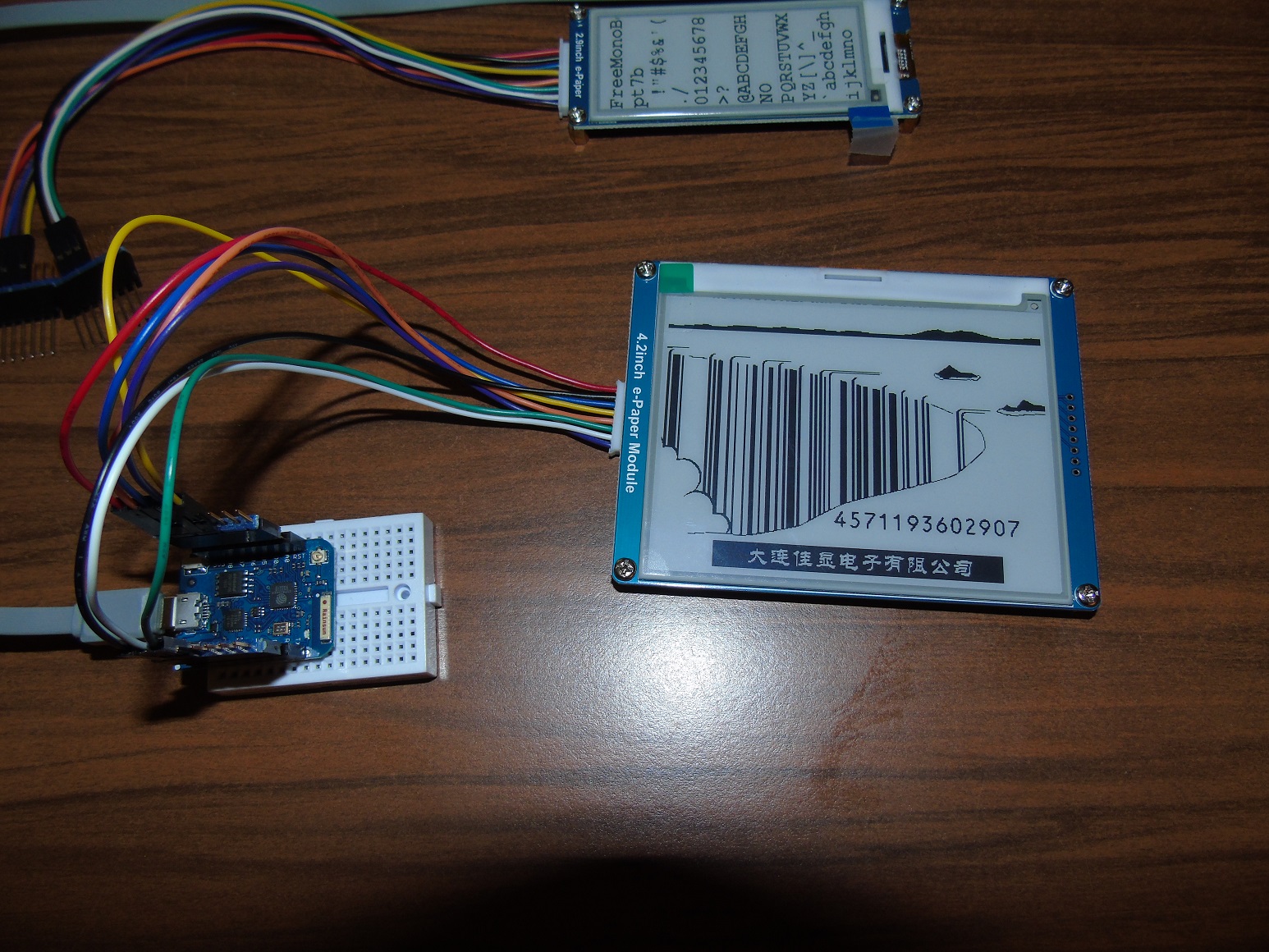
I received my Waveshare 4.2 300x400 e-paper display. Supported by my GxEPD library.

Hi ZinggJM,
i updated my local lib from your GitHub.
but the example with the icons will not work correctly.
I think there is a mistake with the coordination system. The coordinate 0, 0 is somewhere in the center of the first line?! If i use a negative value i can put more icons.
Did i made a mistake?
i use a esp32 with an 2.9inch waveshare.
Thanks.

bytecrusher:
Hi ZinggJM,
i updated my local lib from your GitHub.
but the example with the icons will not work correctly.
I think there is a mistake with the coordination system. The coordinate 0, 0 is somewhere in the center of the first line?! If i use a negative value i can put more icons.
Did i made a mistake?
i use a esp32 with an 2.9inch waveshare.
Thanks.

Fixed (rotation was not taken into account). I "saw" the error on regression test, but didn't realize it was wrong.

Thank you, bytecrusher.

I have to thank you for your effort and fast response.
And also for this great library.

Hey ZinggJM,
the coordinate 0,0 is now in the upper right corner, but it seems to be in the upper left corner, right?
Is this issue only on not fullscreen bitmaps?
Thanks.
regards bytecrusher

The 0,0 coordinates are now at the origin of the display screen, the way the screen is addressed by the controller. This was not the case before, because of the y-decrement Ram Data Entry Mode used by the display class, combined with the un-mirroring code I had added for the display buffer.
For the buffered graphics you just use setRotation as you need.

For the direct drawing of bitmaps to the screen I have kept the original orientation; one flip mode is already implemented, more may be added later.

I currently spend too much time on this, need to slow down a bit, but will try to fix reported errors as soon as possible.

Waveshare 2.9inch display is now also supported by u8g2, available with Library Manager.

It is on GitHub: GitHub - olikraus/U8g2_Arduino: U8glib V2 library for Arduino

I noticed that Waveshare has several shops on AliExpress, so I provide some links for e-papers here:

Waveshare Electronics

WS Development Tool Store

Waveshare Development Kit Store

Development Board Store

There may be more, and the prices may differ, and the e-papers sold also

Hi,

does anybody know a way to print a degree sign ° on the display?
thanks.