I am a complete newbie in the Arduino world. i bought an Arduino UNO r3 smd edition yesterday, in my first trial I uploaded a code for using servo and it worked, but after that no other code is working, not even the same code that worked yesterday. Blink test doesn't work either, Built-in led lights up but doesn't blink. I have 5-10 different codes, they get verified successfully and even uploads successfully, but doesn't execute.
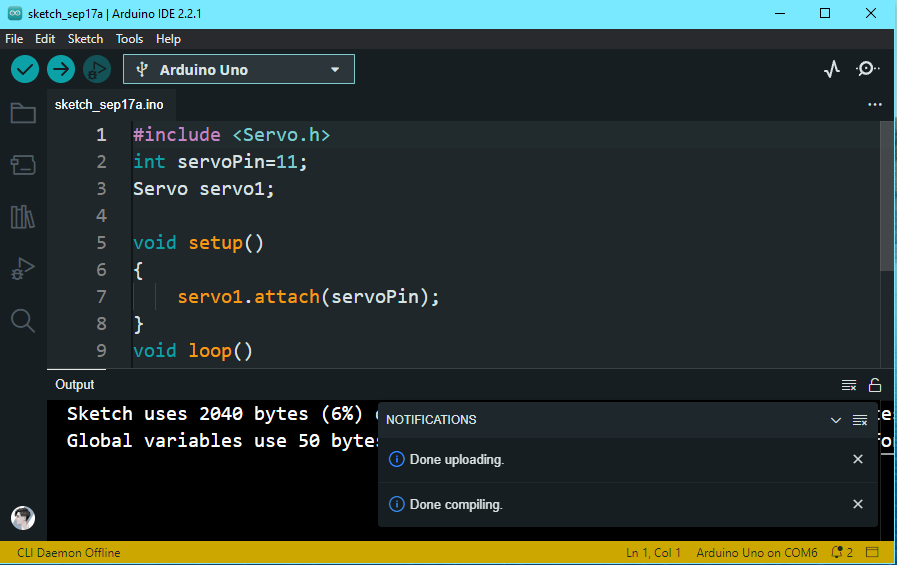
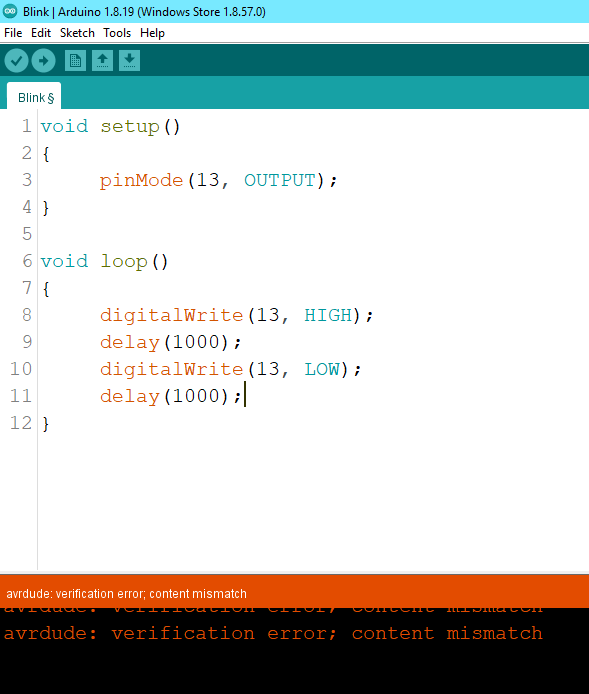
Here is the most recent one I tried using:
After uploading, you will see "Done uploading" message somewhere in the middle of the IDE (Fig-1). You can screen copy the IDE, paste it in the Paint, crop it, save as png/jpeg file and then upload it in the reply post.
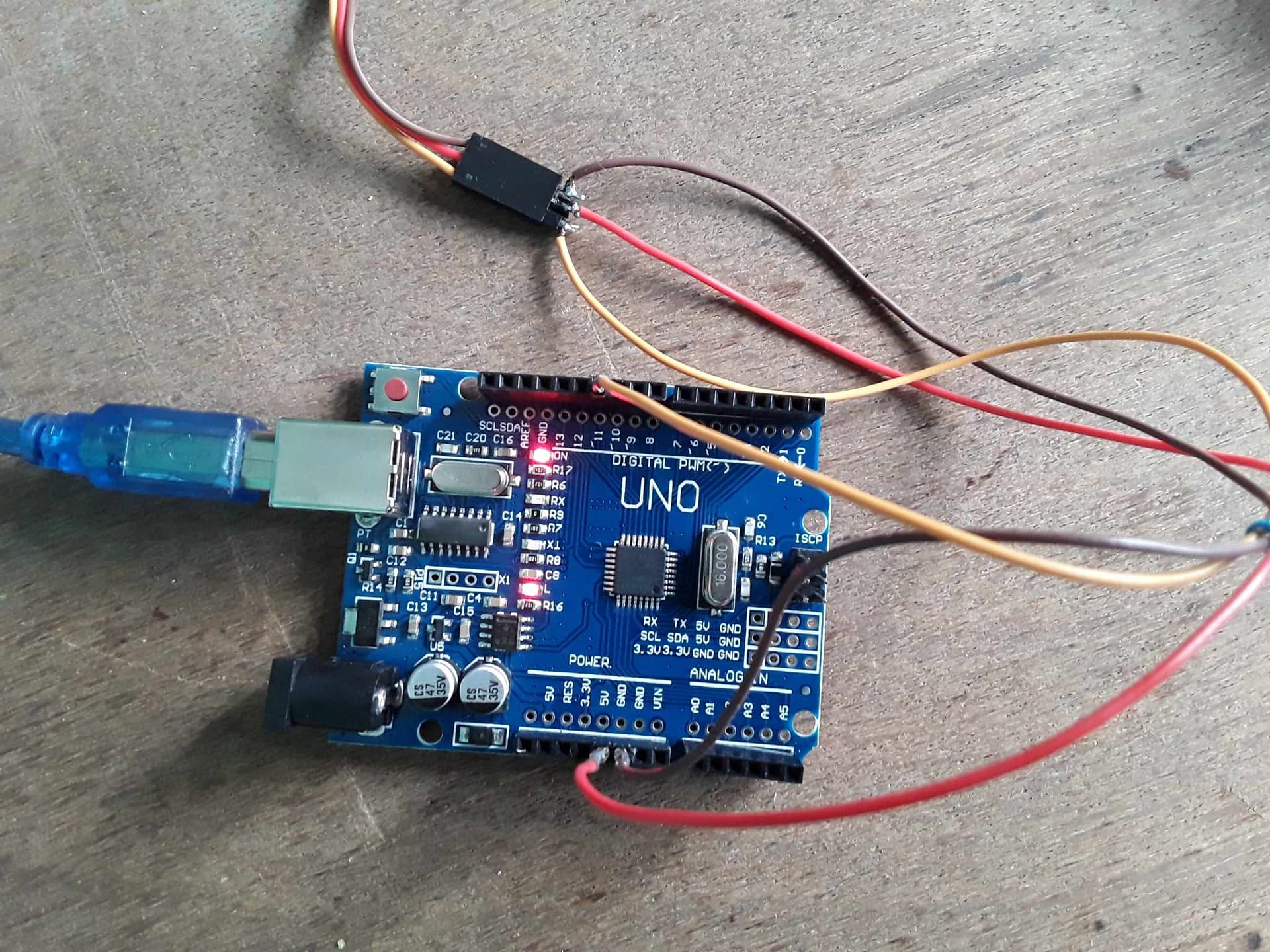
Apart from the solder joints, it looks good. I hope there were no short circuits.
Do a cross check and load the BlinkWithOutDelay example from the IDE onto the pure Arduino.
Thankfully there was no short circuit and I have tried the without blink example after watching a YT tutorial, but that doesn't work either.
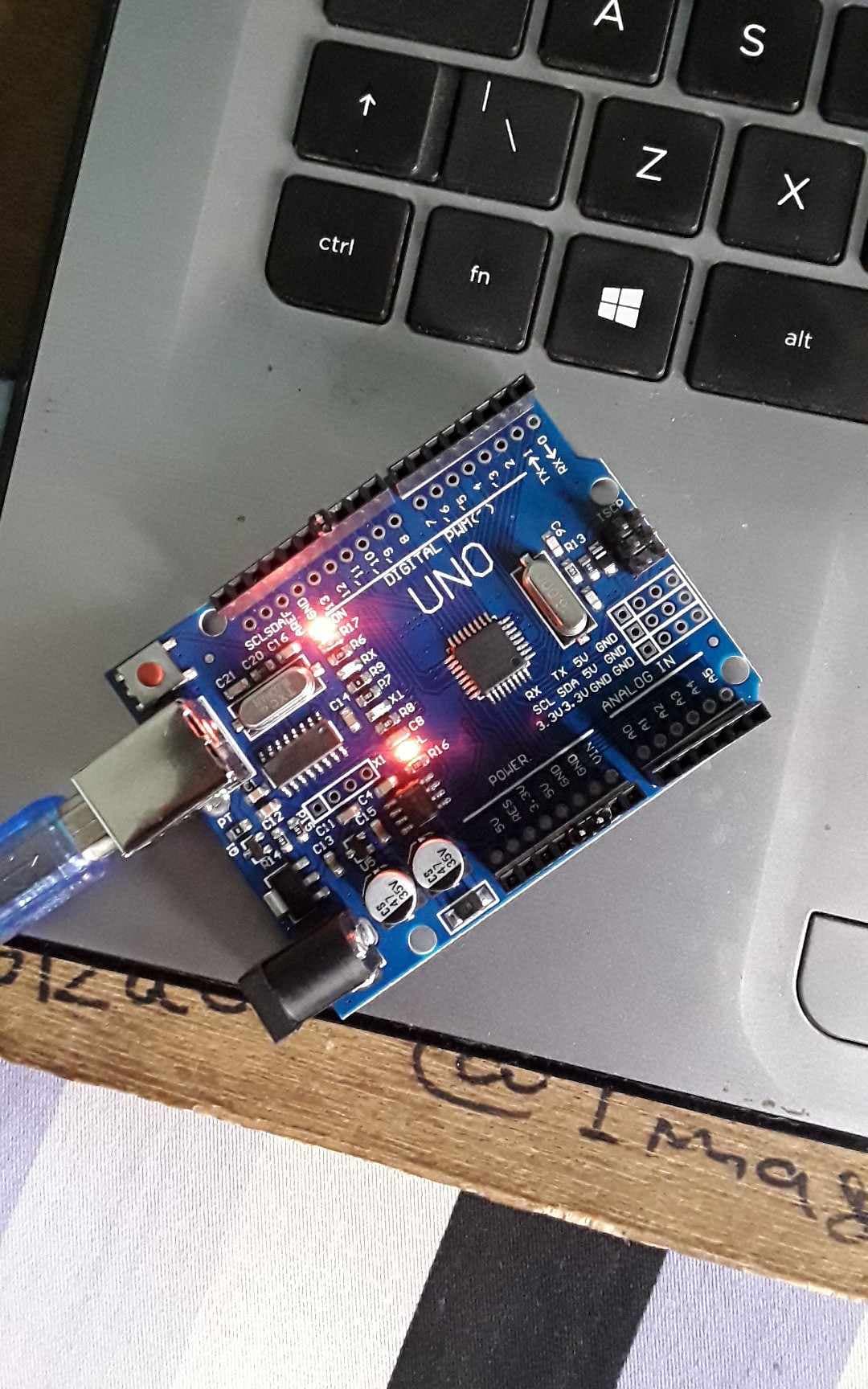
(I am not sure if this could be the reason, but the board I am using is a off-brand board.)
Can you help me out with something, see...i bough the board 1day ago and hooked up my servo in a similar way, and it worked but it took a bit of time to start executing the code, than the next day when i hooked it up and uploaded a new code it didn't work. I watched a few tutorial and I with dumb brain pressed the reset button multiple time while it was connected with usb to my laptop. i tried another method which was connecting the rx and gnd port and then connecting it with usb to my laptop. Here's the link of the method i used.
That would do no harm unless something was already wrong
There really is no need to erase the memory of an Arduino
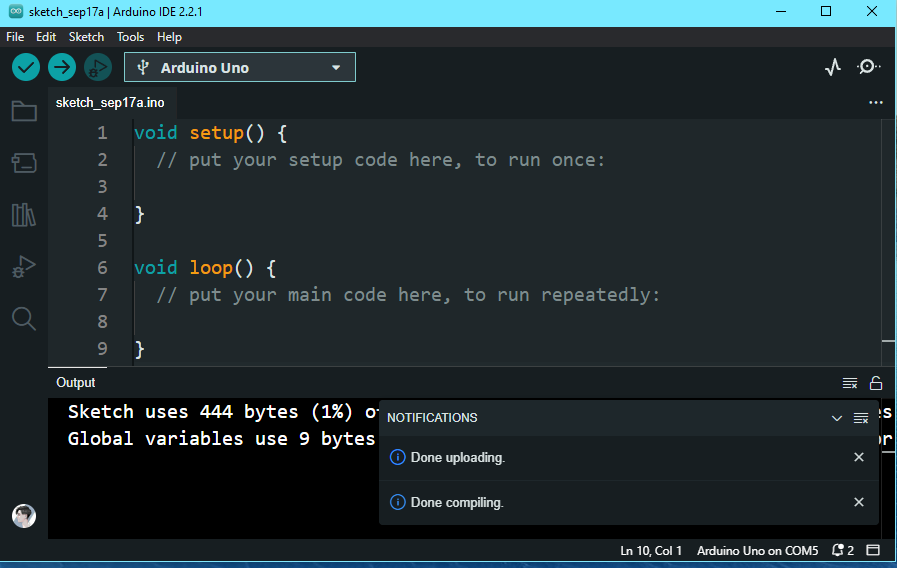
Let's go back to basics. Try this. Unplug everything except the USB connection to the Uno. Use File/New in the IDE and upload the empty sketch. What happens, what messages do you see in the IDE (post them here), what LEDs, if any, are turned on ?
Disconnect everything except USB cable from Arduino UNO. Install IDE 1.8.19 and upload the followng sketch to blink the onboard LED (L). Report the result.
The sketch is well compiled, uploaded and run in my 28-pin DIL type MCU mounted Arduino UNO.
The compilation error message reported in post #20 is slowly folding the clue why your UNO board is not working.
If possible, please get an Arduino UNO with 28-pin DIL type MCU (Fig-1) and then it can be said that your UNO is bad. I have encountered many boards with SMD type MCU, which did not work.
Figure-1: