I am hoping someone may be able to help me with a project I am working on, where I send temperature and humidity readings from an ESP8266 web socket client to an ESP32-S3-Touch-LCD-7 web socket server.
The ESP8266 board is set-up as a Async web socket client and the ESP32 board is set-up as Generic web socket server. I am using a AHT10 sensor for the temperature and humidity readings.
Within the program for the client, I have been able to create a Json Document for these readings and serialize this document. I am also able to send this serialized document to the server and see the readings via the serial monitor. However, I am struggling to deserialize the document within the server program. I suspect that, I am not instructing the server to read the serialize document from the client and therefore, the server does not see the document, but I am not sure how to write a suitable argument to instruct the server to read the serialized document.
Could someone kindly suggest how I might go about writing a suitable argument or have any other suggestions?
The ultimate plan for this project is have 3 or 4 more clients send temperature and humidity readings to the server and for these readings to be displayed on the LCD screen.
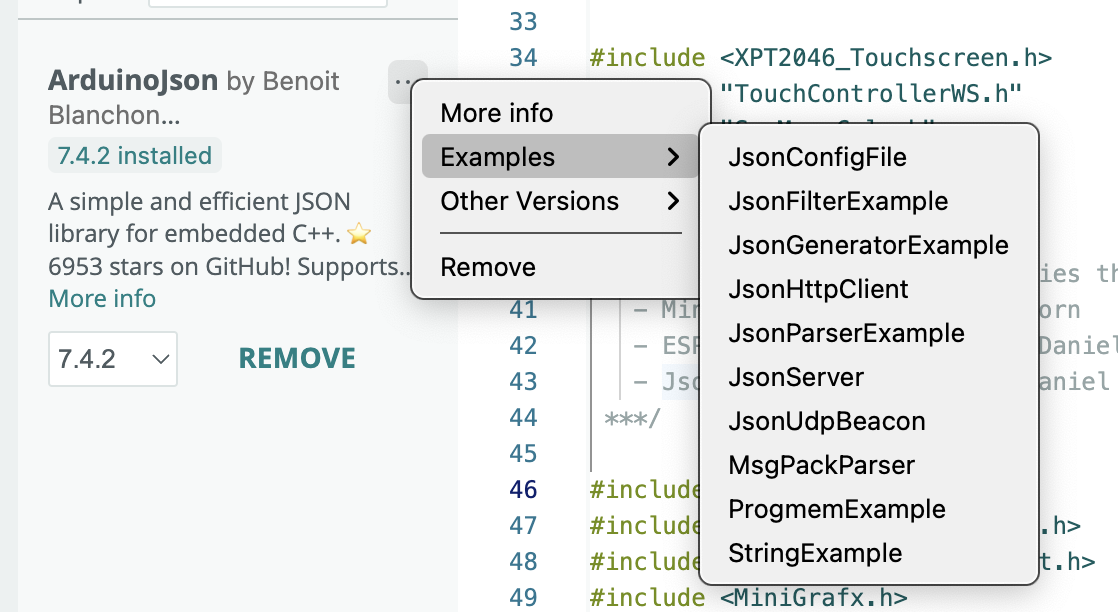
I’ve got code for a couple of ESP32 projects which use ESPAsyncWebServer.h and ArduinoJson.h.
In my case it’s a PC sending JSON to the ESP32 to deserialize, but that shouldn’t make any difference.
Perhaps you could post your complete sketch containing the code where you attempt to deserialise the JSON that comes in on the websocket? Then I, or someone else, might be able to offer better help
@paw1965 ,
Maybe this does what you want in terms of providing a means to transfer simple data across an IP connection. Note I am not the expert here but the topic I linked to below probably contains what you need to transfer the data without the complication of JSON.
I'm old-school: as the verb/word implies, GET should be for retrieval and effectively read-only. A no-body POST with parameters is practically the same to implement. You can't test it by just typing an URL in your browser, which some might consider to be a plus.
Which Serial Monitor: on the client or the server? If you can see/print the JSON on the server, it should be easy to deserialize, as long as you have enough free memory.
If not, you have a client/server problem, not a JSON problem.
Ah, I learned something new. For some reason I was assuming POST could not have parameters!
But as you say, you cannot easily test sending a POST from your browser like you can with GET, and that's quite inconvenient. You would need to install PostMan or similar and learn to use it.
Yes, I get the error “Invalid input”. I have also had the error “Empty input” when I tried something else.
I am using version 7 of ArduinoJson and I have been reading the book that goes with this version, which has a lot of useful information in it. Tomorrow, I will read about what it suggests are the reasons for the invalid input error.