First post here, mods please let me know if I've posted in the wrong category.
We have a XK3190-A12 Scale that we are connecting to our micro-controller using RS232. We have connected the load cells and are able to read the weight from the scale perfectly fine via RS232.
However, when calibrating the scale we run into what seems like a very unique problem. At the end of calibration instead of the parameters being saved the scale reboots / resets. We've gone through a lot of troubleshooting with the manufacturer but they cannot help us further without us sending the scale back to China.
I was hoping someone here on the forums has had experience with this scale and could point us in the right direction.
I can't upload documents as a new user, so here is the link to the user manual of the scale:
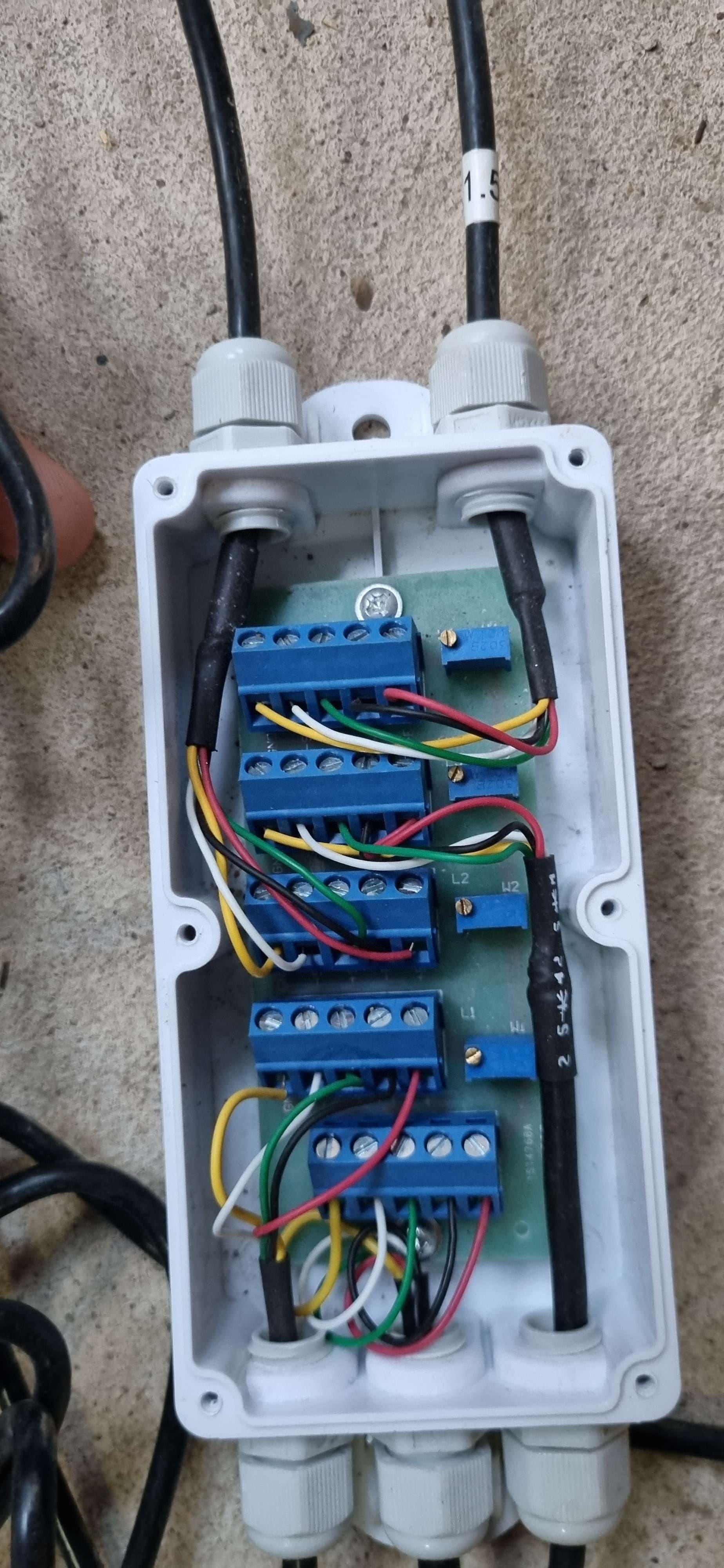
As soon as pressing the "calibration" switch on the back of the scale (which is supposed to save the parameters), the scale reboots. I'm hoping its as simple as the calibration switch being plugged into the wrong pins. You can see the wires for the calibration switch in the photo below:
Watching the video and following along with the user manual, I would say that you were carrying out the calibration correctly.
I have no experience of your particular scale, so this may be a bit of a long shot as the user manual I uploaded isn't particularly clear: Could it be that the hole you are putting the metal prodder into is actually a reset rather than calibrate done?
You have had the case opened, so you will know if there is only one switch accessible through the rear of the case or if there are two switches.
I could see that being the type of response seen when the cal values were stored. It's also the same response I would expect if that were a reset button.
You mention sending the scale back to China. Did you get any help from Zemic tech support in the Netherlands?
That's what we also thought at first, but once opening the case its visibly only one switch. Also, on the manufacturer / distributors video they press the same switch (using an allen key and placing it into the same hole).
I've also posted on a few youtube videos asking for advice. We've been trying everything at this point. Next I'm going to try and get the datasheet for the motherboard of the scale to see if the "calibration" switch is wired correctly.
We bought the scale from a Chinese distributor / manufacturer directly. The datasheet I posted of Zemic is only where I found a datasheet online as I can't post the actual manual we received due to the forums rules. From what I can tell many different companies all supply the same / similar scales that use that same motherboard.
Its a very short press. We have tried various different lengths from very quick to long. The scale resets every time. I'm really hoping that there isn't a short or fault on the board - although it seems fine visually.
Thanks for your help so far, any input is appreciated. Hopefully someone can come along that has seen this problem before or possibly has a working scale that we compare ours to.
The problem has been resolved by switching the button cable from the center and right pins to the left and center pins. I mentioned this might be the cause in my original post but was unsure. We took a chance and swapped them which fixed the issue immediately.
Looks like the board has 3 pins, the left for saving the configuration and the right most pin for resetting the scale. The manufacturer when assembling it, must have placed the pins incorrectly.
Hey that's good news. Like you say, it sounds like an assembly issue. Would have been nice if the user manual had indicated that the connector had 2 functions.
Yeah I think the company we bought it from didn't even realize the dual functionality. They did try and help where they could though. Going forward it might be a blessing in disguise as we gained a lot of knowledge in the process of troubleshooting the scale & board.