Hello everyone, I'm doing my first ardunio experience. first of all, I would like to express my thanks to the friends who contributed to me for the circuit in the previous position. I have completed the circuit, but the text does not appear on the screen. I'm adding codes and links. I'm also adding the algorithm I extracted. i wonder if you could help me solve the reason why the data is not displayed on the screen.
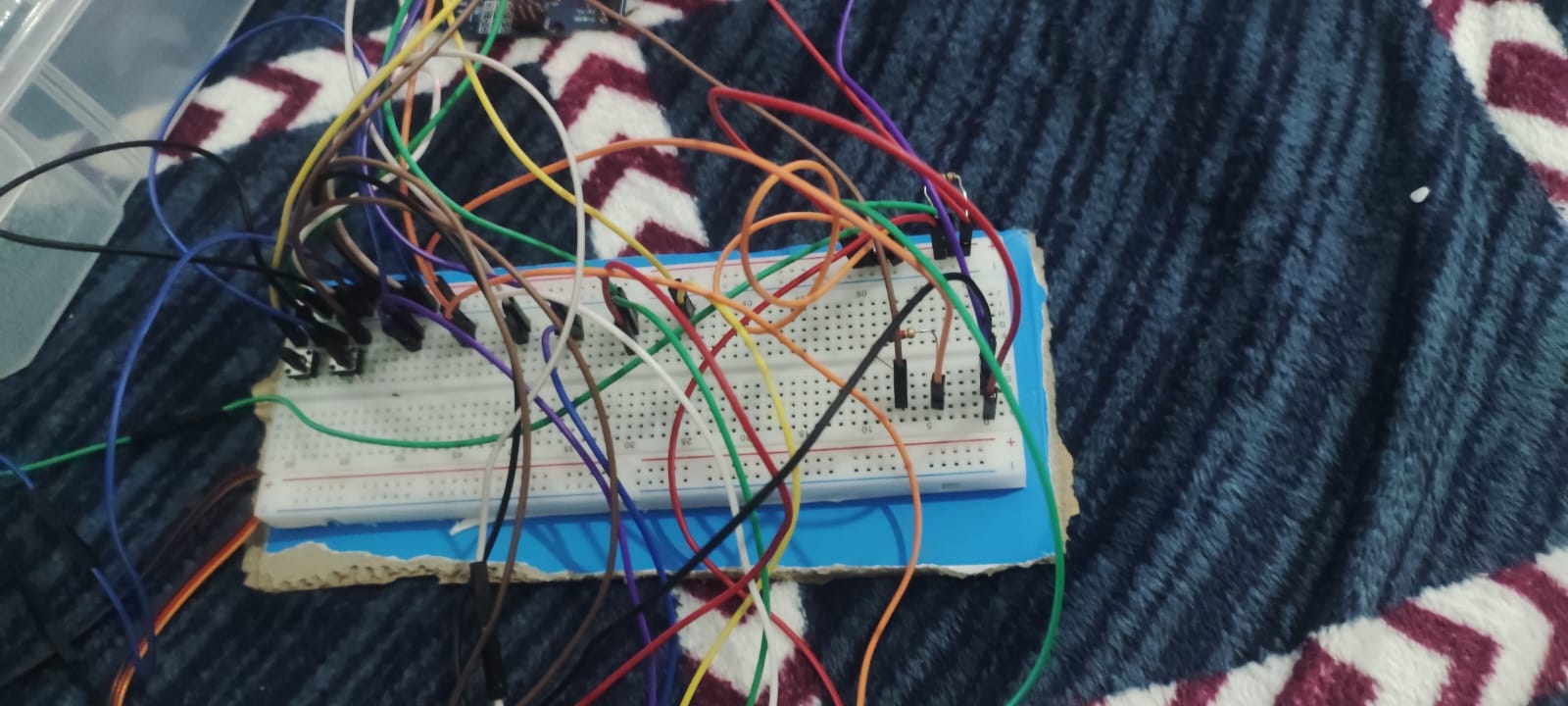
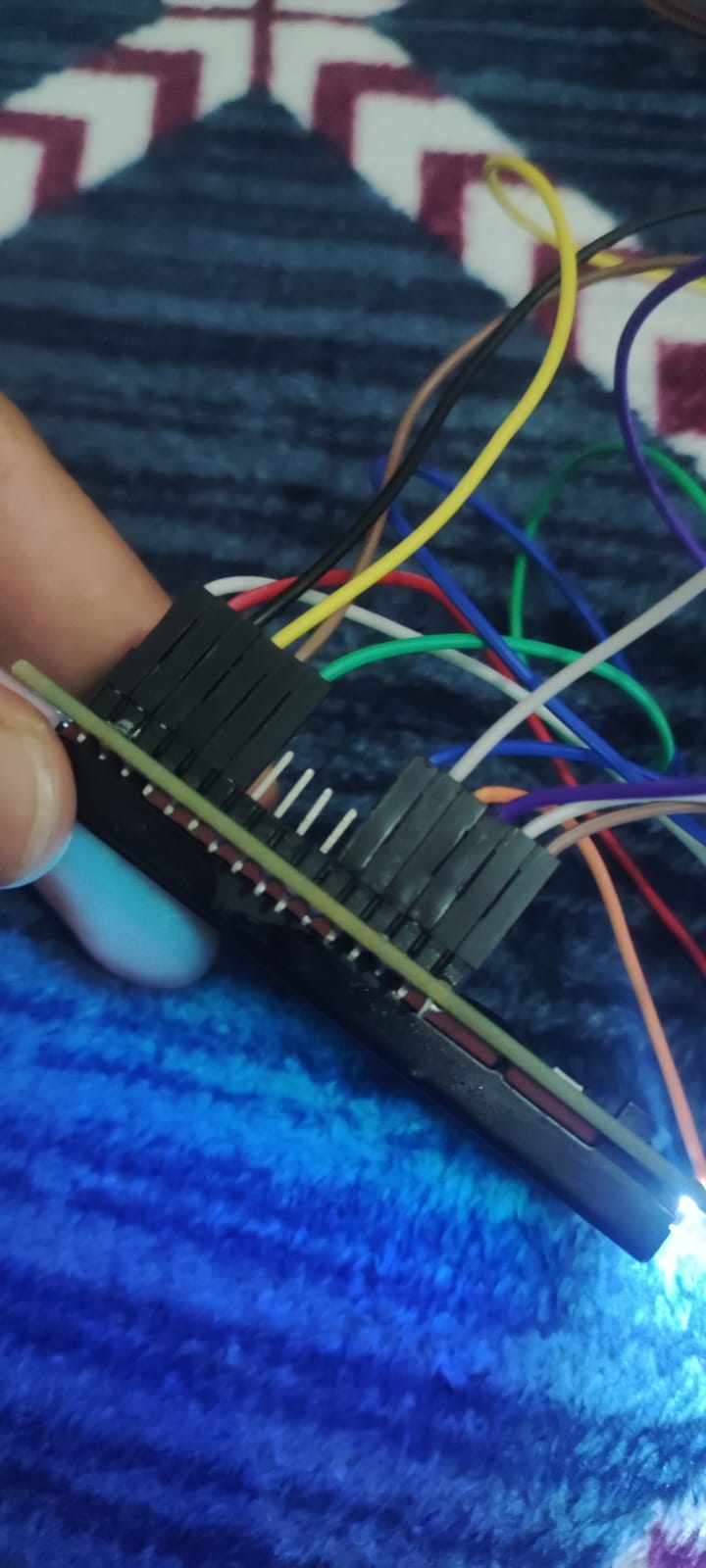
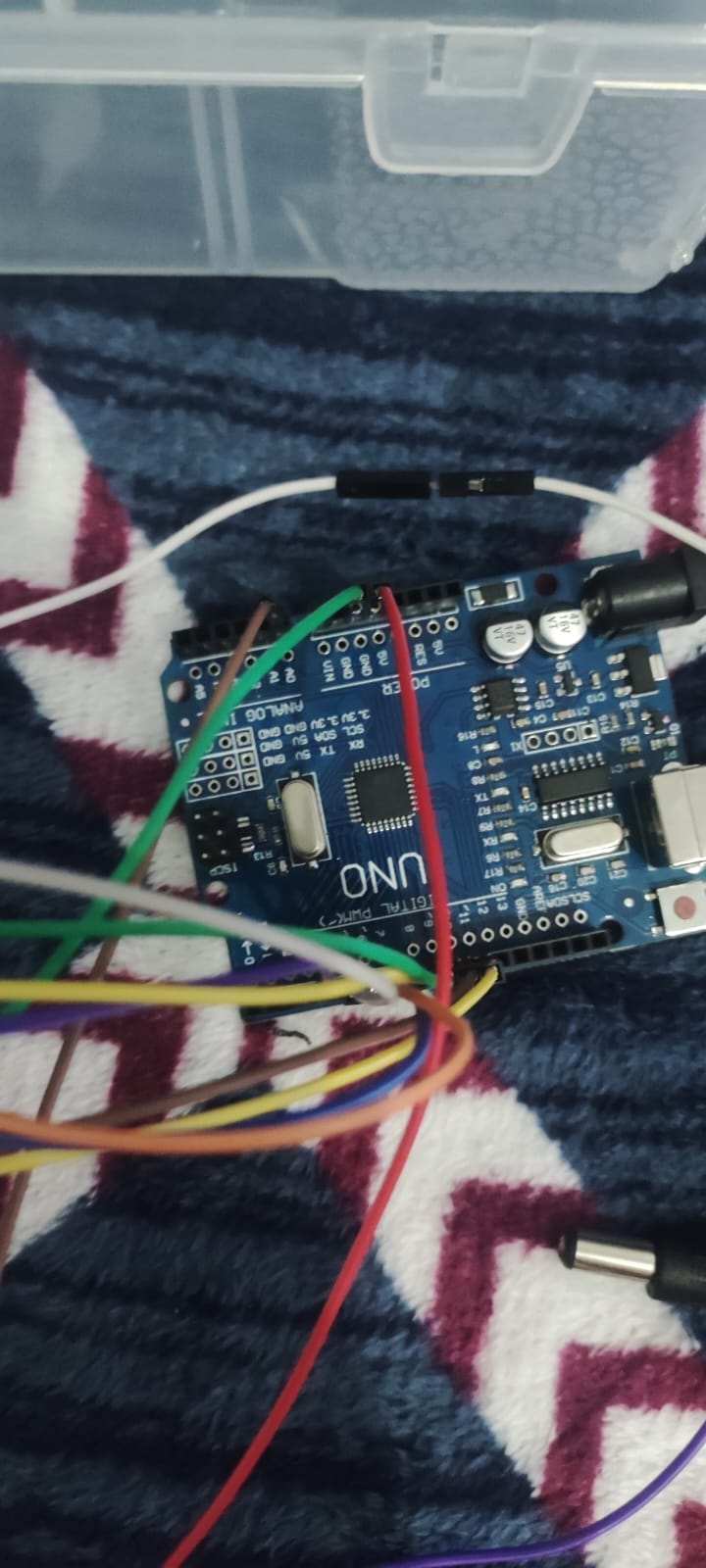
I made the connections in this way.
LCD Display Connection:
LCD VSS pin -> Arduino GND (Ground)
LCD VDD pin ->Arduino 5V
LCD VO pin -> Medium pin 10K potentiometer
LCD RS pin -> Arduino D8
LCD R/W pin -> Arduino GND (Ground)
LCD E pin -> Arduino D9
LCD D4 pin -> Arduino D4
LCD D5 pin -> Arduino D5
LCD D6 pin -> Arduino D6
LCD D7 pin -> Arduino D7
LCD A pin -> Arduino 5V (Usually not used, can be left idle)
LCD K pin -> Arduino GND (Ground)
Potentiometer Connection:
One end is connected to the Arduino 5V, the other end is connected to the Arduino GND.
The middle pin is connected with the LCD VO pin.
Flex Sensor Connection:
Connect one end to the Arduino 5V and the other end to the Arduino GND.
The middle pin is connected to the Arduino A0 pin via a resistor via the Breadboard.
Servo Motor Connection:
The S (signal) pin of the servo motor is connected to the Arduino D9 pin.
The other pins of the servo motor are connected to the power and ground connections of the servo.
Connection of Buttons (Threshold Value and Toggle Buttons):
Button to set the threshold value: One end connects to the Breadboard D10, the other end connects to the Arduino GND.
Switch button: One end to Breadboard D11, the other end to Arduino GND
#include <Servo.h>
#include <FlexiTimer2.h>
#include <LiquidCrystal.h>
#define SERVO_PIN 9
#define FLEX_SENSOR_PIN A0
#define THRESHOLD_PIN A1
Servo servoMotor;
LiquidCrystal lcd(8, 7, 6, 5, 4, 3, 2);
int thresholdValue = 500;
void setup() {
servoMotor.attach(SERVO_PIN);
pinMode(FLEX_SENSOR_PIN, INPUT);
pinMode(THRESHOLD_PIN, INPUT);
lcd.begin(16, 2);
lcd.print("Hata Tespiti");
FlexiTimer2::set(100, thresholdAdjustment);
FlexiTimer2::start();
Serial.begin(9600);
Serial.println("Setup tamamlandi.");
}
void loop() {
int flexValue = analogRead(FLEX_SENSOR_PIN);
if (flexValue > thresholdValue) {
displayMessage("Hata Tespit Edildi");
servoMotor.write(90);
} else {
clearLine(1);
servoMotor.write(0);
}
}
void thresholdAdjustment() {
int buttonState = digitalRead(THRESHOLD_PIN);
if (buttonState == LOW) {
adjustThreshold();
}
displayThresholdValue();
}
void adjustThreshold() {
int currentValue = analogRead(FLEX_SENSOR_PIN);
while (digitalRead(THRESHOLD_PIN) == LOW) {
displayMessage("Esik Degeri Ayarla");
displayCurrentThreshold();
int newValue = analogRead(FLEX_SENSOR_PIN);
if (abs(newValue - currentValue) > 10) {
  thresholdValue = newValue;
  displayMessage("Esik Degeri Ayarlandi");
  delay(1000);
  clearLine(1);
}

delay(100);
}
}
void displayMessage(const char* message) {
lcd.setCursor(0, 1);
lcd.print(message);
}
void displayThresholdValue() {
displayMessage(("Esik Degeri: " + String(thresholdValue)).c_str());
}
void displayCurrentThreshold() {
displayMessage(("Mevcut: " + String(thresholdValue) + " ").c_str());
}
void clearLine(int line) {
lcd.setCursor(0, line);
lcd.print(" ");
}
Blok alıntı