I understand what you said. Now I am not using Cnc Shield.
I have set the pins in the same way as shown in the picture with the driver.
The driver I am using is TB6600 (dc 9-42vcd)
I have put Pul+,Dir+,ena+ in pin no 2,3 and 8 And for controller I am using candle control but the motor is still not running
I'm using candle control for testing
What is "candle control"?
Please post a proper schematic, in CAD or a picture of a hand drawn circuit in jpg, png?
Hand drawn and photographed is perfectly acceptable.
Please include ALL hardware, power supplies, component names and pin labels.
Do you have a DMM? Digital MultiMeter!
Please post your code.
To add code please click this link;
Thanks.. Tom...
PS, Is English your native language?
shield But in this forum it told me that I can directly connect the arduino and motor driver through pins.My wiring is something like this
Yes I have DMM
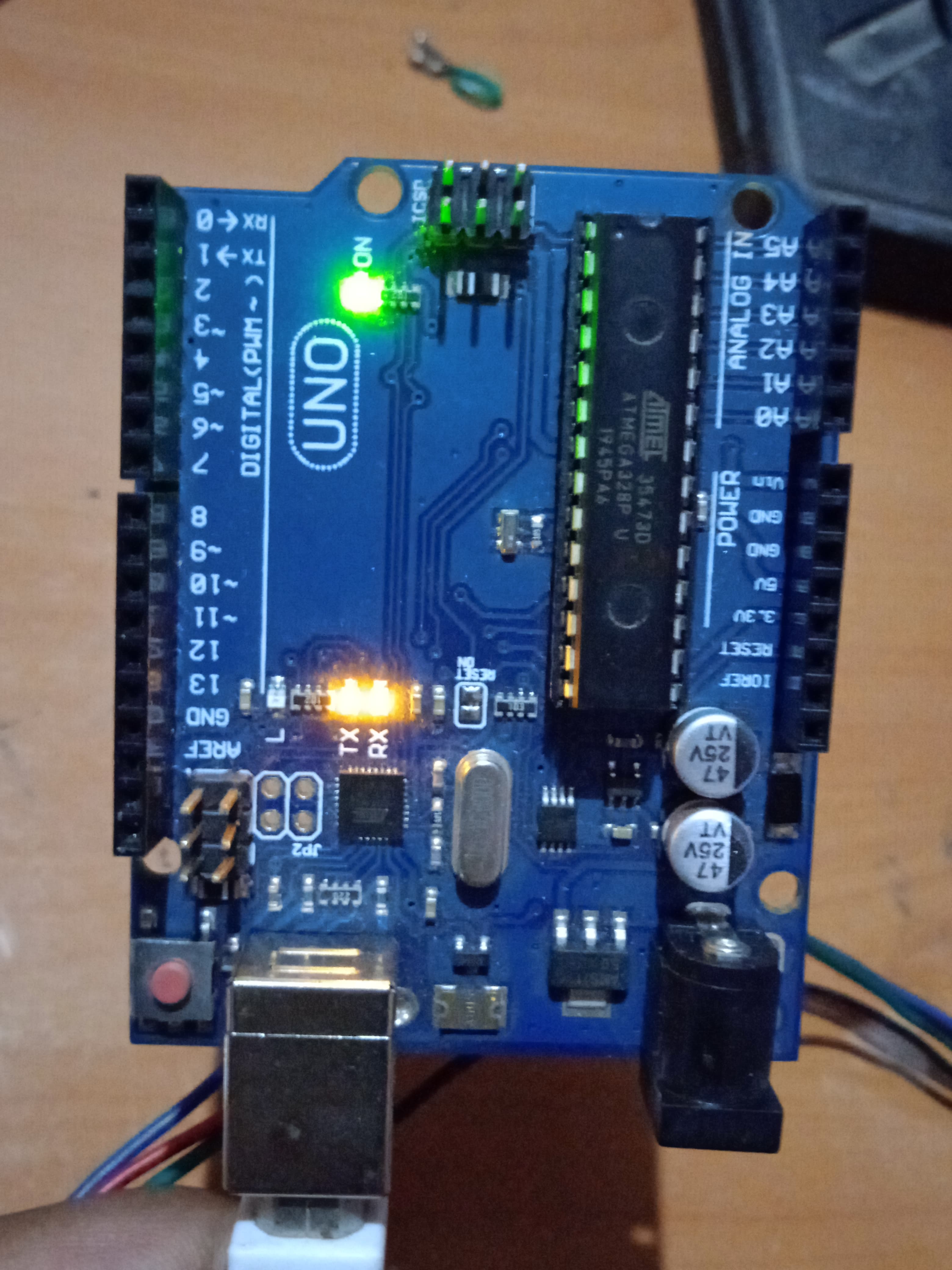
Hardwares Arduino Uno r3, tb6600 motor drivers,nema23 stepper motor 7.2 kg torque, 12v power supply
Yes, I have checked the stepper motors wires properly (Red, Blue is 1st coil and Green, Black is 2nd coil) red or blue wire putting in B- and B+ slot and green or black wire putting in A- or A+ slot
I am not using any code to test the motors...I have downloaded the universal gcode sender software and am testing with that
I don't have much knowledge about things like coding etc.This is why I am facing so much trouble please help.
But I don't understand the problem.Can you tell me where the problem might be? Is there any file that needs to be uploaded or the driver is bad or the wiring is not correct. please clarify something...Where do you think the problem lies?
Candle and UGS simply send gcode commands to a motion controller, they can't generate the actual pulses that need to go to the stepper driver. For that you need to load grbl on the Uno and connect the correct IO pins to the drivers. Then Candle or UGS run on a different computer such as a PC with a serial link to the Uno. You should find the grbl wiki and carefully follow the procedure described to configure it.
PLEASE READ POST #30.
Please take my advice and start from basics and look at the tutorial I linked.
It should get your BASIC stepper/driver operating.
Until you can get reliable stepper control, FORGET about your CNC code for the moment.
Yes, thanks Tom And I have seen that video, I think it will help me a lot But one more thing I wanted to tell you that
I have installed Windows 7 version software of Arduino in Windows 10. Could this be the reason why Arduino is not sending signals?
Arduino board is working fine.
I have used cnc shield to run my motors for which I have used a A4988 driver And the motors are working This shows that the Arduino is sending the signals correctly but when I connect the cnc shield to the TB6600 drivers then motors are not running.
I am working on a 3axis cnc machine so I have used cnc shield in which I have to use the TB6600 driver to run the motors.
Can anyone tell me about the cnc shield and the wiring of the tb6600 drivers
I don't have any testing code, meaning I haven't created it: But I will create codes for testing.Tried changing and checking the wiring but the driver is not running the motors But when I connected the A4988 driver to the cnc shield and also connected the motors to the cnc shield then it started running, why?
I tried the diagram as you gave me TOM but the problem remained the same But it is not that the drivers are bad because I have worked with them.
It's not like I have to connect any jumper wires.Tom please give a solution tahnks
Tom